Screenspo
AppsPatternsColorsGuidesMCP
ScreenspoยทApp Store design, organized

built by starterlyst ๐Ÿ’š

  1. Home
  2. All categories
  3. Navigation App Store screenshots

App category

Navigation App Store screenshots

Explore how 3 curated navigation apps present features, product UI, and trust across their App Store screenshot sets.

Corpus findings

What this collection shows

In 3 representative listing screenshots, floating device is the most common composition and device treatment (2 examples). 67% use visible caption copy and 33% use a dark visual mode.

Most represented categories: Navigation (3).

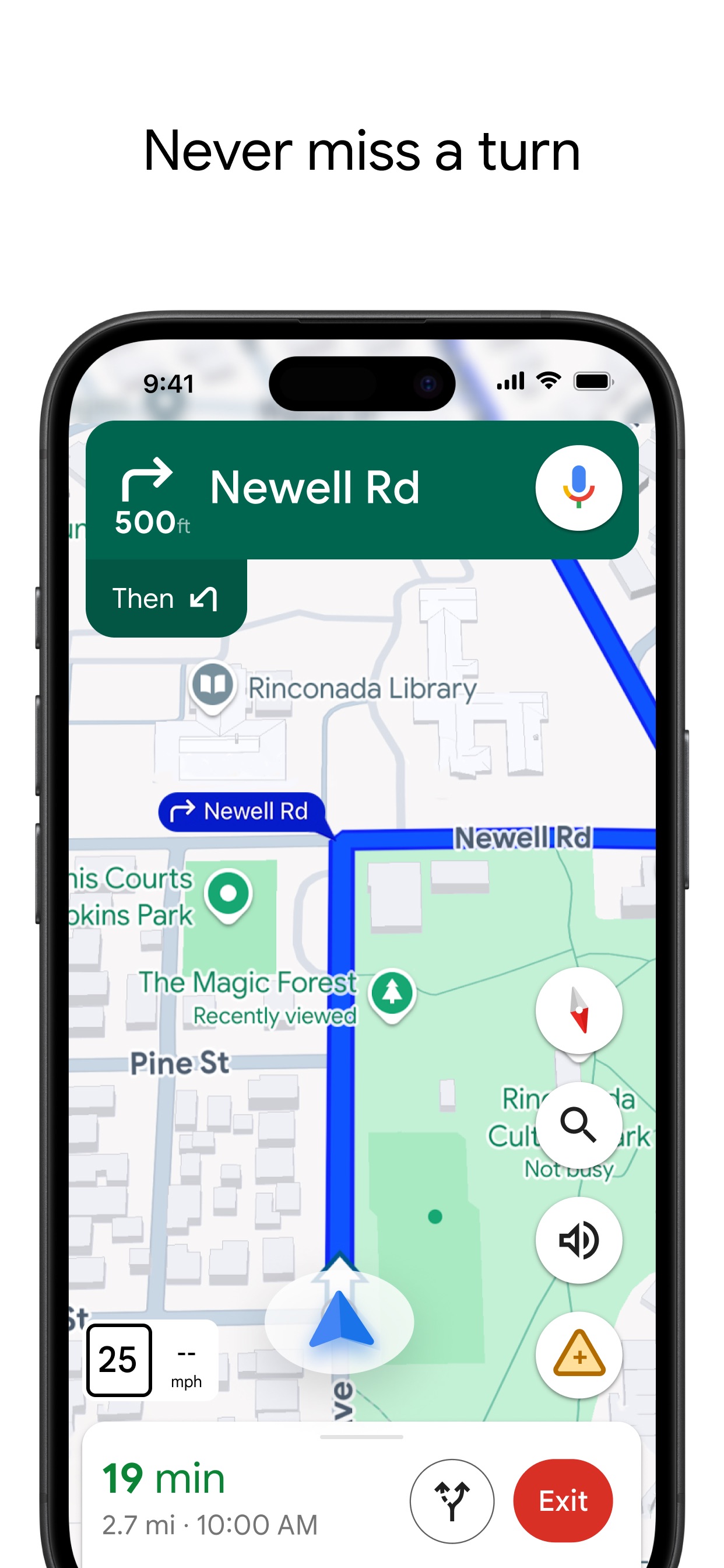
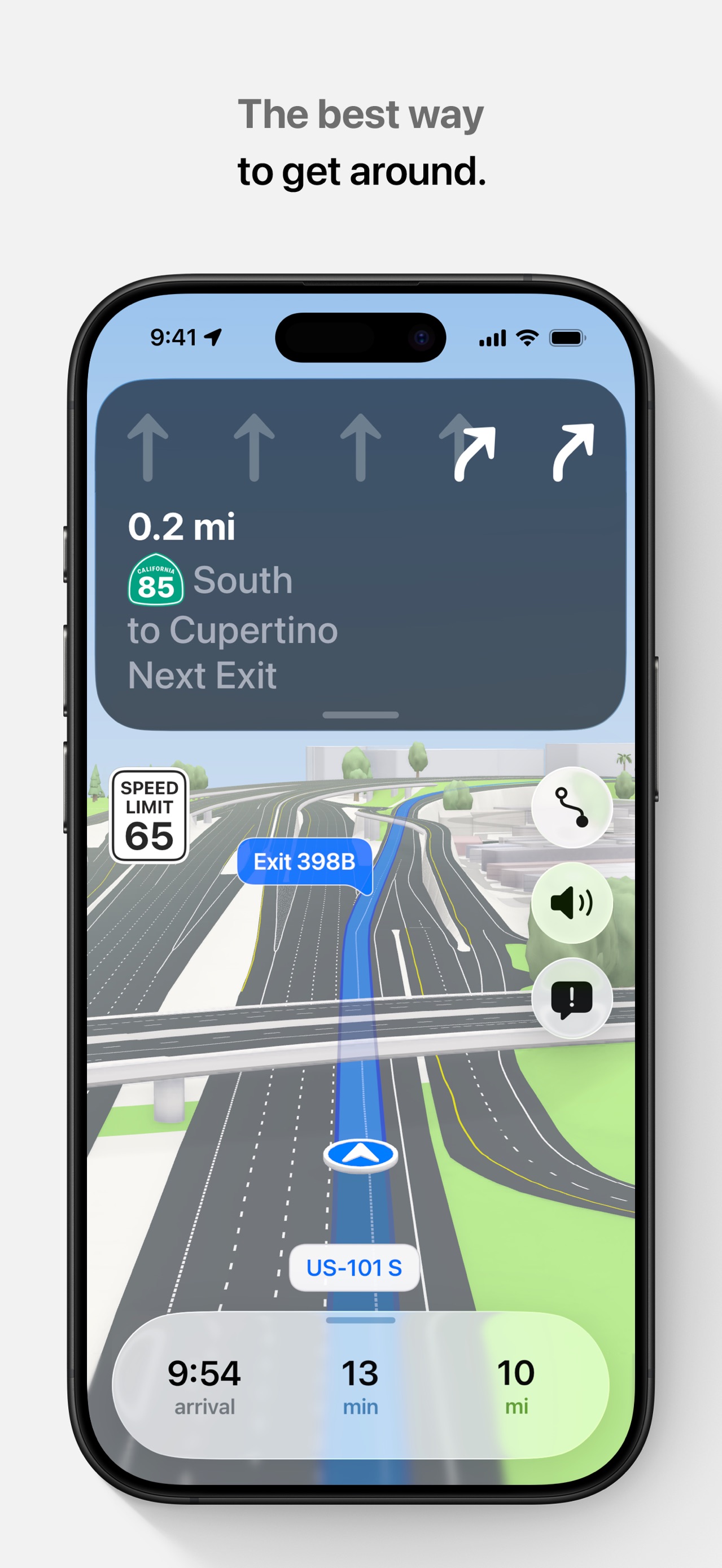
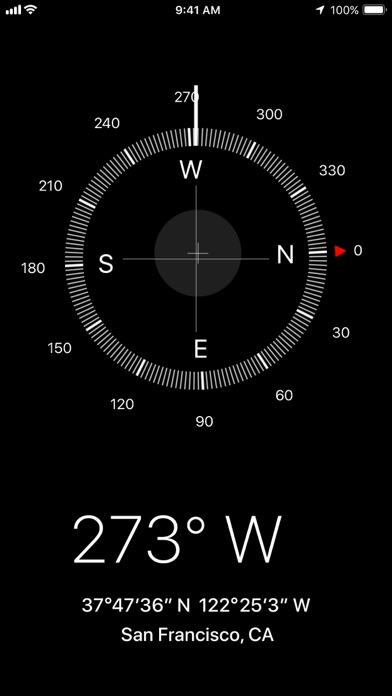
Compassflat ui panel layout with ui screenshot contentGoogle MapsNever miss a turnApple MapsThe best way to get around.

Browse examples

3 apps

Compass App Store screenshot: flat ui panel composition with ui screenshot content
Compass iconCompass

Navigation

Google Maps App Store screenshot: Never miss a turn; floating device composition with ui screenshot content
Google Maps iconGoogle Maps

Navigation

Apple Maps App Store screenshot: The best way to get around.; floating device composition with ui screenshot content
Apple Maps iconApple Maps

Navigation

Source and method. Screenshots come from the US App Store listing and are preserved in Screenspo's curated corpus. Layout, caption, content, background, and palette observations are derived from the visible listing artwork. Typeface names are not inferred; transcribed copy, tone, and position are the supported typography evidence, while layout tags record composition and device treatment.