View on App Store
4.7
7.3M ratingsScreenshot story
The journey starts with the core reliability of turn-by-turn navigation, expands into advanced AI search and real-time utility, then showcases the app as a social and discovery tool before ending on specialized tech like AR Lens and vehicle integration.
iPhone gallery
The complete screenshot set
Select any frame to study its layout, content, and palette.
Observed in the listing
Frame-by-frame listing evidence
Across 9 frames, Google Maps most often uses floating device composition and device treatment with solid backgrounds. 9 frames include visible caption copy.
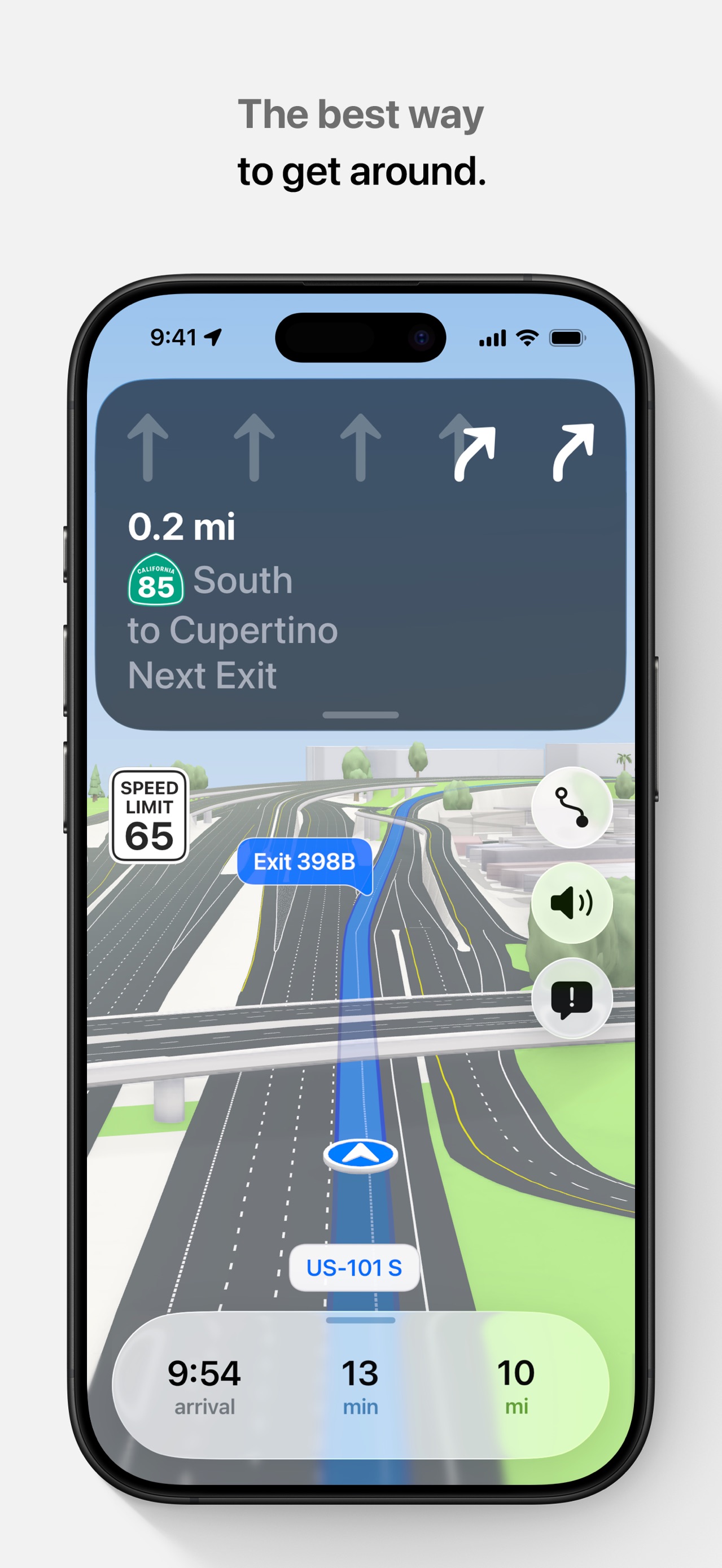
Frame 1
Never miss a turn
- Composition / device
- floating device
- Content
- ui screenshot
- Background
- solid
- Copy treatment
- top, benefit led, confident
Frame 2
Ask Maps anything about anywhere
- Composition / device
- floating device
- Content
- ui screenshot
- Background
- solid
- Copy treatment
- top, helpful, innovative
Frame 3
Get real-time traffic updates
- Composition / device
- floating device
- Content
- ui screenshot
- Background
- solid
- Copy treatment
- top, informative, direct
Frame 4
Check business hours, reviews, and more
- Composition / device
- floating device
- Content
- ui screenshot
- Background
- solid
- Copy treatment
- top, functional, versatile
Frame 5
Save places and share lists with friends
- Composition / device
- floating device
- Content
- ui screenshot
- Background
- solid
- Copy treatment
- top, social, collaborative
Frame 6
Add different layers to the map
- Composition / device
- floating device
- Content
- ui screenshot
- Background
- solid
- Copy treatment
- top, utility focused, clear
Frame 7
Find restaurants near you
- Composition / device
- floating device
- Content
- ui screenshot
- Background
- solid
- Copy treatment
- top, action oriented, appetizing
Frame 8
See the way with Lens in Google Maps
- Composition / device
- floating device
- Content
- ui screenshot
- Background
- solid
- Copy treatment
- top, futuristic, tech savvy
Frame 9
Navigate with Google Maps on CarPlay
- Composition / device
- lifestyle photo
- Content
- ui screenshot
- Background
- photo
- Copy treatment
- top, integrative, seamless
Explore by detail
Study the system behind the set
Design analysis
What makes this set work
Google Maps utilizes a 'utility-first' design system, emphasizing clarity and brand consistency. Every slide (except the last) follows a strict template: a centered, floating device on a stark white background with a top-aligned caption in Google Sans. This creates a rhythm of reliability. The copywriting is brief and task-oriented, focusing on 'what you can do.' Designers can learn from their use of intentional UI highlights-bright navigation greens, red traffic lines, and blue AR arrows-which act as visual anchors in otherwise complex map data. By segregating features like business reviews, custom lists, and AR Lens into separate frames, they ensure the user isn't overwhelmed while proving the app's immense breadth. The final lifestyle-photo of CarPlay serves as a critical 'proof of utility' in a real-world context.
Keep exploring
More in Navigation