View on App Store
4.7
699 ratingsScreenshot story
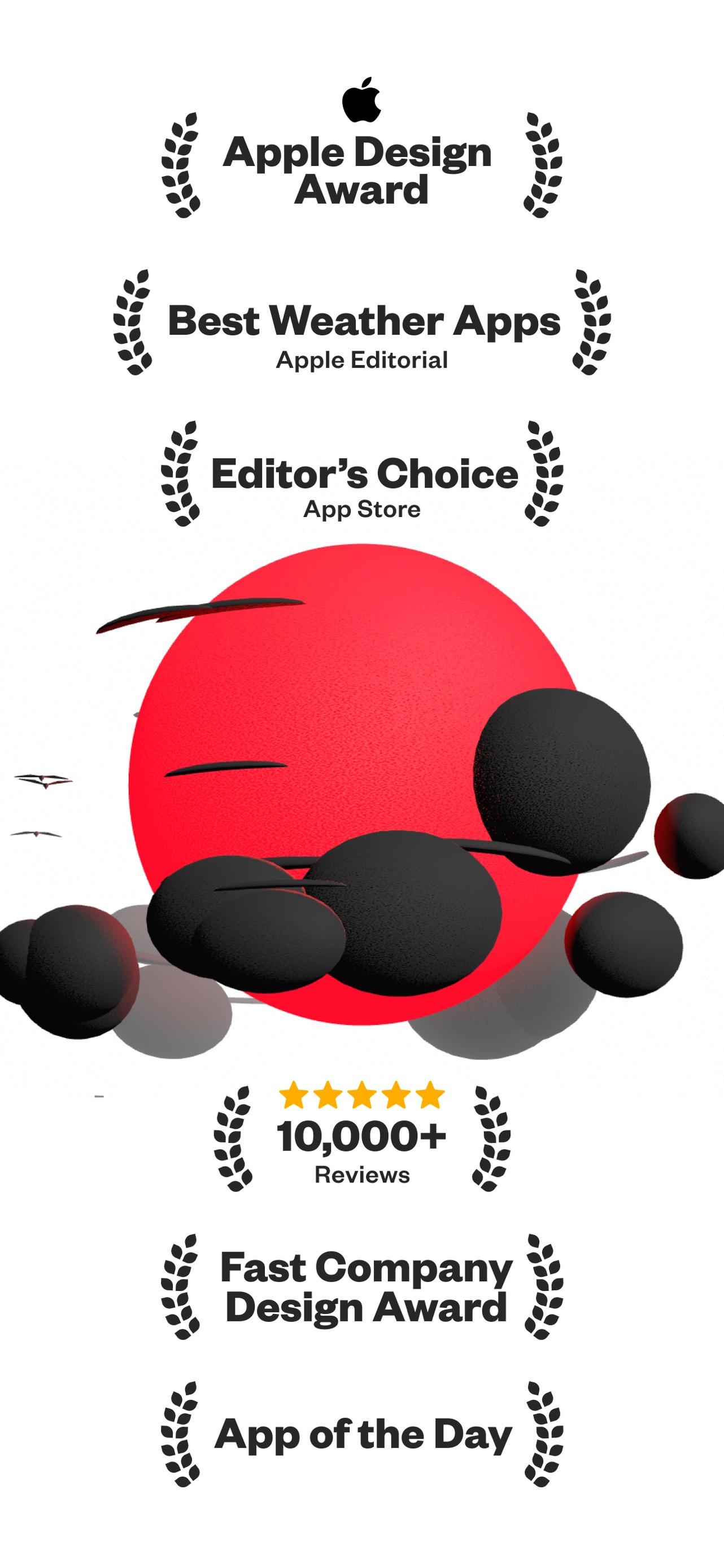
The set opens with prestige markers like the Apple Design Award to establish trust before diving into advanced AR and 3D shadow mapping capabilities. It concludes by demonstrating deep ecosystem integration through widgets, Apple Watch support, and cross-platform availability.
iPhone gallery
The complete screenshot set
Select any frame to study its layout, content, and palette.
Observed in the listing
Frame-by-frame listing evidence
Across 10 frames, Sunlitt most often uses floating device composition and device treatment with solid backgrounds. 9 frames include visible caption copy.
Frame 1
Plan with Sun and Shade
- Composition / device
- floating device
- Content
- social proof
- Background
- solid
- Copy treatment
- top, authoritative, benefit led
Frame 2
Sun Path in AR
- Composition / device
- floating device
- Content
- ui screenshot
- Background
- solid
- Copy treatment
- top, direct, technical
Frame 3
Shadow Map
- Composition / device
- floating device
- Content
- ui screenshot
- Background
- solid
- Copy treatment
- top, informative, clear
Frame 4
Solar Events Info & Timings
- Composition / device
- floating device
- Content
- ui screenshot
- Background
- solid
- Copy treatment
- top, utilitarian, precise
Frame 5
Sun Position Shadow Preview
- Composition / device
- floating device
- Content
- feature callout
- Background
- solid
- Copy treatment
- top, educational, descriptive
Frame 6
Landform Shadows
- Composition / device
- floating device
- Content
- ui screenshot
- Background
- solid
- Copy treatment
- top, niche, specialized
Frame 7
Apple Watch App
- Composition / device
- collage
- Content
- ui screenshot
- Background
- solid
- Copy treatment
- top, concise, brand centric
Frame 8
Widgets Lock & Home
- Composition / device
- collage
- Content
- ui screenshot
- Background
- solid
- Copy treatment
- top, convenience oriented
Frame 9
feature callout presentation
- Composition / device
- collage
- Content
- feature callout
- Background
- solid
- Copy treatment
- none, modern, integrated
Frame 10
On all your Apple devices
- Composition / device
- collage
- Content
- social proof
- Background
- solid
- Copy treatment
- top, inclusive, expansive
Explore by detail
Study the system behind the set
Design analysis
What makes this set work
Sunlitt employs a 'premium utility' aesthetic that mirrors Apple’s own design language, making it feel like a native extension of the OS. The decision to use a warm parchment background instead of pure white creates a sophisticated, tactile feel that aligns with the 'sunlight' theme. A key strategy is the use of custom 3D models (like the simple cube on slide 5) to explain complex light physics simply, which avoids overwhelming the user with raw data. Designers should notice how the app uses bold, two-tone headings to highlight key nouns in black while softening the rest of the text in a muted olive, providing excellent visual hierarchy. The inclusion of the 'Works Offline' badge on slide 4 is a subtle but powerful conversion driver for outdoor enthusiasts.
Keep exploring