Screenspo
AppsPatternsColorsGuidesMCP
ScreenspoยทApp Store design, organized

built by starterlyst ๐Ÿ’š

  1. Home
  2. All categories
  3. Productivity App Store screenshots

App category

Productivity App Store screenshots

Explore how 32 curated productivity apps present features, product UI, and trust across their App Store screenshot sets.

Corpus findings

What this collection shows

In 32 representative listing screenshots, floating device is the most common composition and device treatment (18 examples). 91% use visible caption copy and 16% use a dark visual mode.

Most represented categories: Productivity (32).

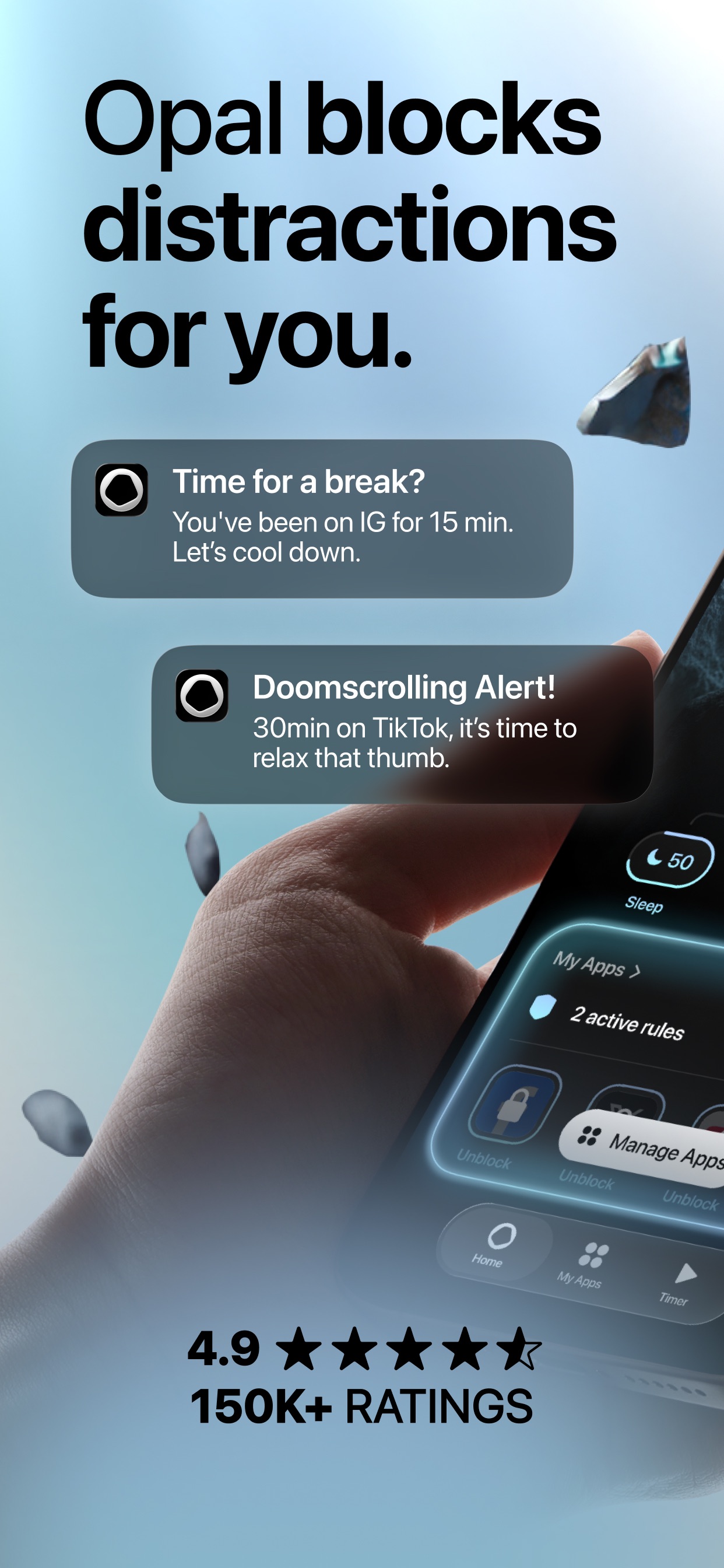
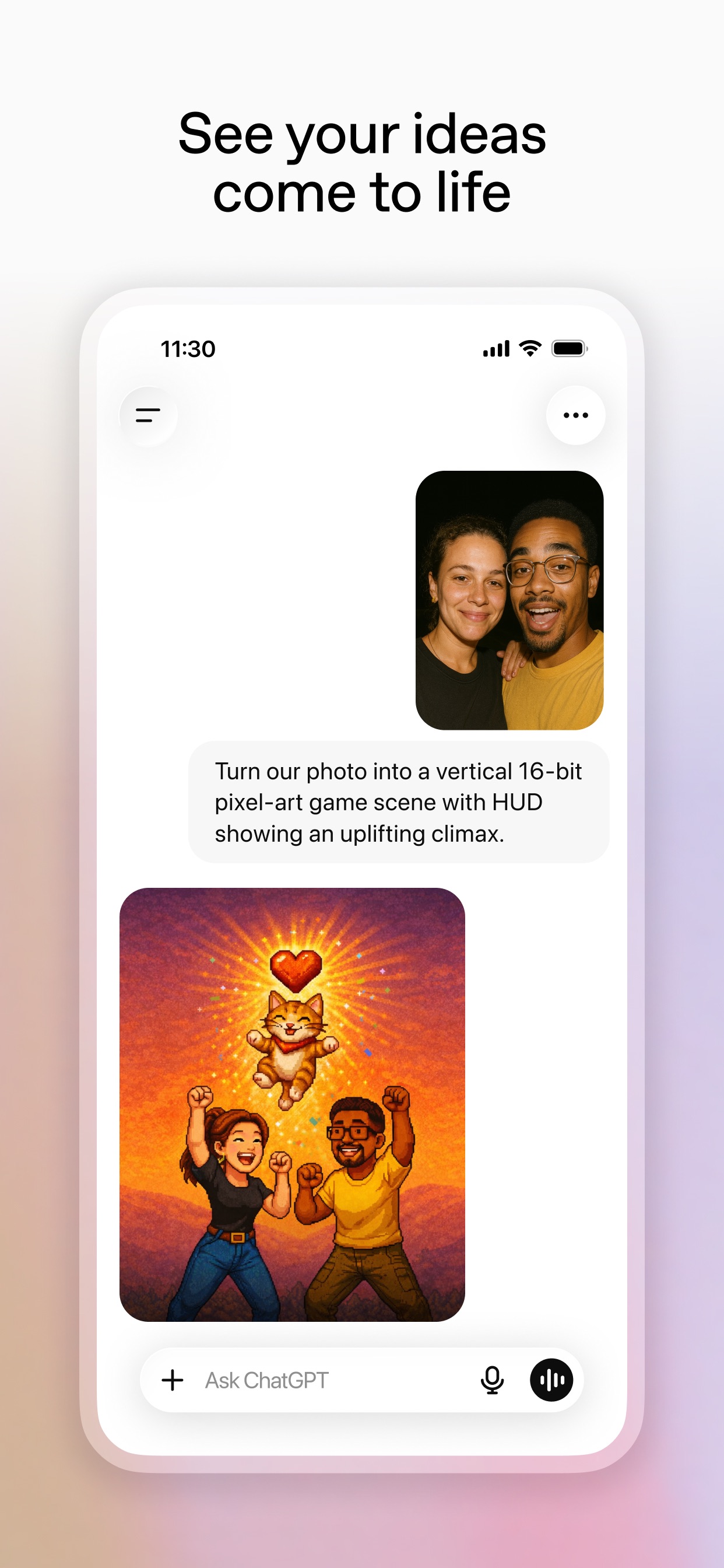
TiimoYour to-do list plannerOpalOpal blocks distractions for you.ChatGPTSee your ideas come to life

Browse examples

32 apps
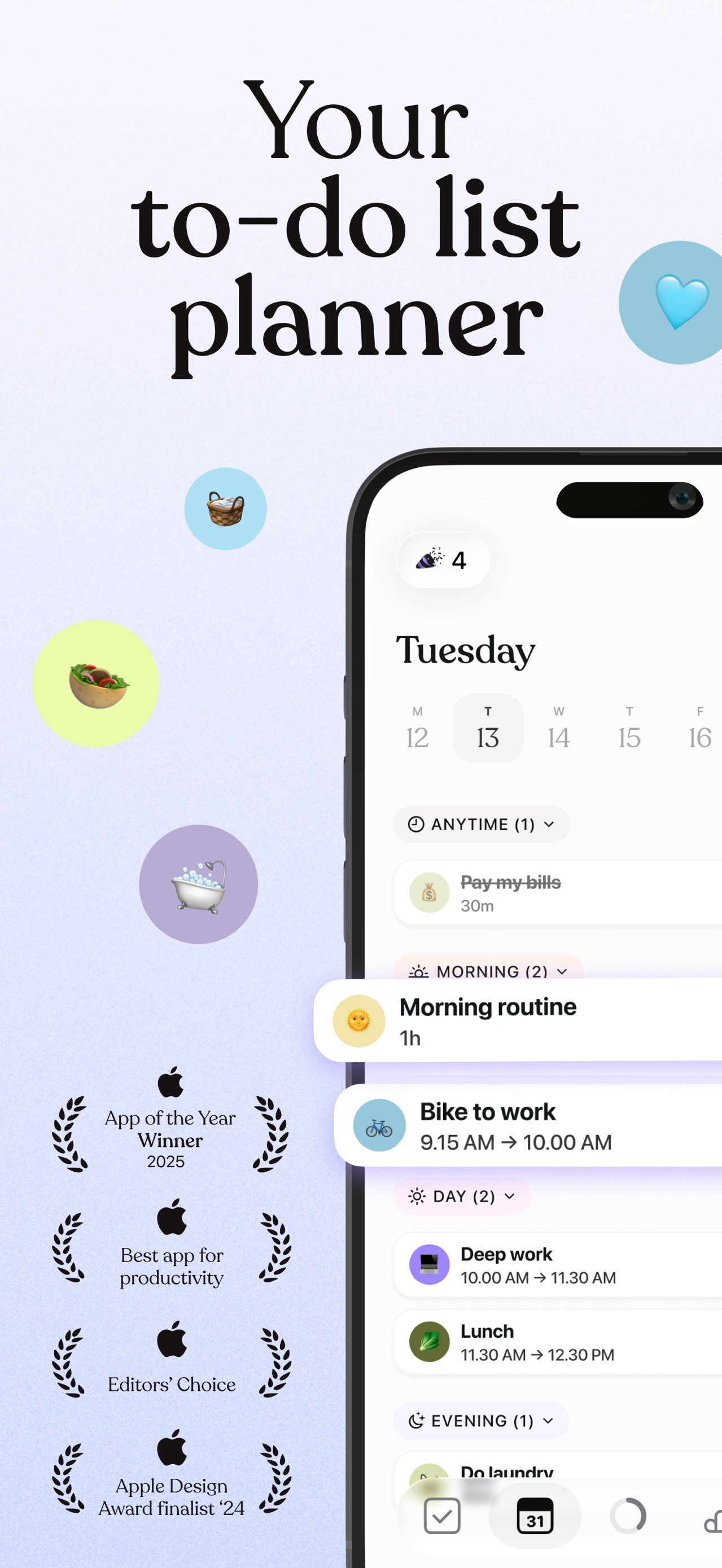
Tiimo App Store screenshot: Your to-do list planner; floating device composition with ui screenshot content
Tiimo iconTiimo

Productivity

Opal App Store screenshot: Opal blocks distractions for you.; device in hand composition with social proof content
Opal iconOpal

Productivity

ChatGPT App Store screenshot: See your ideas come to life; floating device composition with ui screenshot content
ChatGPT iconChatGPT

Productivity

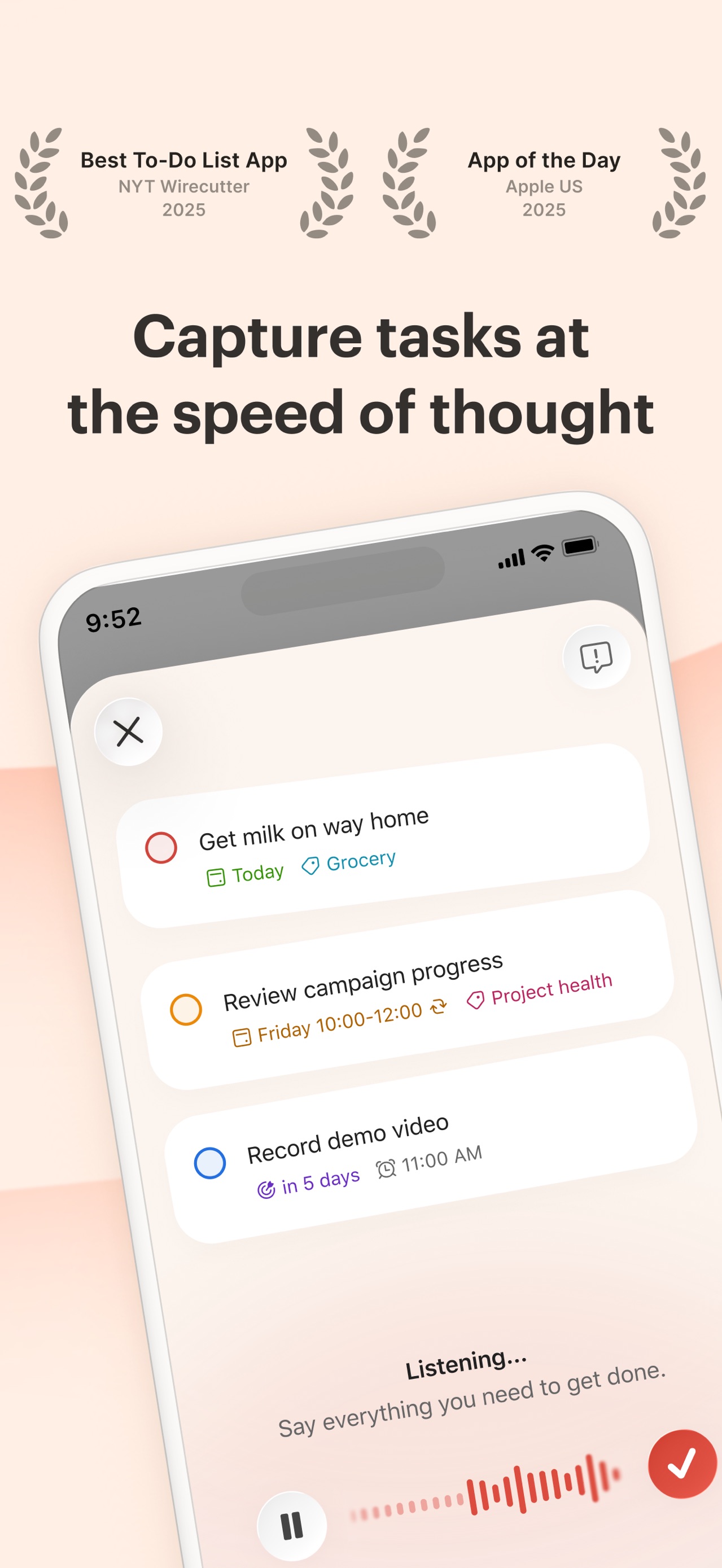
Todoist App Store screenshot: Capture tasks at the speed of thought; floating device composition with ui screenshot content
Todoist iconTodoist

Productivity

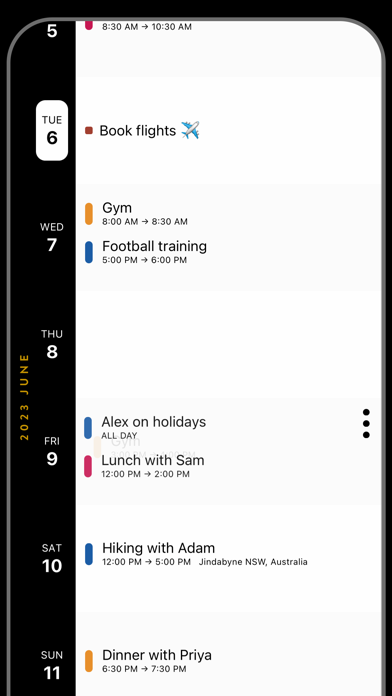
Timepage App Store screenshot: flat ui panel composition with ui screenshot content
Timepage iconTimepage

Productivity

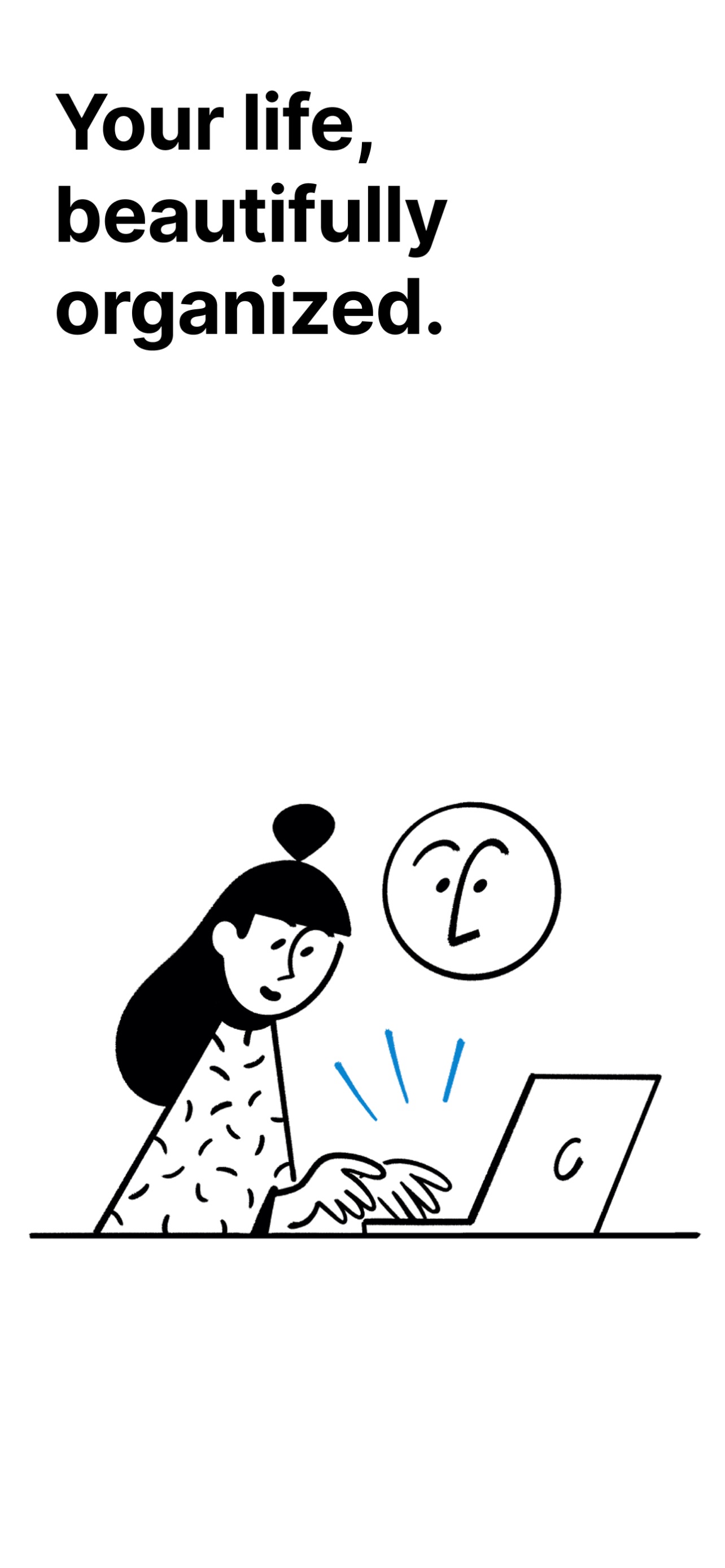
Notion App Store screenshot: Your life, beautifully organized.; collage composition with onboarding content
Notion iconNotion

Productivity

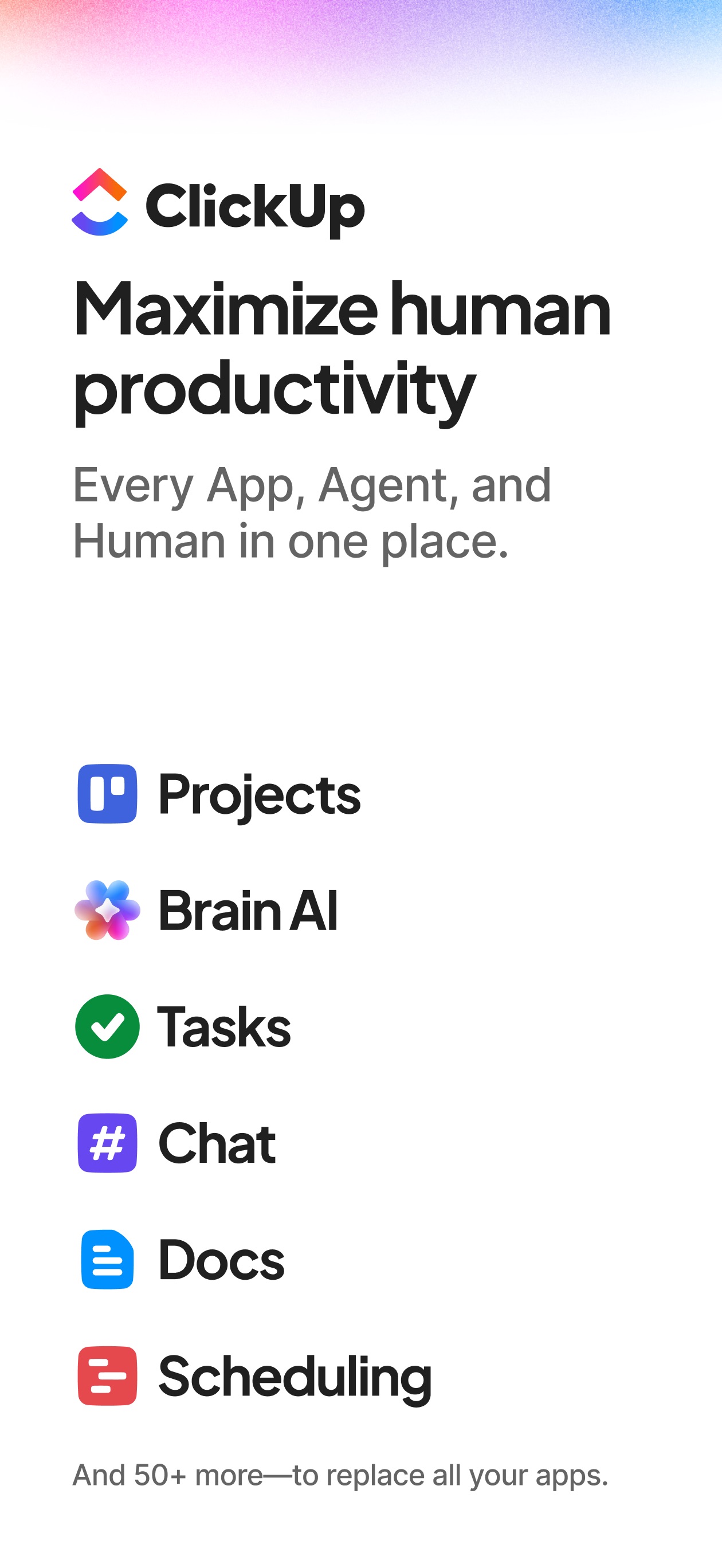
ClickUp App Store screenshot: Maximize human productivity Every App, Agent, and Human in one place. Projects Brain AI Tasks Chat Docs Scheduling And 50+ more-to replace all your apps.; text only composition with feature callout content
ClickUp iconClickUp

Productivity

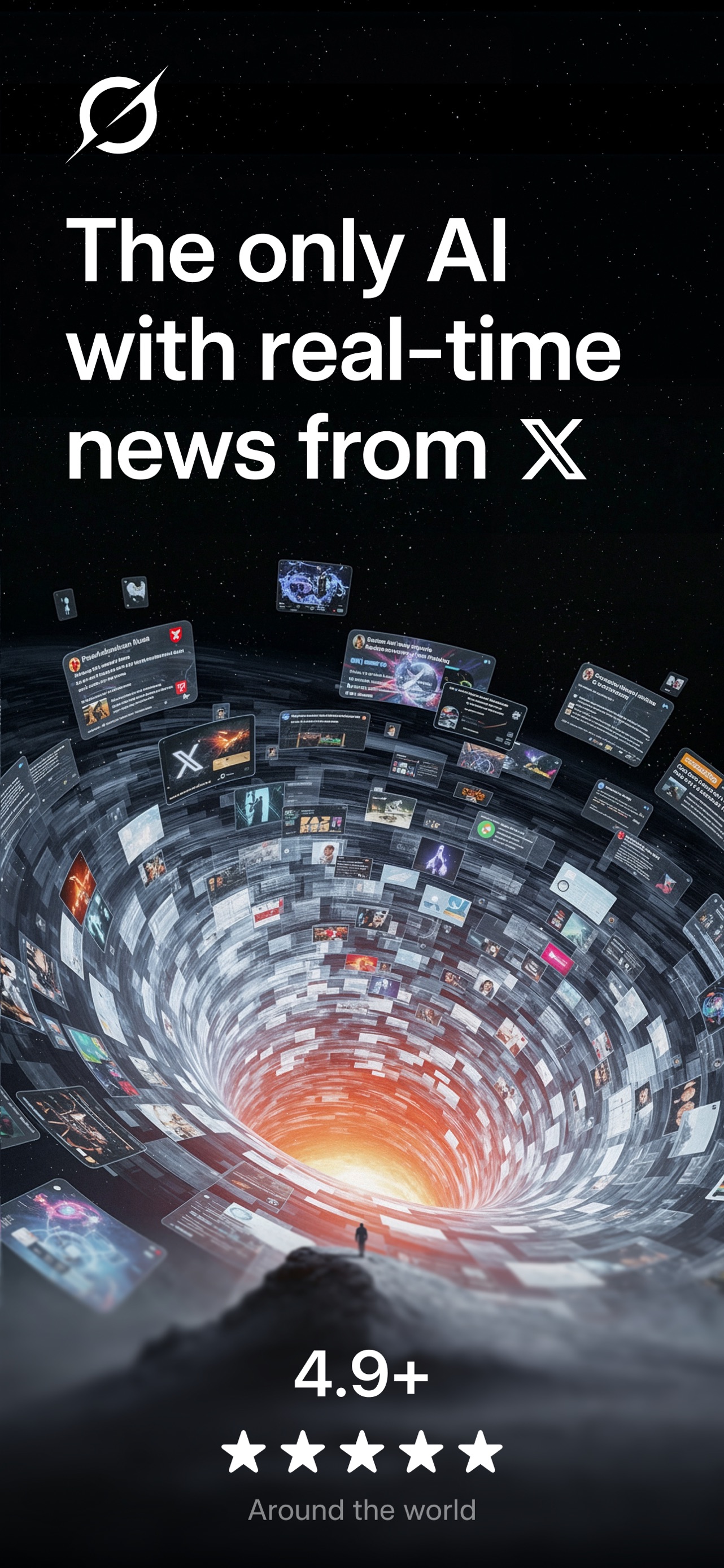
Grok App Store screenshot: The only AI with real-time news from X; flat ui panel composition with social proof content
Grok iconGrok

Productivity

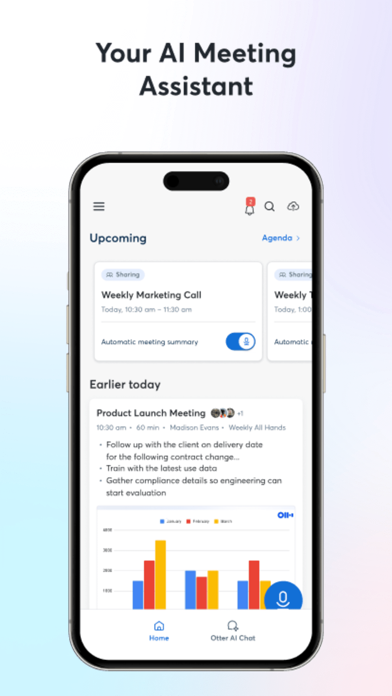
Otter AI App Store screenshot: Your AI Meeting Assistant; floating device composition with ui screenshot content
Otter AI iconOtter AI

Productivity

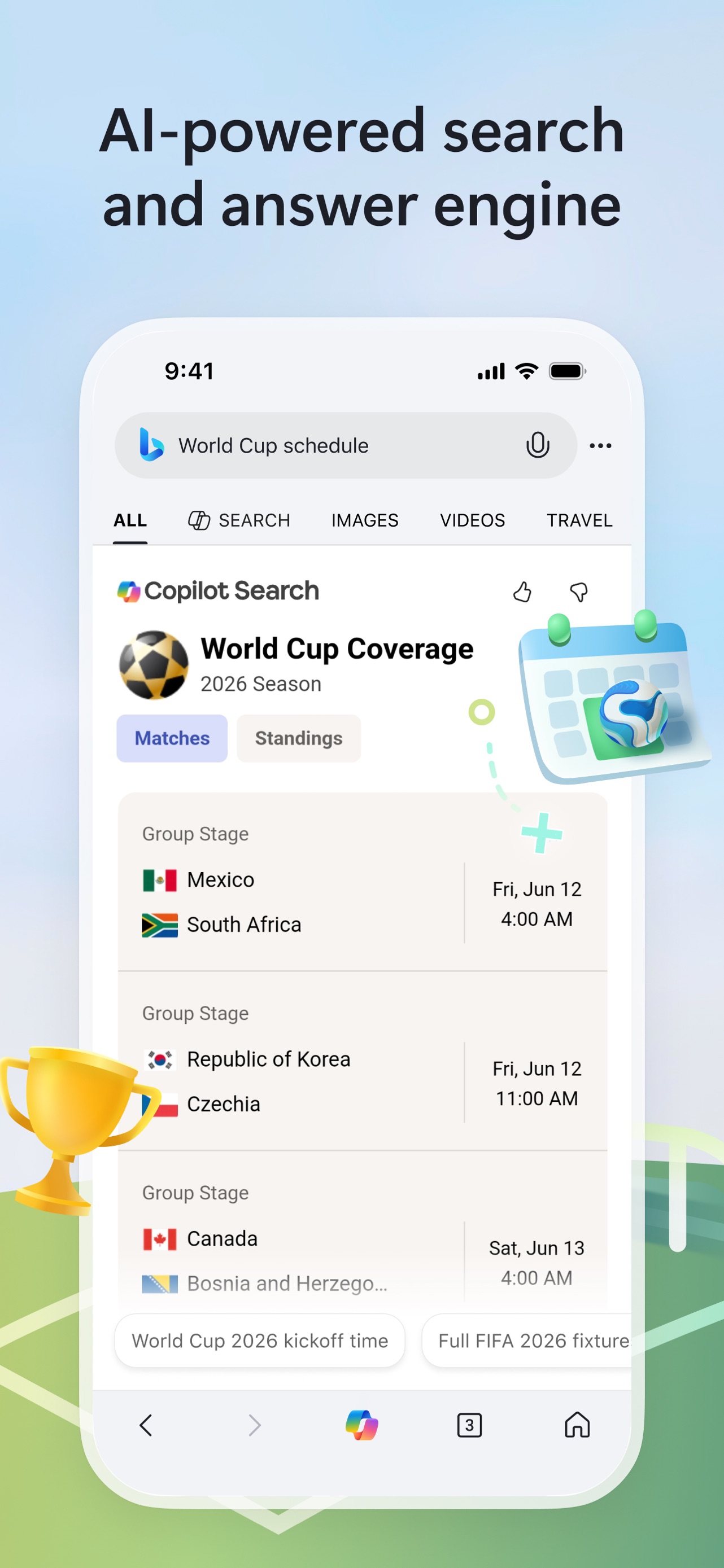
Bing App Store screenshot: AI-powered search and answer engine; floating device composition with ui screenshot content
Bing iconBing

Productivity

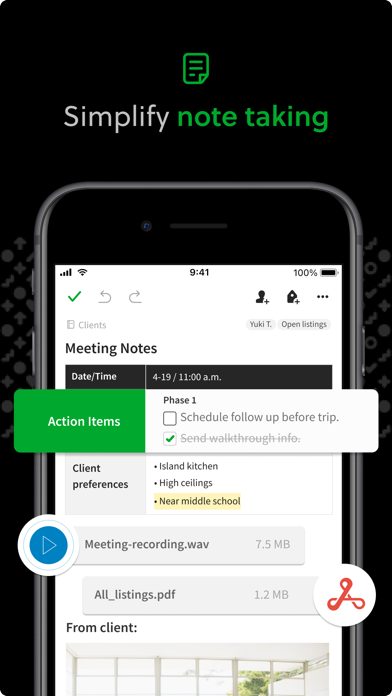
Evernote App Store screenshot: Simplify note taking; floating device composition with feature callout content
Evernote iconEvernote

Productivity

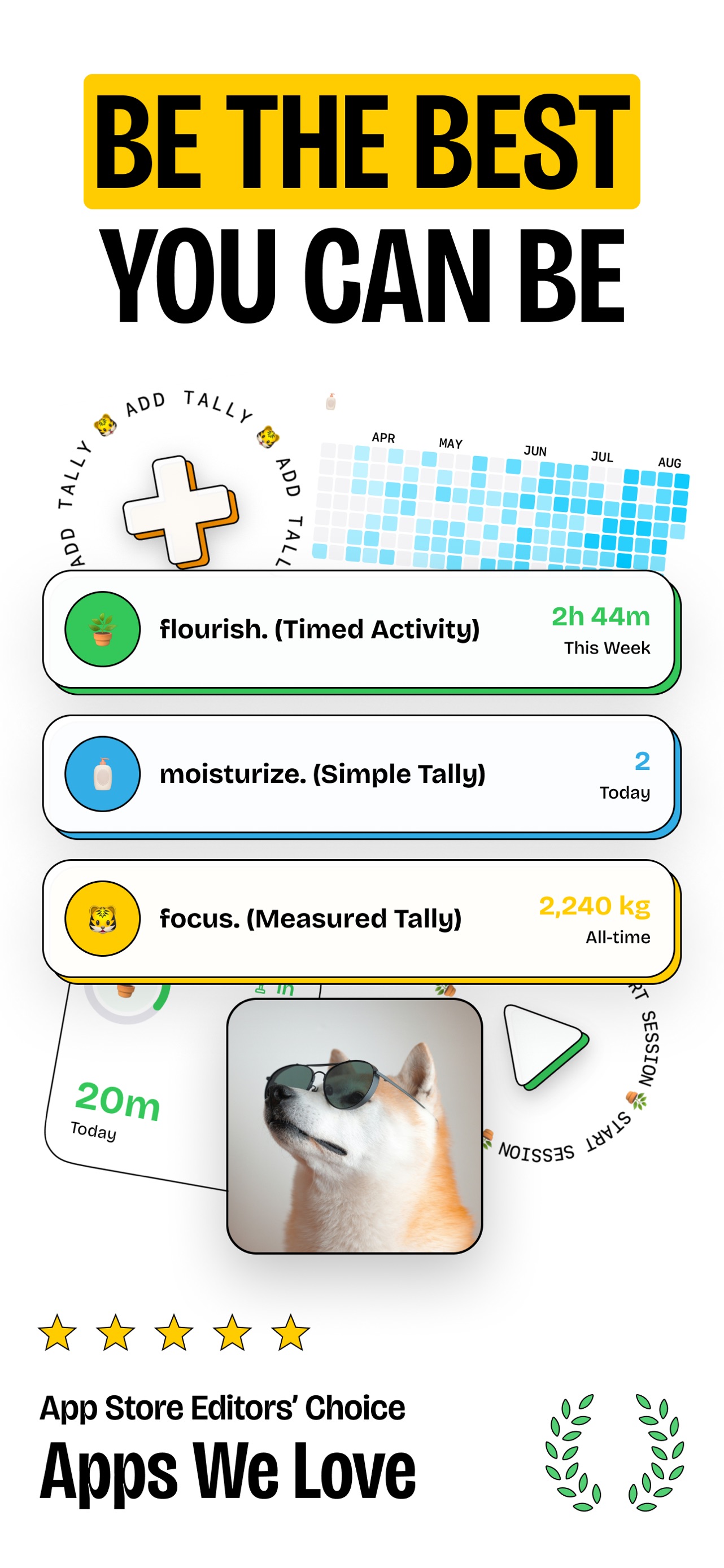
timespent App Store screenshot: BE THE BEST YOU CAN BE; collage composition with social proof content
timespent icontimespent

Productivity

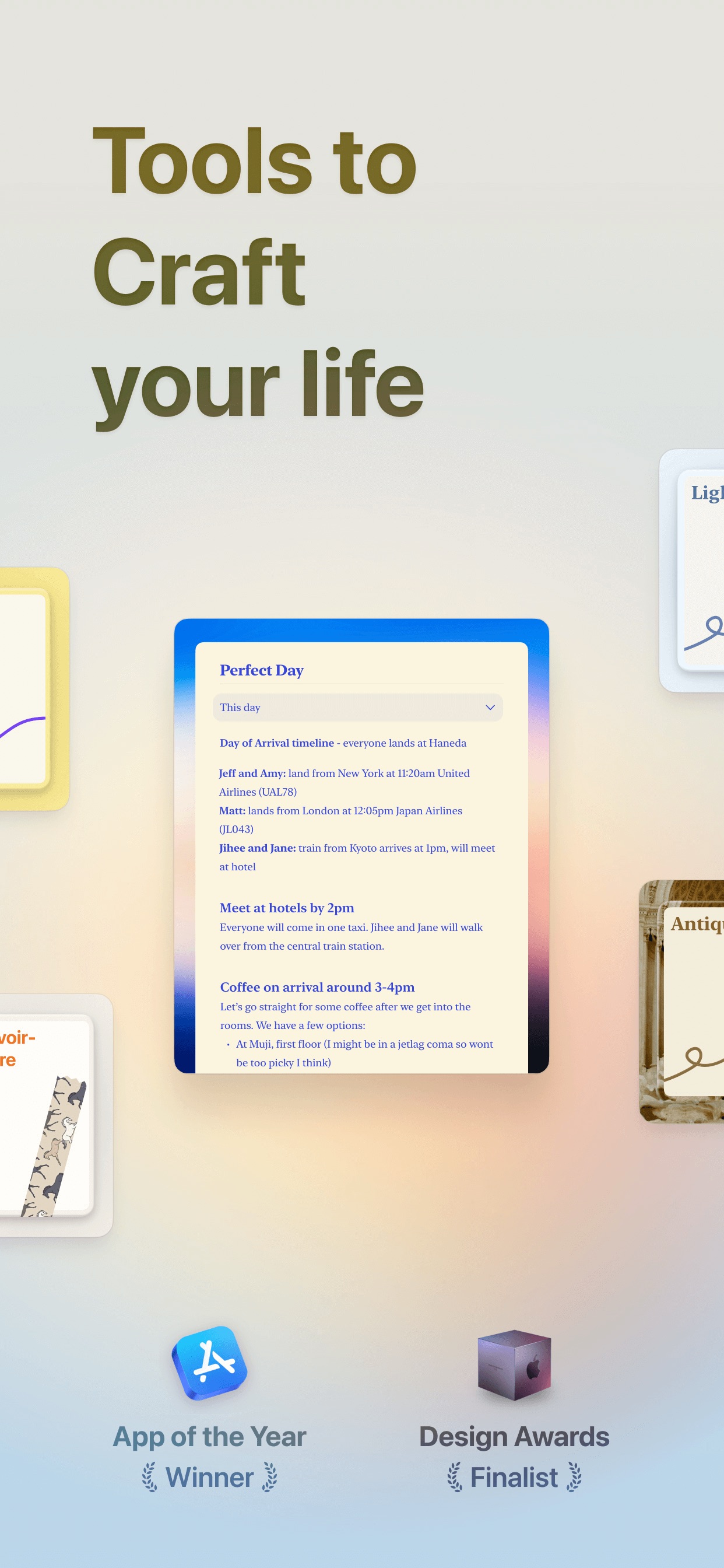
Craft App Store screenshot: Tools to Craft your life; collage composition with social proof content
Craft iconCraft

Productivity

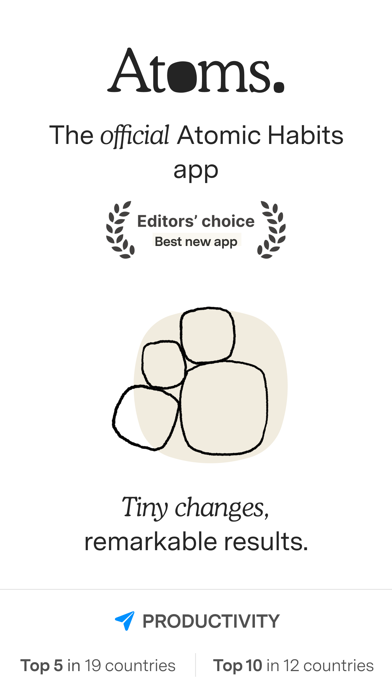
Atoms App Store screenshot: Atoms.
The official Atomic Habits app
Editors' choice Best new app
Tiny changes, remarkable results.
PRODUCTIVITY
Top 5 in 19 countries | Top 10 in 12 countries; text only composition with social proof content
Atoms iconAtoms

Productivity

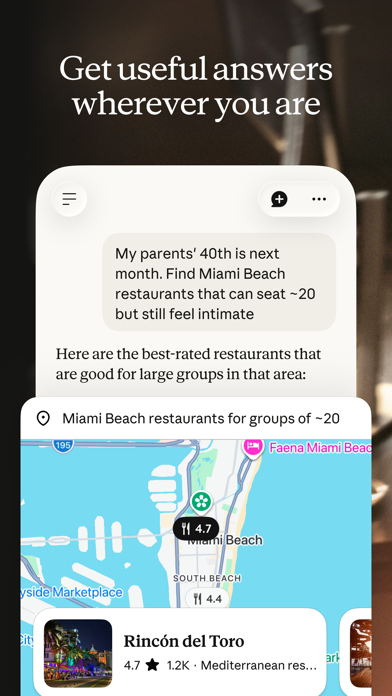
Claude App Store screenshot: Get useful answers wherever you are; flat ui panel composition with ui screenshot content
Claude iconClaude

Productivity

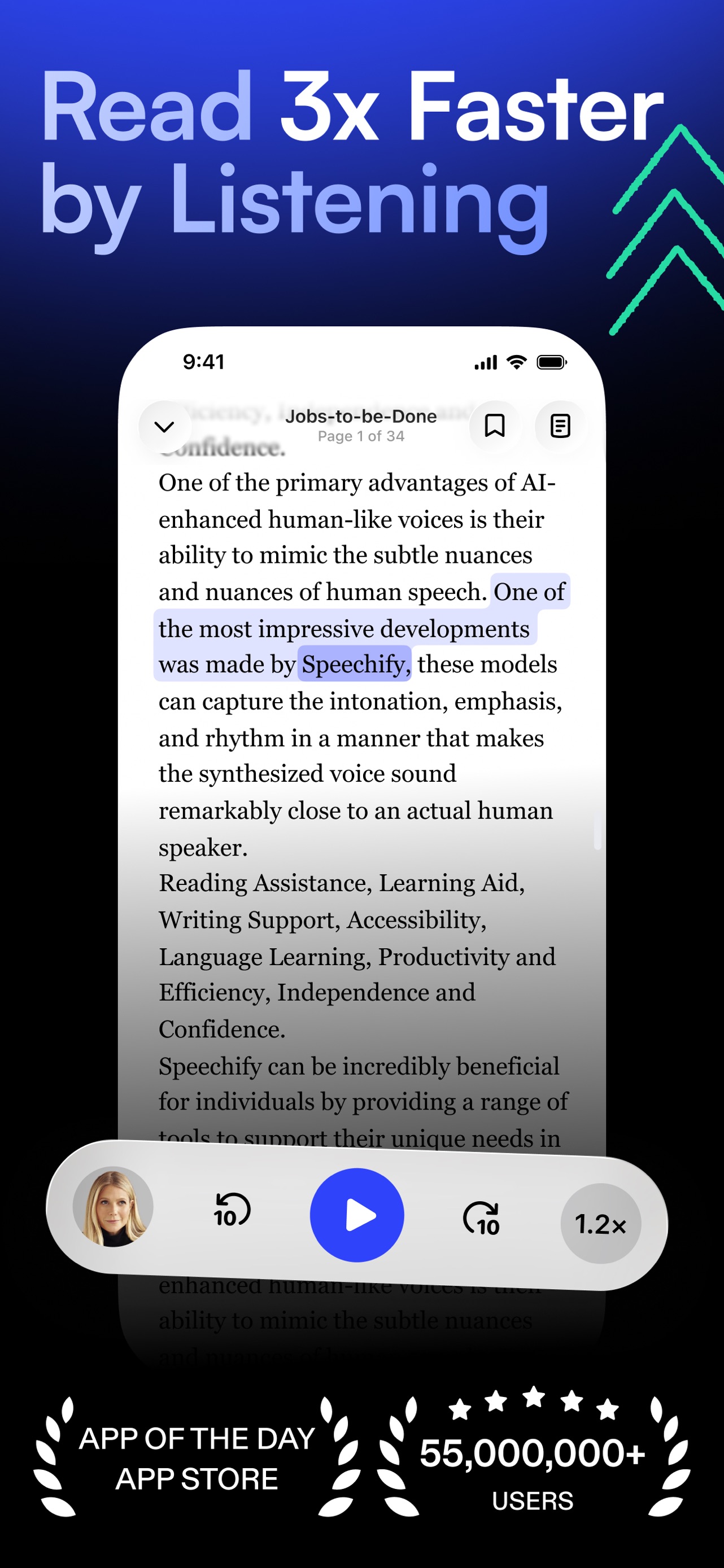
Speechify App Store screenshot: Read 3x Faster by Listening; floating device composition with social proof content
Speechify iconSpeechify

Productivity

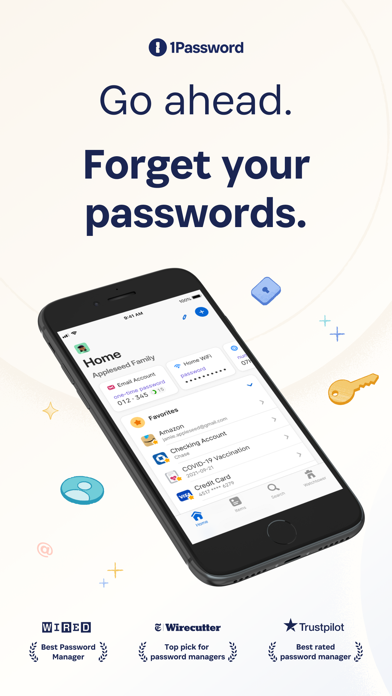
1Password App Store screenshot: Go ahead. Forget your passwords.; floating device composition with social proof content
1Password icon1Password

Productivity

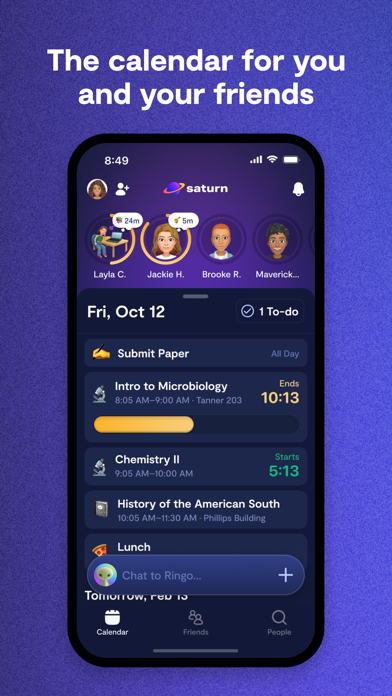
Saturn Calendar App Store screenshot: The calendar for you and your friends; floating device composition with ui screenshot content
Saturn Calendar iconSaturn Calendar

Productivity

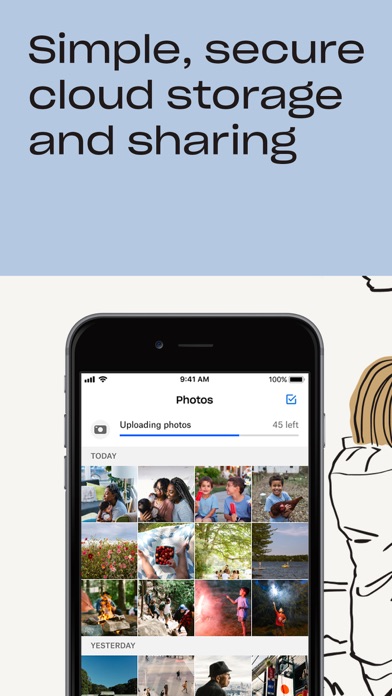
Dropbox App Store screenshot: Simple, secure cloud storage and sharing; floating device composition with ui screenshot content
Dropbox iconDropbox

Productivity

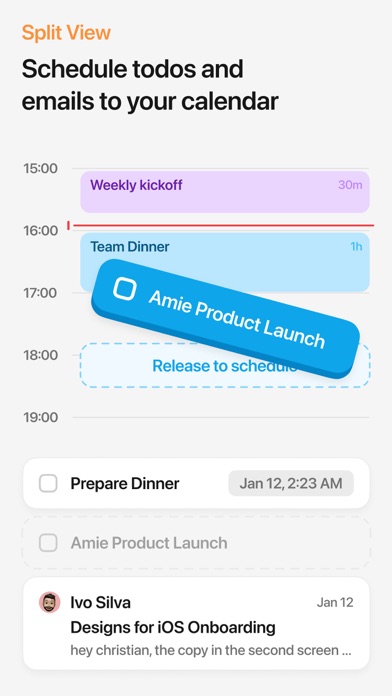
Amie App Store screenshot: Split View Schedule todos and emails to your calendar; flat ui panel composition with ui screenshot content
Amie iconAmie

Productivity

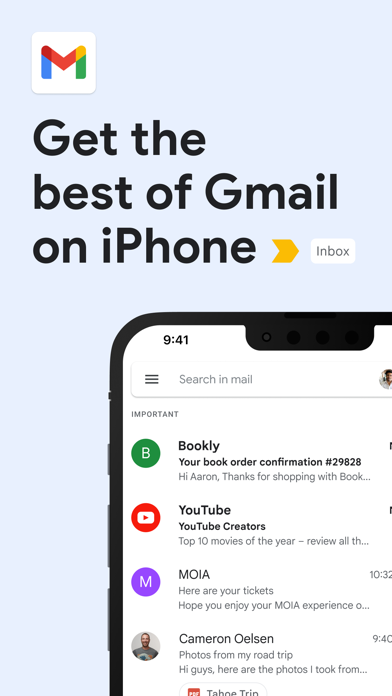
Gmail App Store screenshot: Get the best of Gmail on iPhone; floating device composition with onboarding content
Gmail iconGmail

Productivity

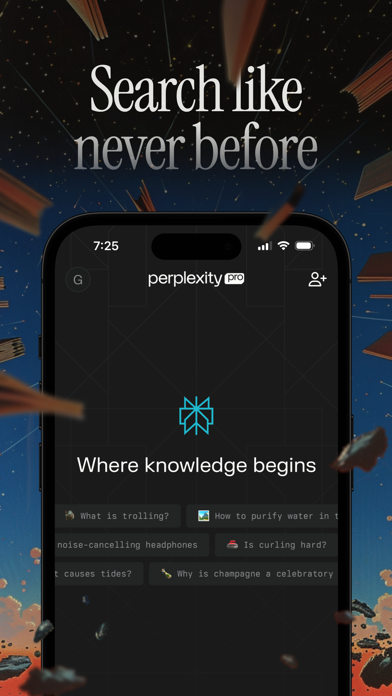
Perplexity App Store screenshot: Search like never before; floating device composition with onboarding content
Perplexity iconPerplexity

Productivity

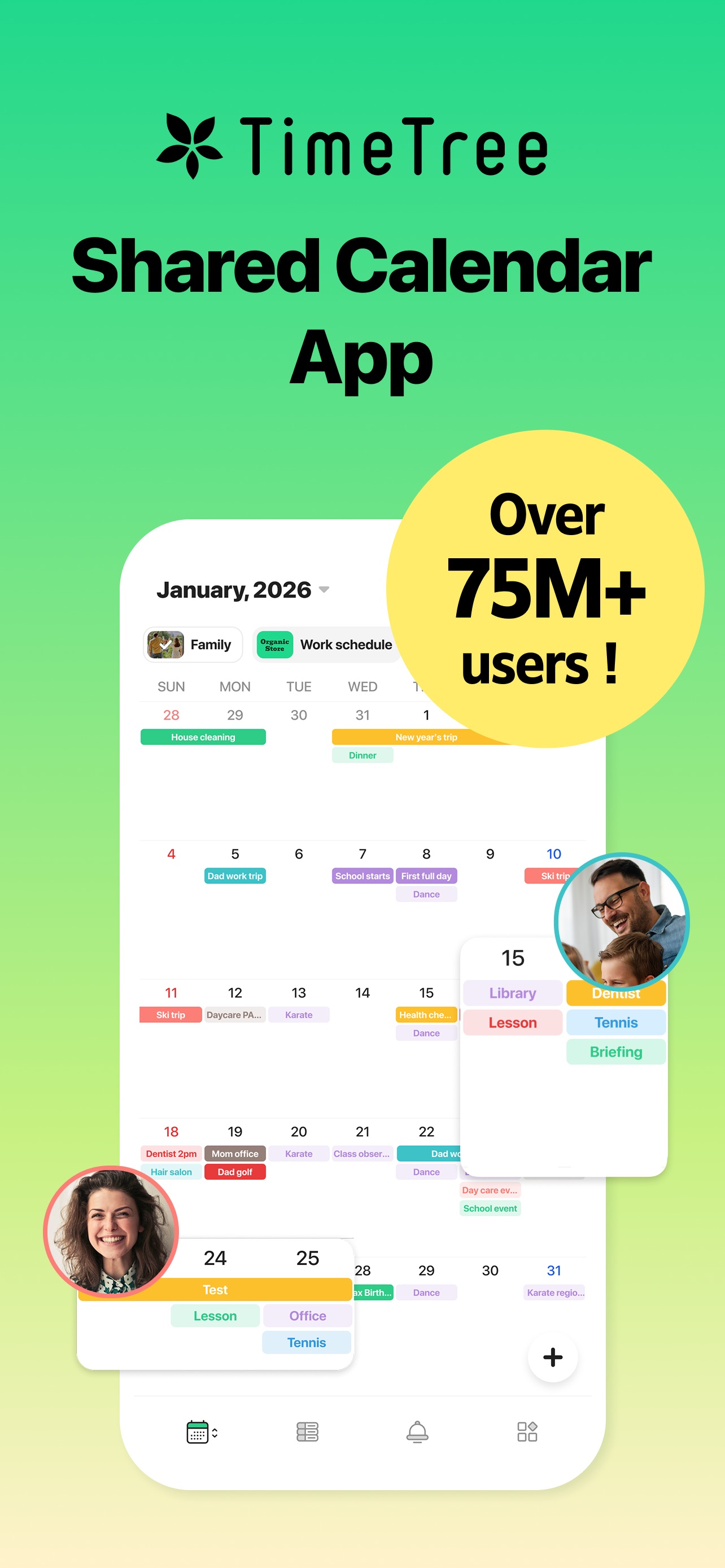
TimeTree App Store screenshot: TimeTree Shared Calendar App Over 75M+ users !; floating device composition with social proof content
TimeTree iconTimeTree

Productivity

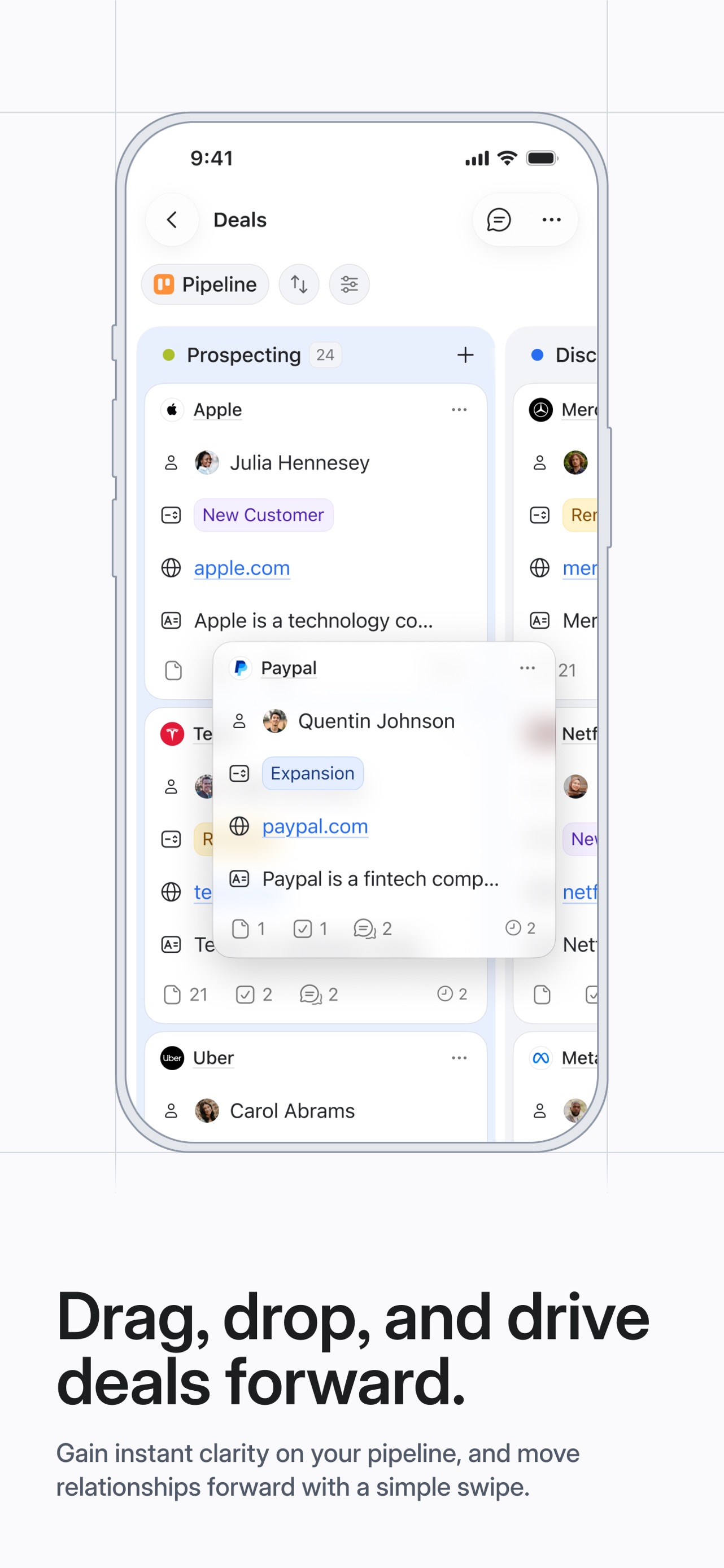
Attio App Store screenshot: Drag, drop, and drive deals forward. Gain instant clarity on your pipeline, and move relationships forward with a simple swipe.; floating device composition with ui screenshot content
Attio iconAttio

Productivity

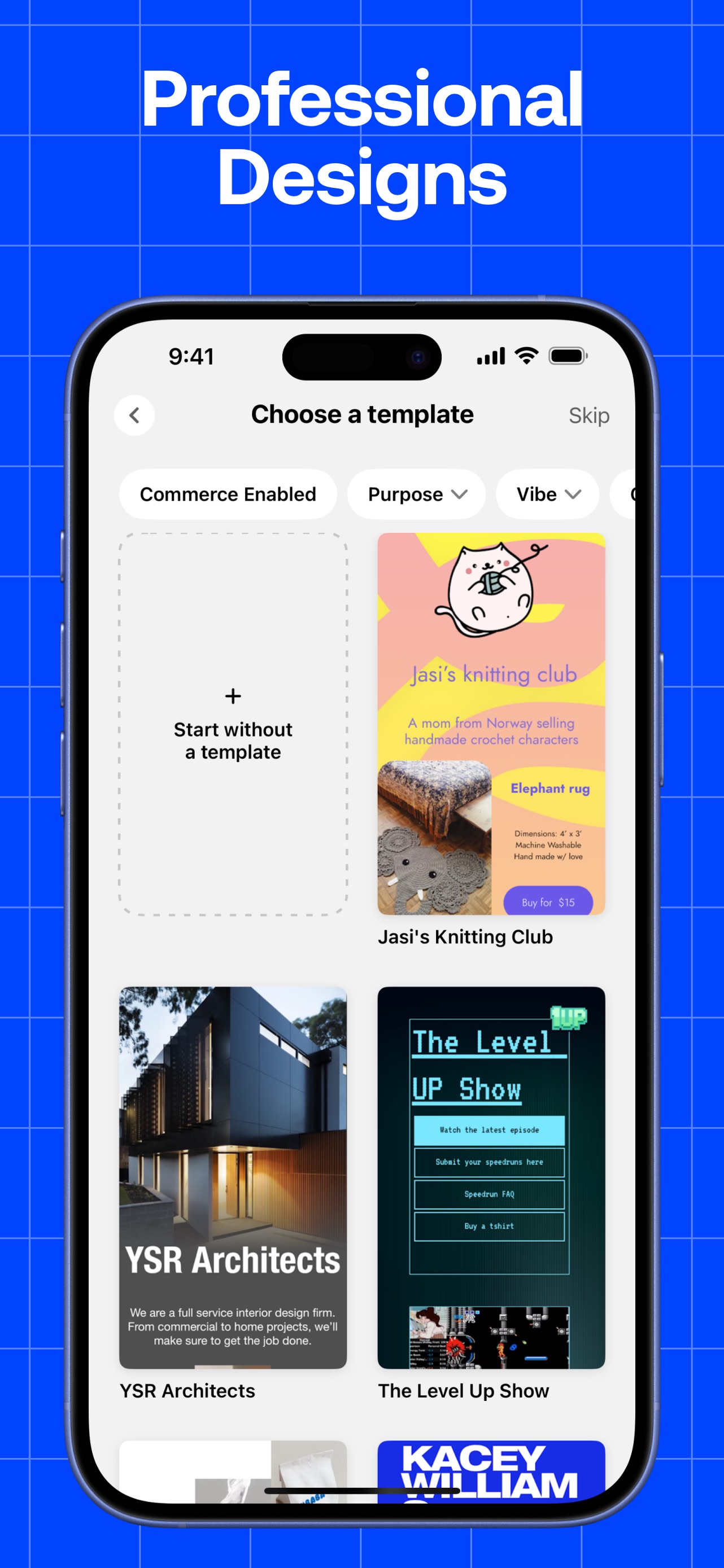
Universe App Store screenshot: Professional Designs; floating device composition with onboarding content
Universe iconUniverse

Productivity

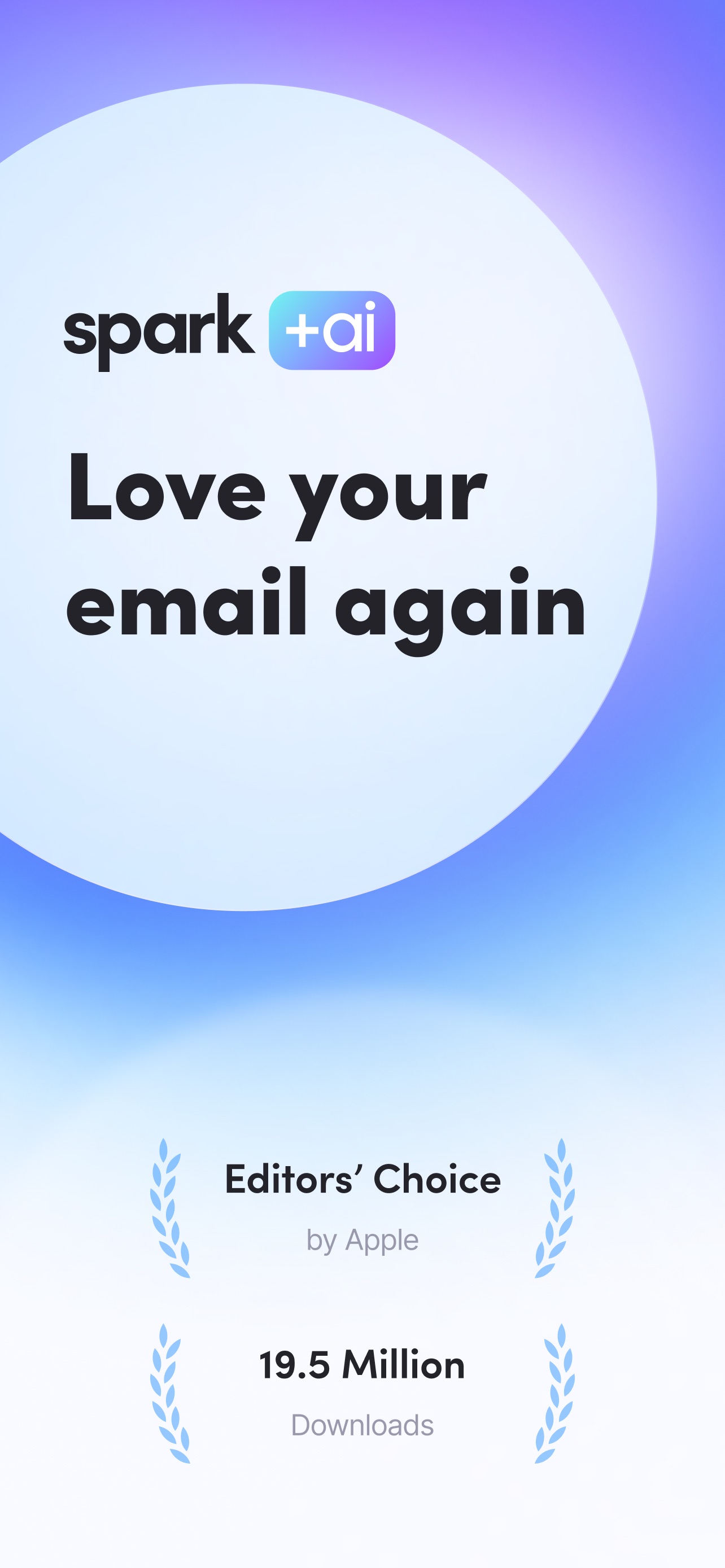
Spark Mail App Store screenshot: Love your email again; flat ui panel composition with social proof content
Spark Mail iconSpark Mail

Productivity

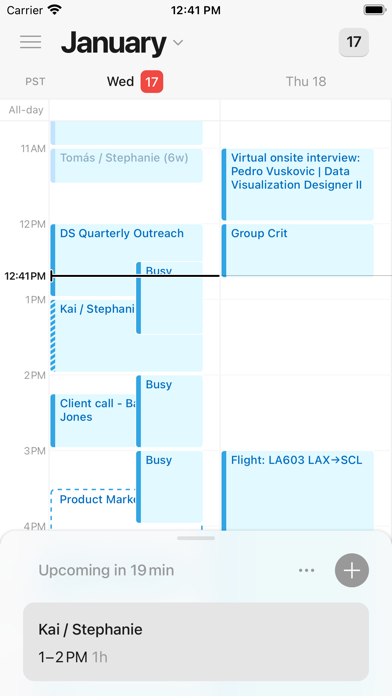
Cron Calendar App Store screenshot: flat ui panel composition with ui screenshot content
Cron Calendar iconCron Calendar

Productivity

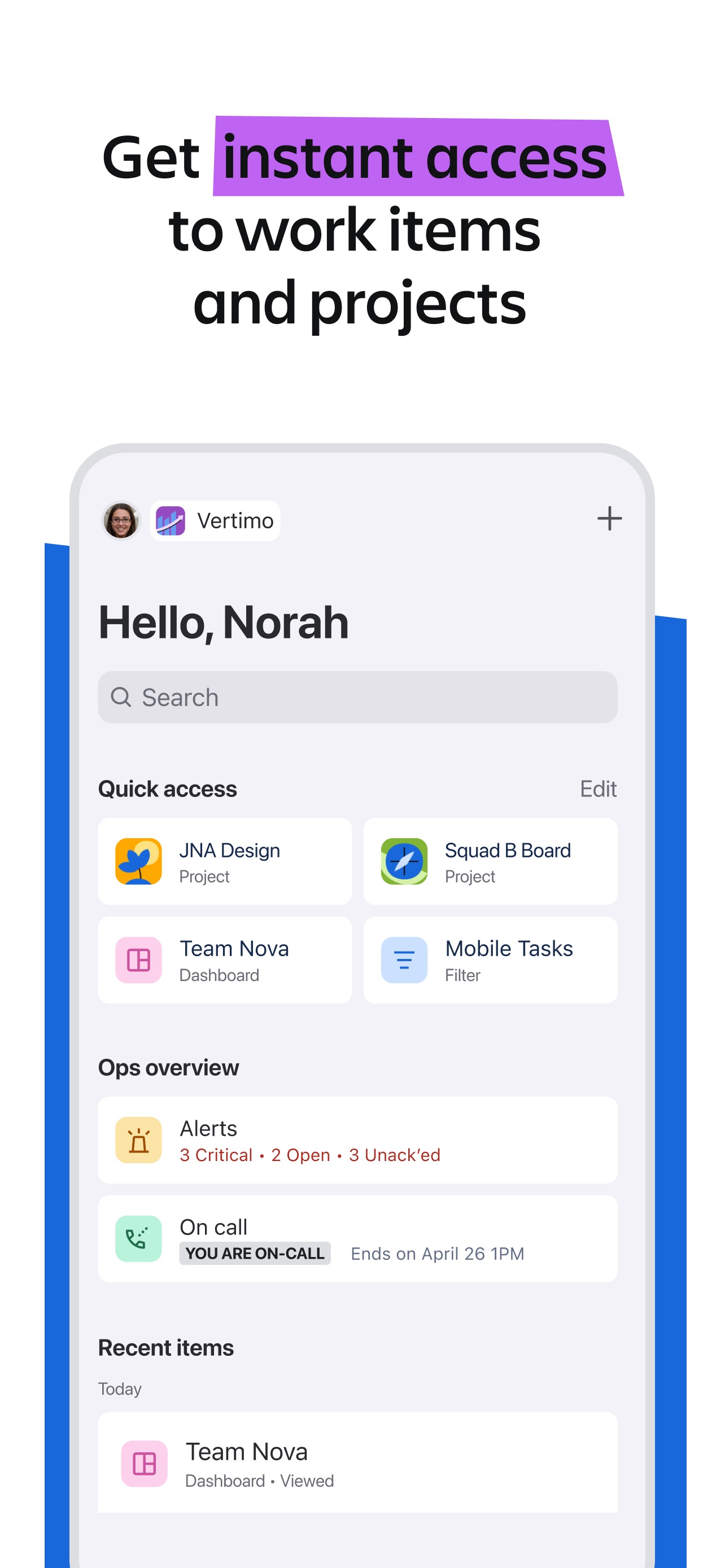
Jira Cloud App Store screenshot: Get instant access to work items and projects; floating device composition with ui screenshot content

Jira Cloud iconJira Cloud

Productivity

FocusFlight App Store screenshot: Fly into Focus; panoramic composition with social proof content
FocusFlight iconFocusFlight

Productivity

Polywork App Store screenshot: flat ui panel composition with onboarding content
Polywork iconPolywork

Productivity

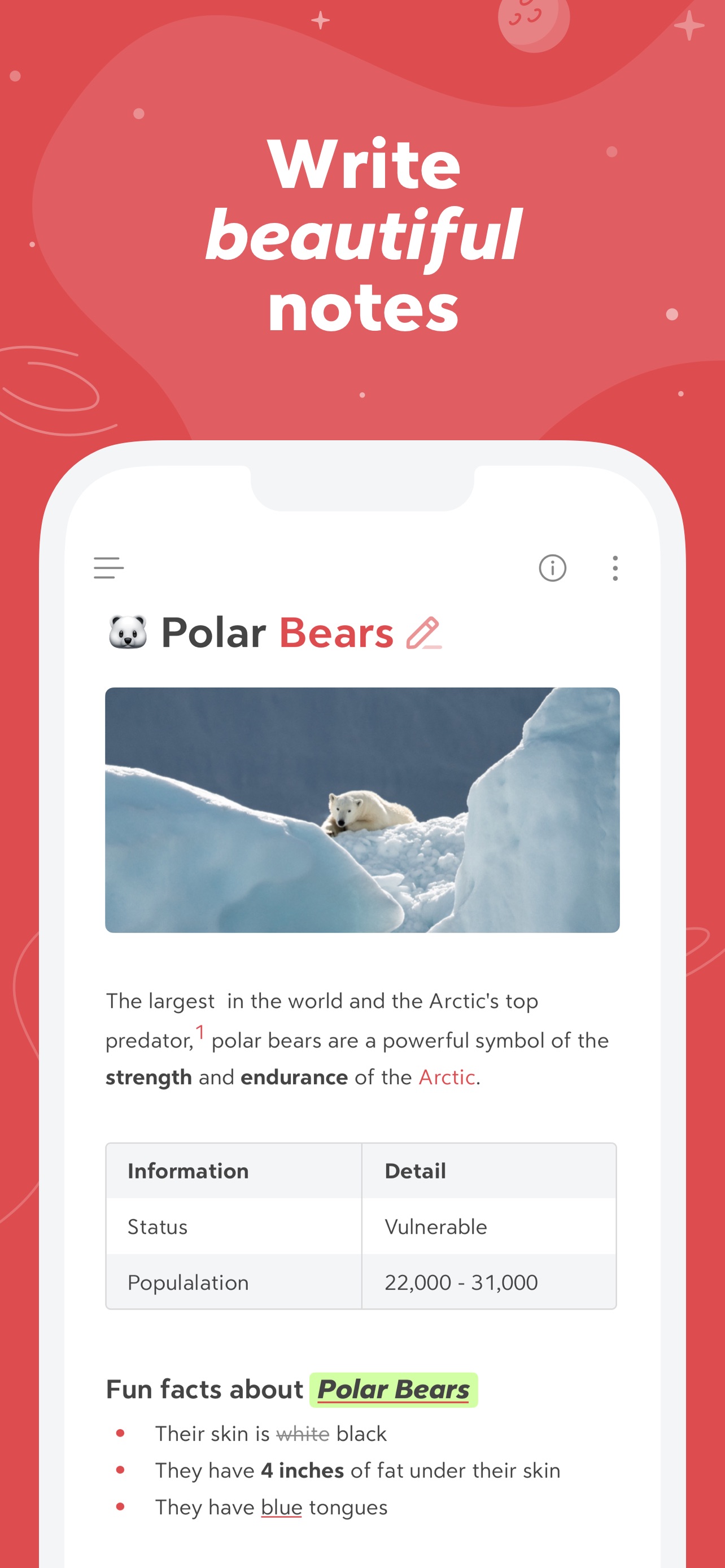
Bear App Store screenshot: Write beautiful notes; floating device composition with ui screenshot content
Bear iconBear

Productivity

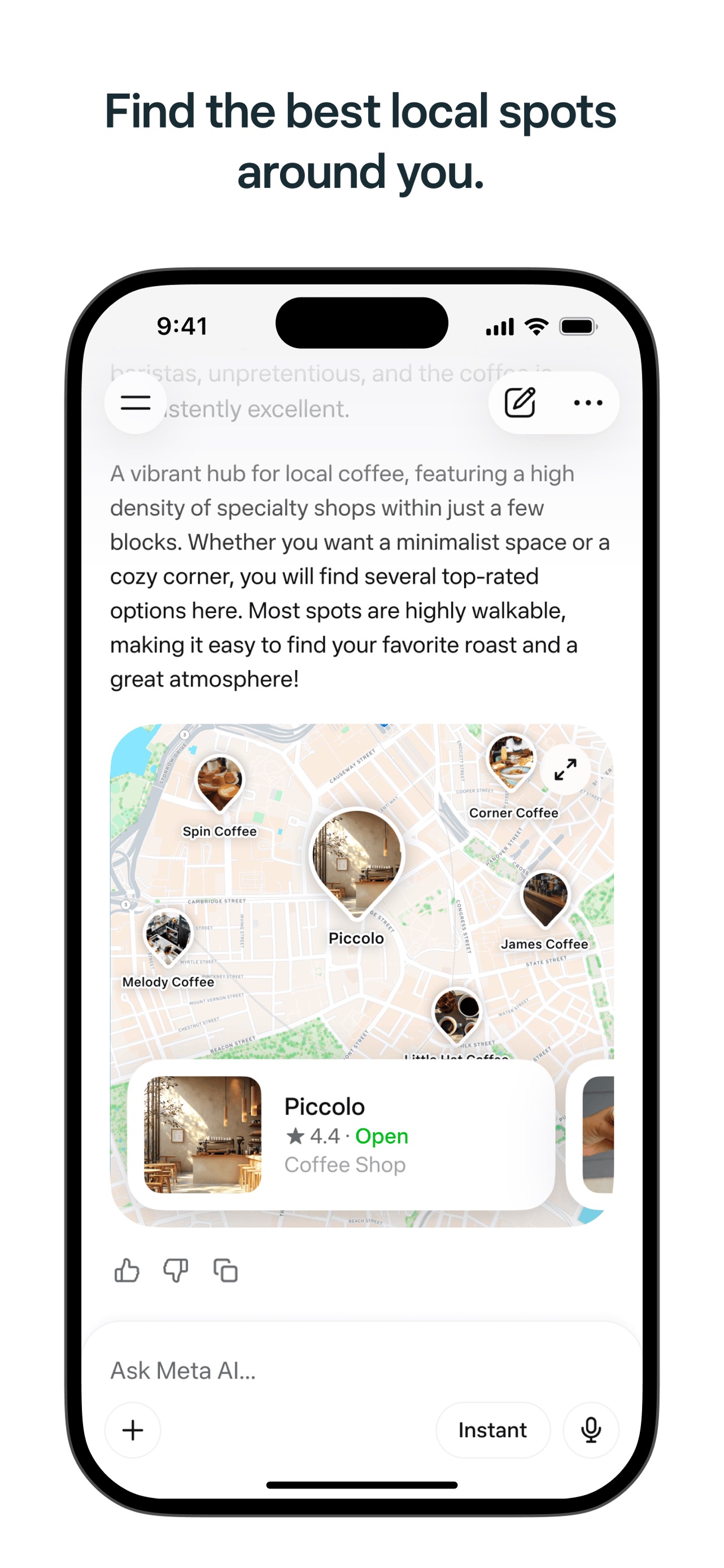
Meta AI App Store screenshot: Find the best local spots around you.; floating device composition with ui screenshot content
Meta AI iconMeta AI

Productivity

Source and method. Screenshots come from the US App Store listing and are preserved in Screenspo's curated corpus. Layout, caption, content, background, and palette observations are derived from the visible listing artwork. Typeface names are not inferred; transcribed copy, tone, and position are the supported typography evidence, while layout tags record composition and device treatment.