Screenspo
AppsPatternsColorsGuidesMCP
Screenspo·App Store design, organized

built by starterlyst 💚

  1. Home
  2. All categories
  3. Lifestyle App Store screenshots

App category

Lifestyle App Store screenshots

Explore how 23 curated lifestyle apps present features, product UI, and trust across their App Store screenshot sets.

Corpus findings

What this collection shows

In 23 representative listing screenshots, floating device is the most common composition and device treatment (9 examples). 100% use visible caption copy and 9% use a dark visual mode.

Most represented categories: Lifestyle (23).

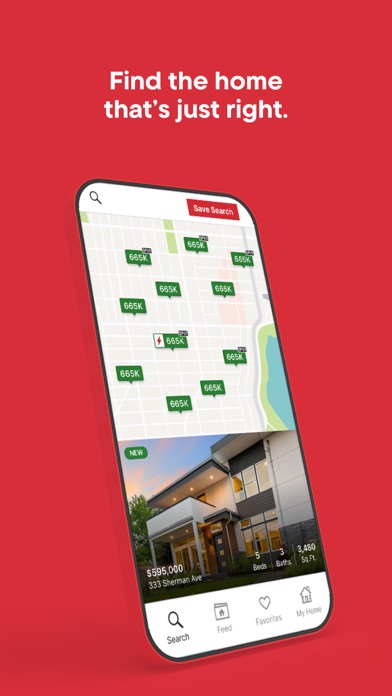
RedfinFind the home that’s just right.TruliaReal time alertsZillowSUMMER LAUNCH Plan your move with Zillow Download the app

Browse examples

23 apps

Redfin App Store screenshot: Find the home that’s just right.; floating device composition with ui screenshot content

Redfin iconRedfin

Lifestyle

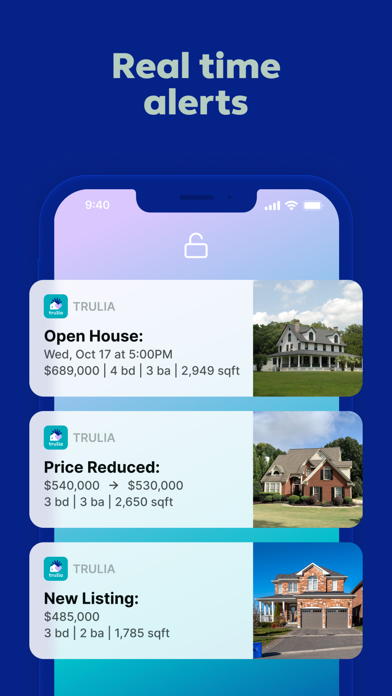
Trulia App Store screenshot: Real time alerts; floating device composition with ui screenshot content
Trulia iconTrulia

Lifestyle

Zillow App Store screenshot: SUMMER LAUNCH Plan your move with Zillow Download the app; lifestyle photo composition with lifestyle content
Zillow iconZillow

Lifestyle

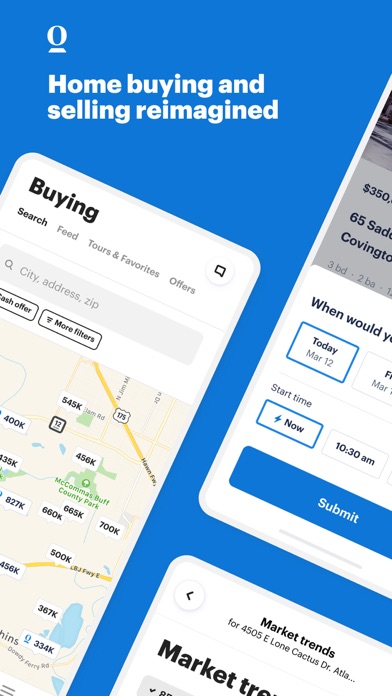
Opendoor App Store screenshot: Home buying and selling reimagined; collage composition with feature callout content
Opendoor iconOpendoor

Lifestyle

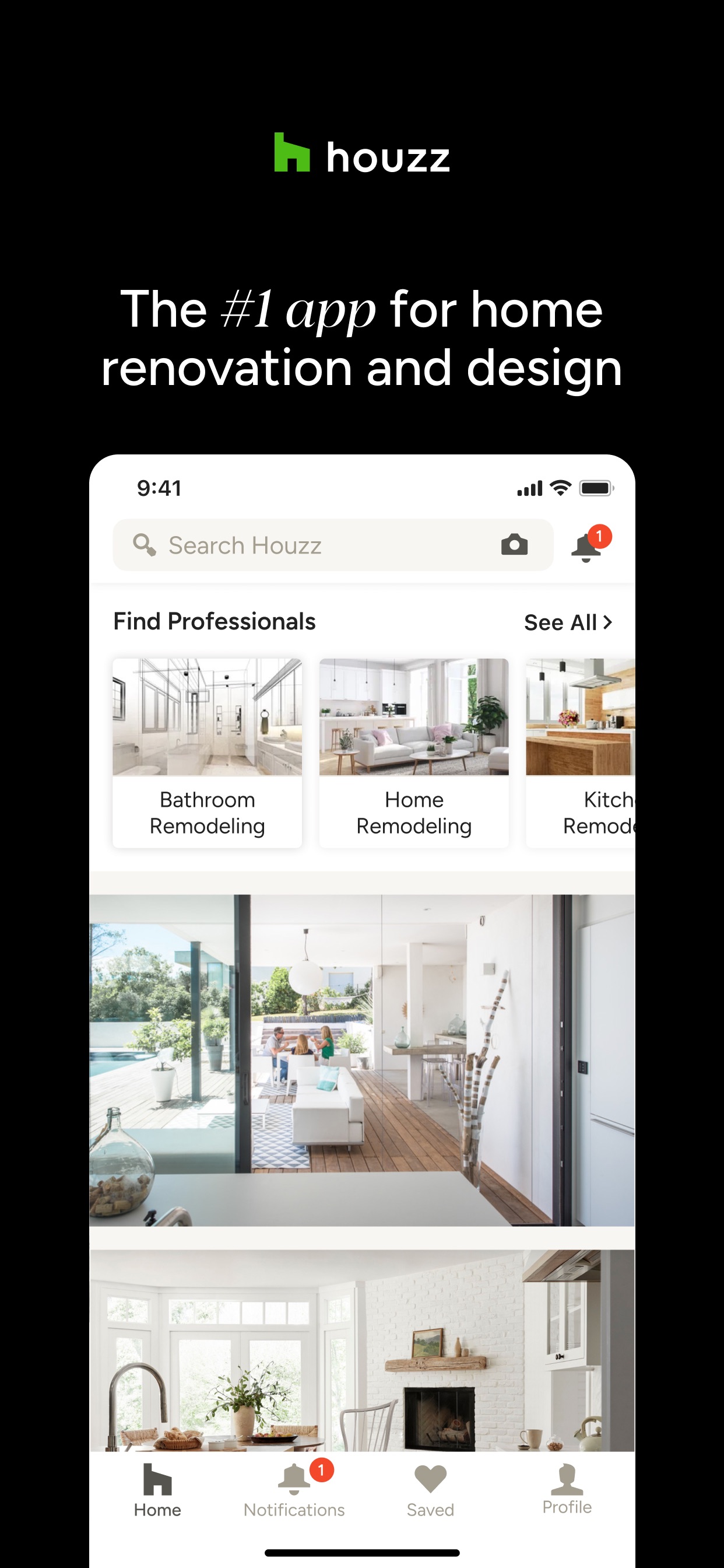
Houzz App Store screenshot: The #1 app for home renovation and design; floating device composition with ui screenshot content
Houzz iconHouzz

Lifestyle

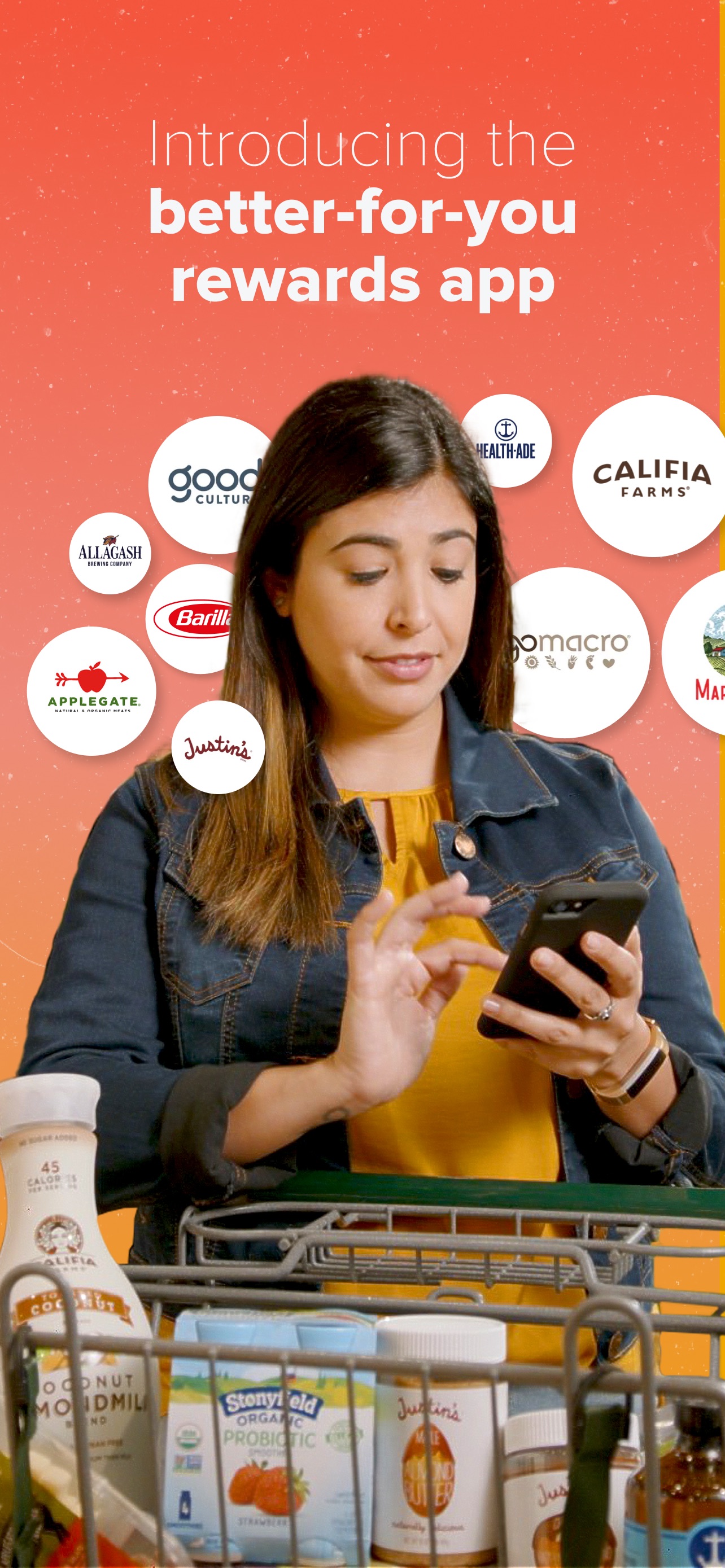
Everyday Rewards App Store screenshot: Introducing the better-for-you rewards app; lifestyle photo composition with lifestyle content
Everyday Rewards iconEveryday Rewards

Lifestyle

Paired App Store screenshot: Join 4 million+ couples; collage composition with social proof content
Paired iconPaired

Lifestyle

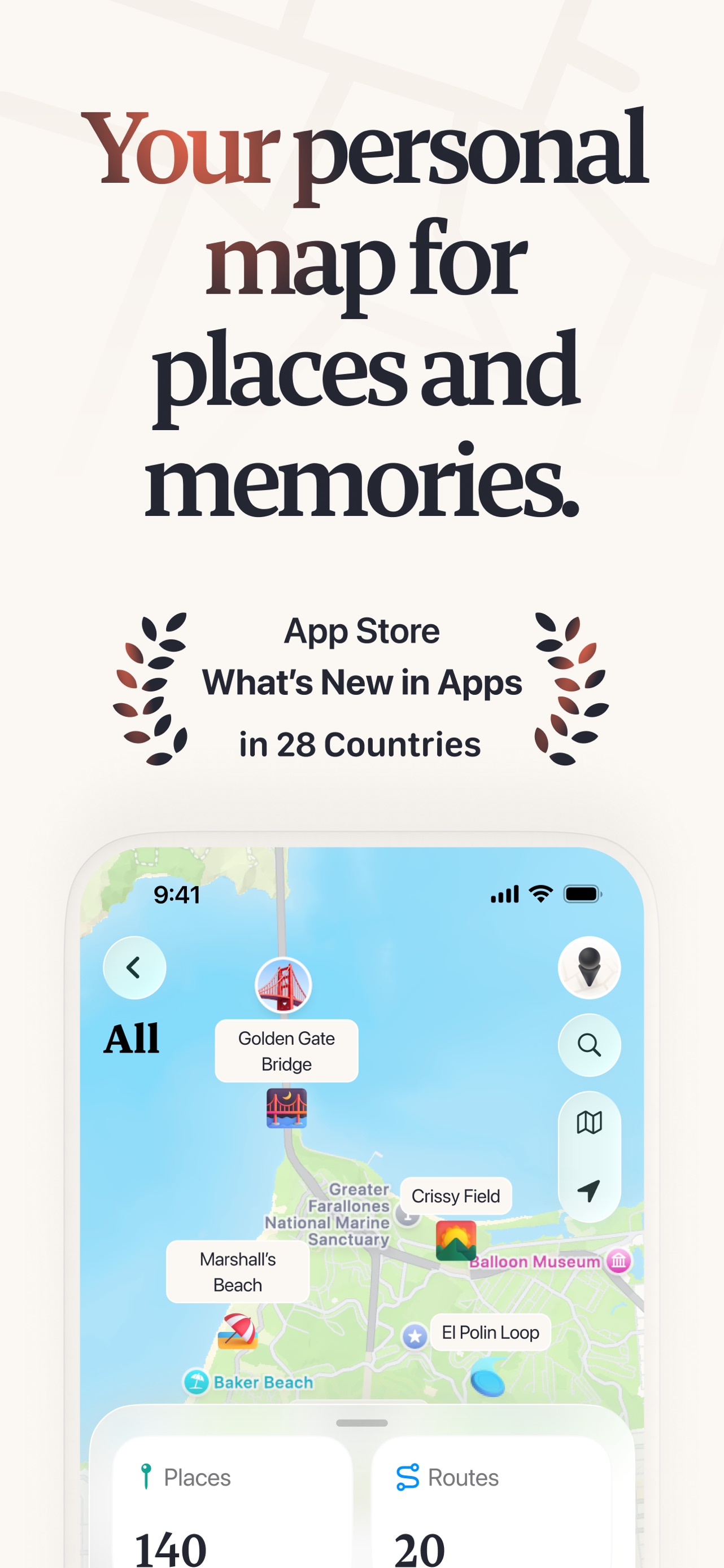
Placify App Store screenshot: Your personal map for places and memories.; floating device composition with social proof content
Placify iconPlacify

Lifestyle

Feeld App Store screenshot: A dating app for the curious.; lifestyle photo composition with lifestyle content
Feeld iconFeeld

Lifestyle

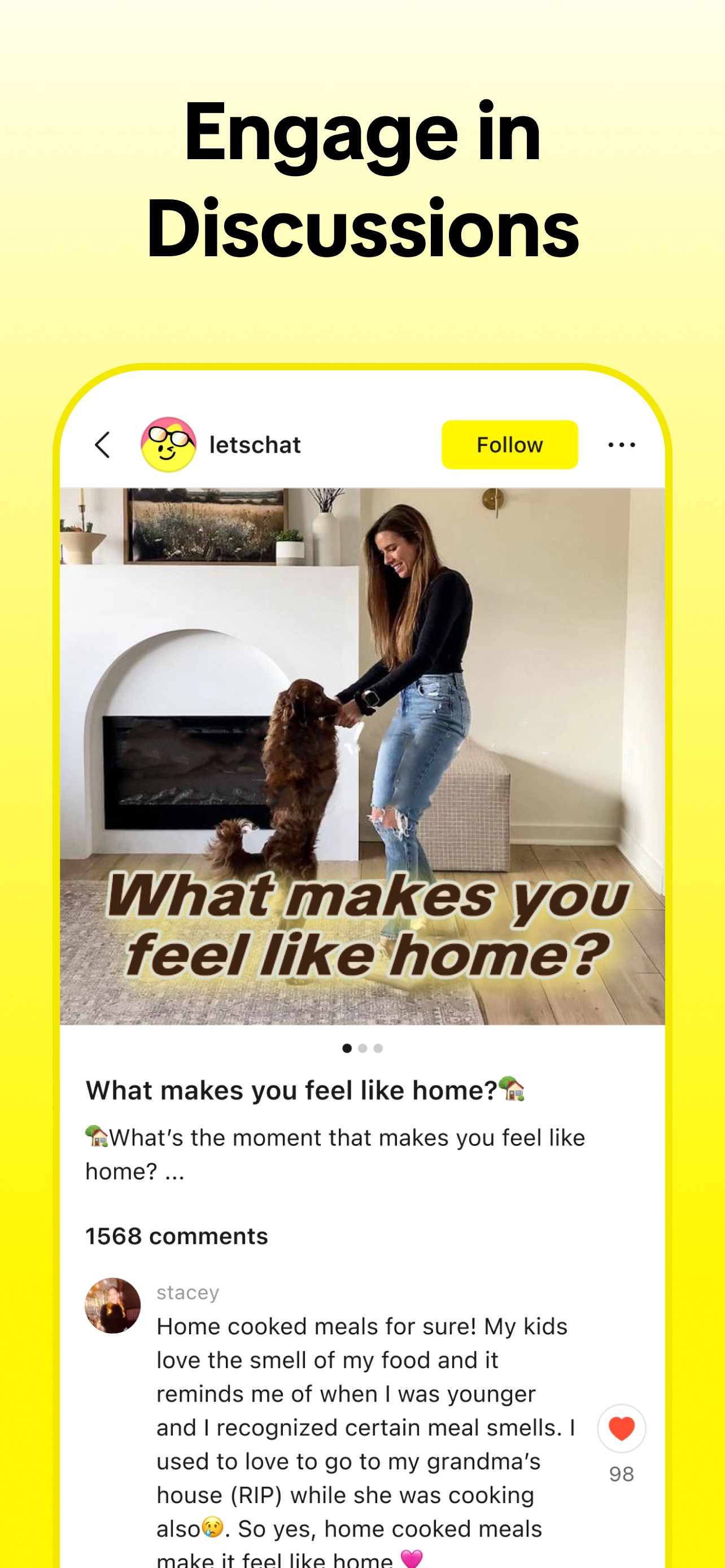
Lemon8 App Store screenshot: Engage in Discussions; floating device composition with social proof content
Lemon8 iconLemon8

Lifestyle

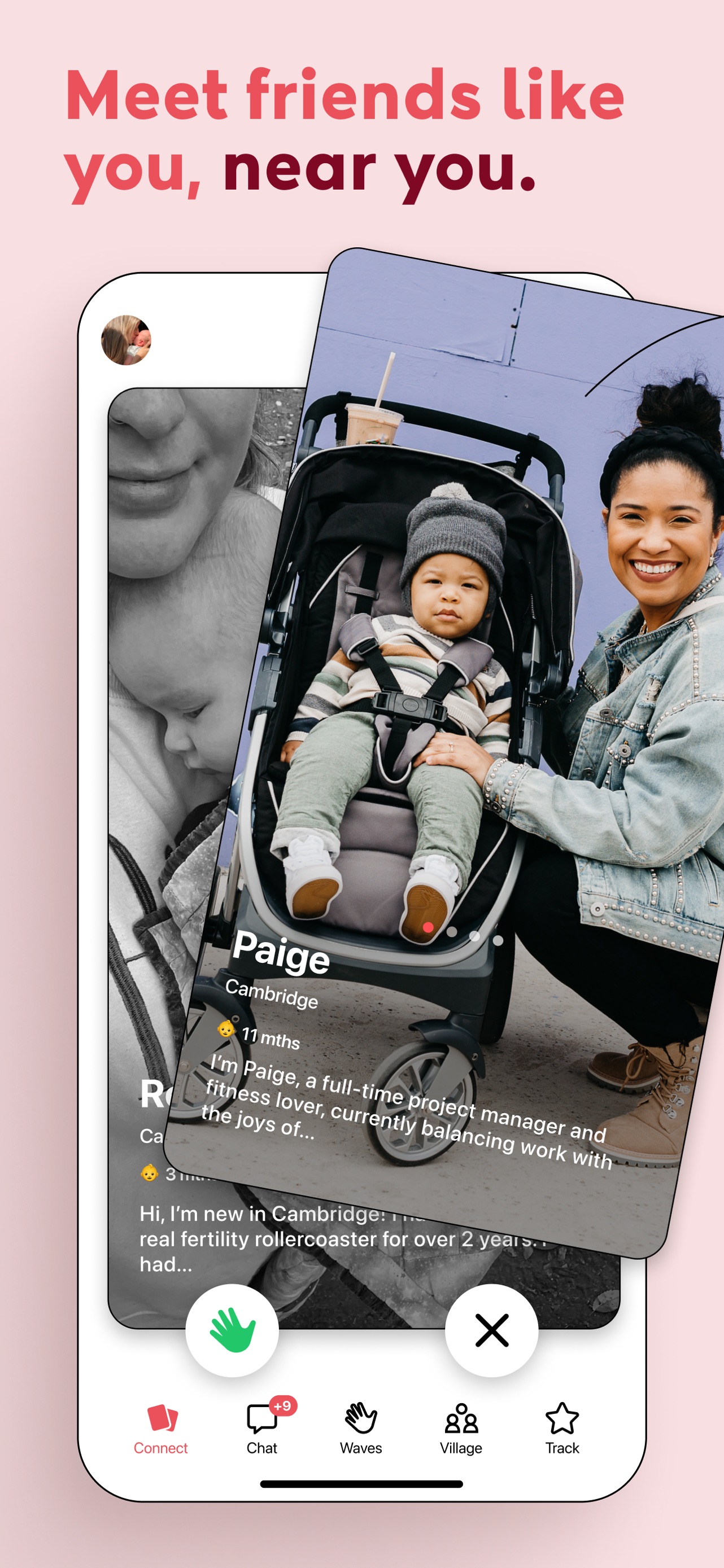
Peanut App Store screenshot: Meet friends like you, near you.; floating device composition with ui screenshot content
Peanut iconPeanut

Lifestyle

Tinder App Store screenshot: It starts with a swipe™; lifestyle photo composition with lifestyle content
Tinder iconTinder

Lifestyle

Badoo App Store screenshot: Date with confidence.; collage composition with social proof content
Badoo iconBadoo

Lifestyle

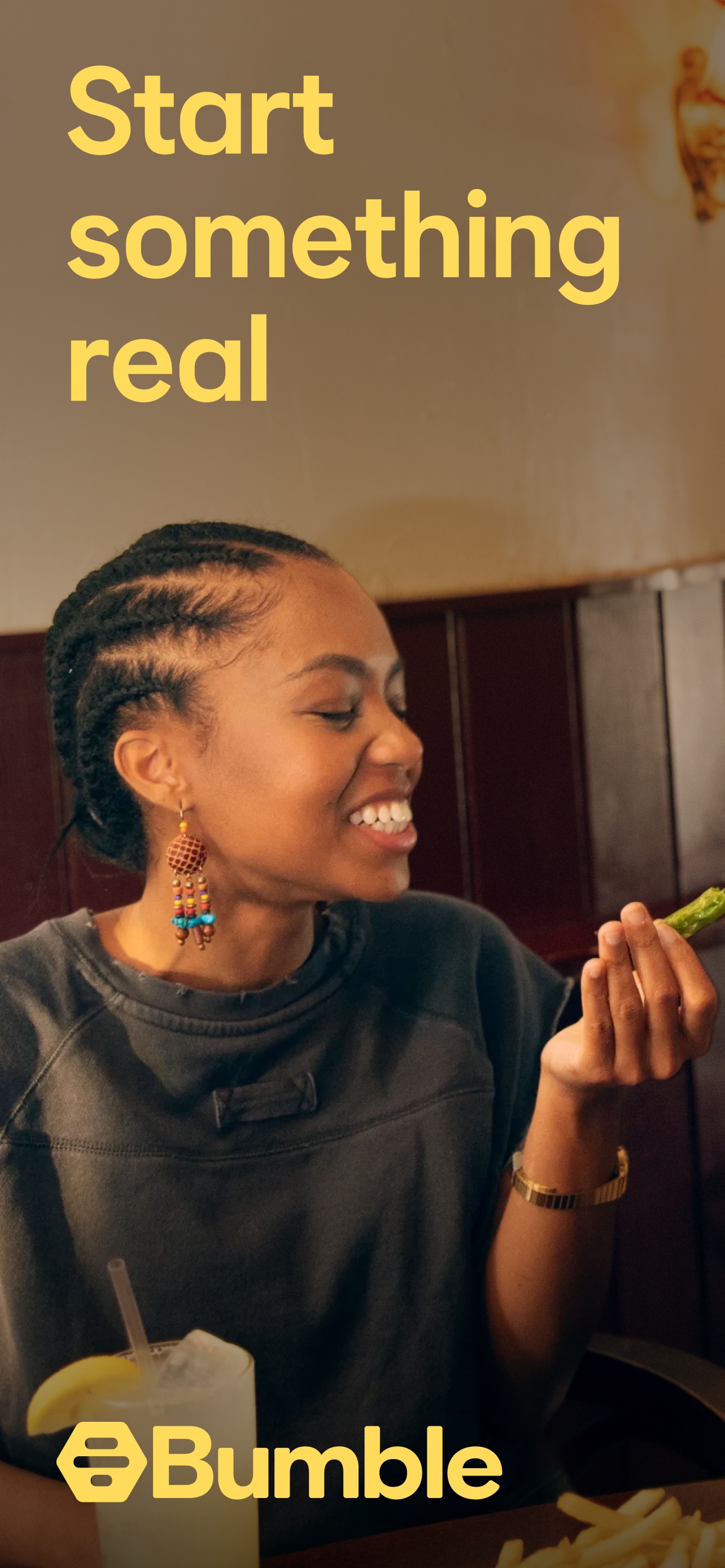
Bumble App Store screenshot: Start something real; panoramic composition with lifestyle content
Bumble iconBumble

Lifestyle

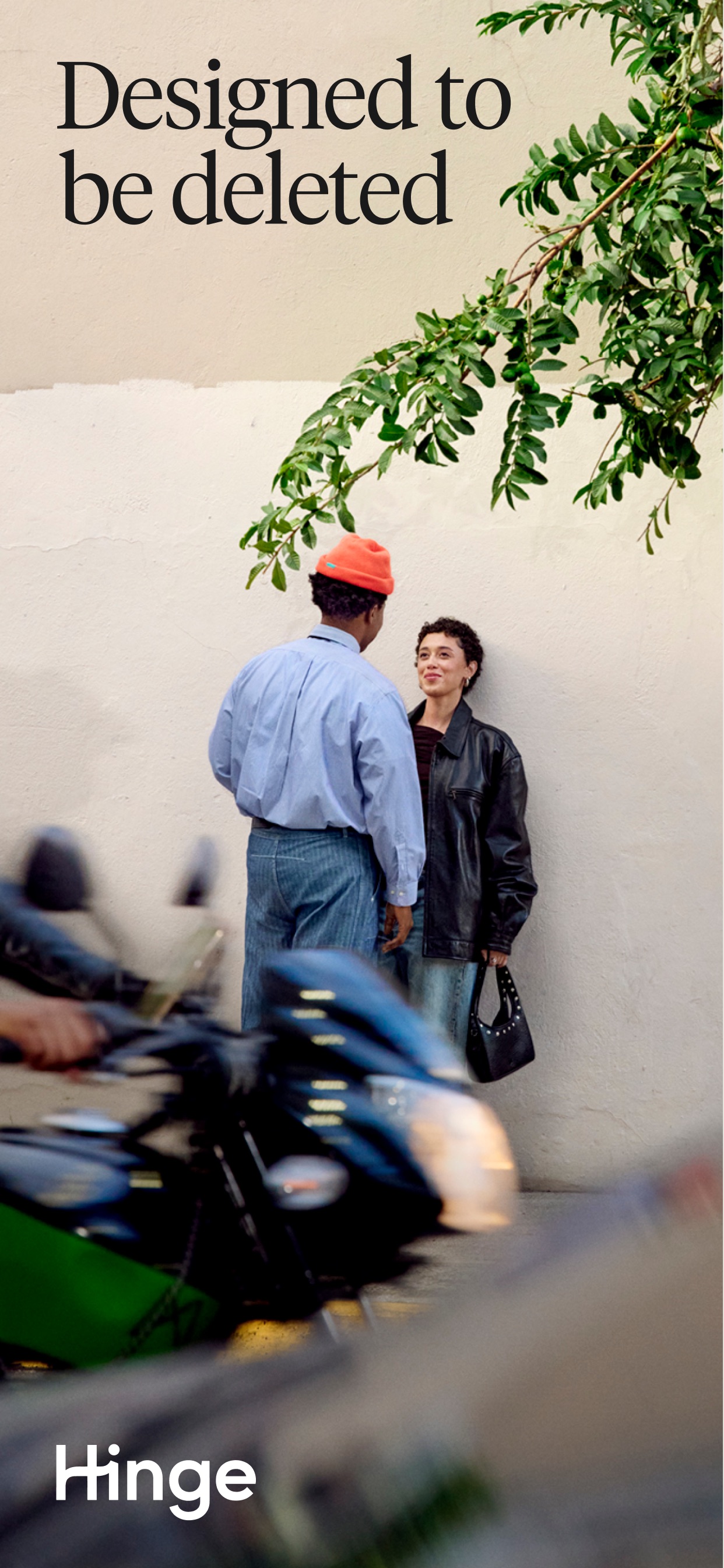
Hinge App Store screenshot: Designed to be deleted; lifestyle photo composition with lifestyle content
Hinge iconHinge

Lifestyle

happn App Store screenshot: Cross paths; panoramic composition with lifestyle content
happn iconhappn

Lifestyle

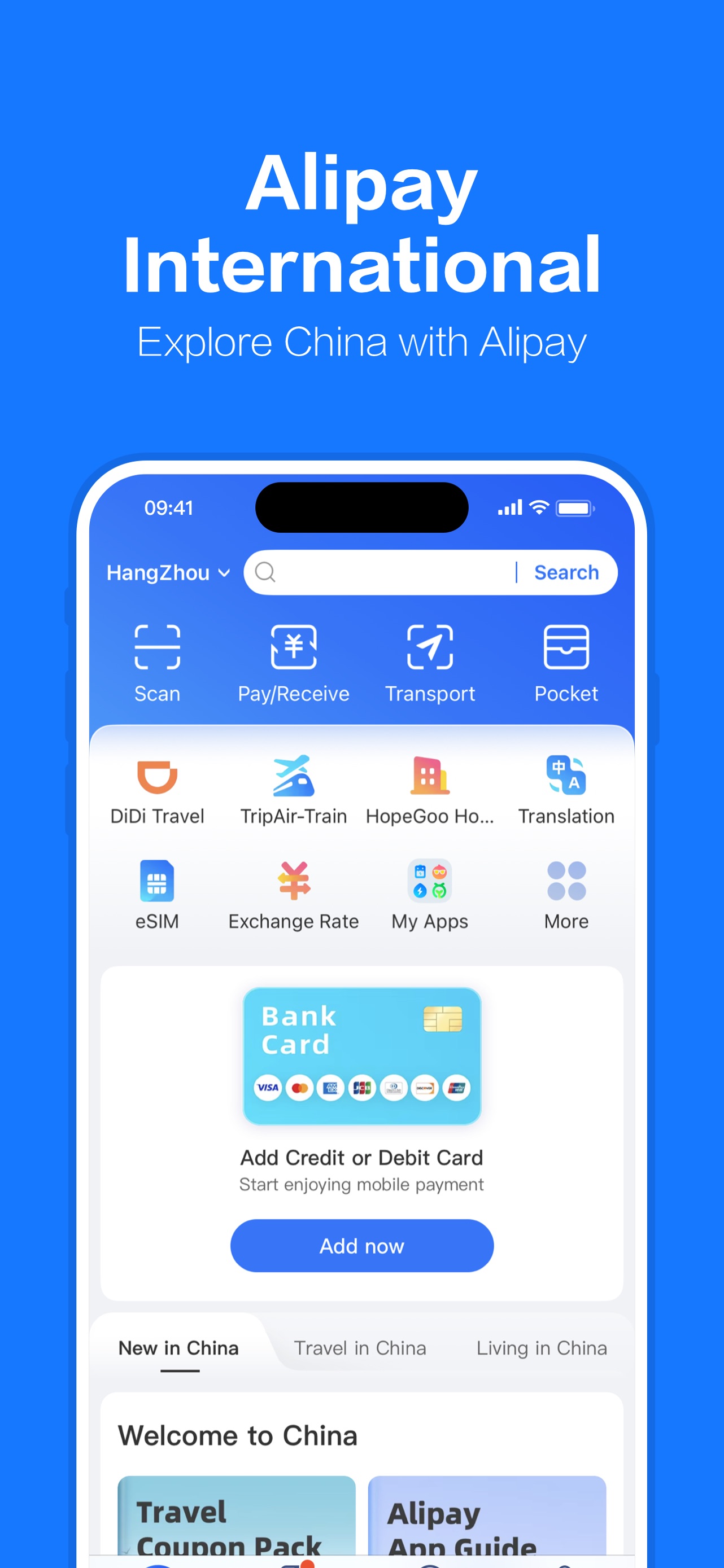
Alipay App Store screenshot: Alipay International
Explore China with Alipay; floating device composition with onboarding content
Alipay iconAlipay

Lifestyle

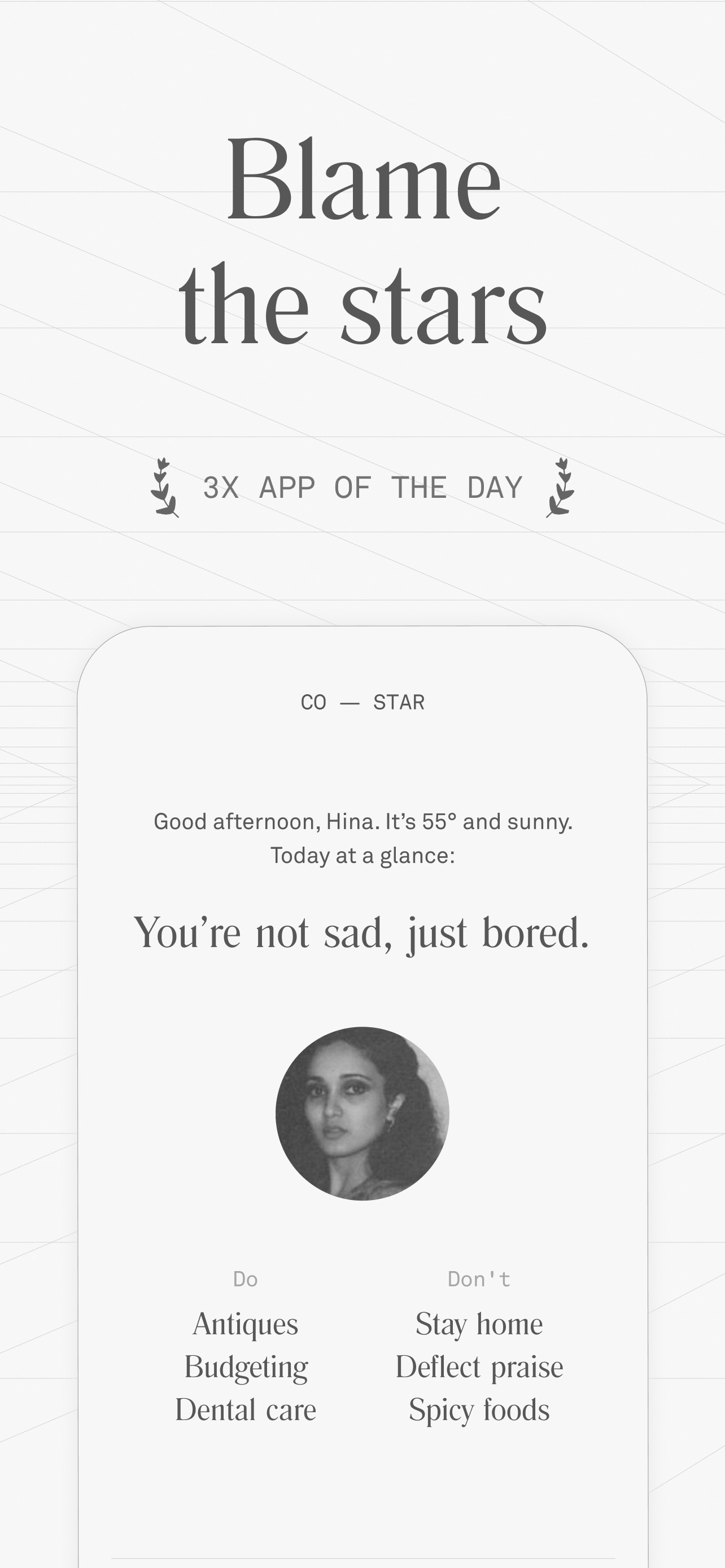
Co–Star App Store screenshot: Blame the stars 3X APP OF THE DAY; floating device composition with social proof content
Co–Star iconCo–Star

Lifestyle

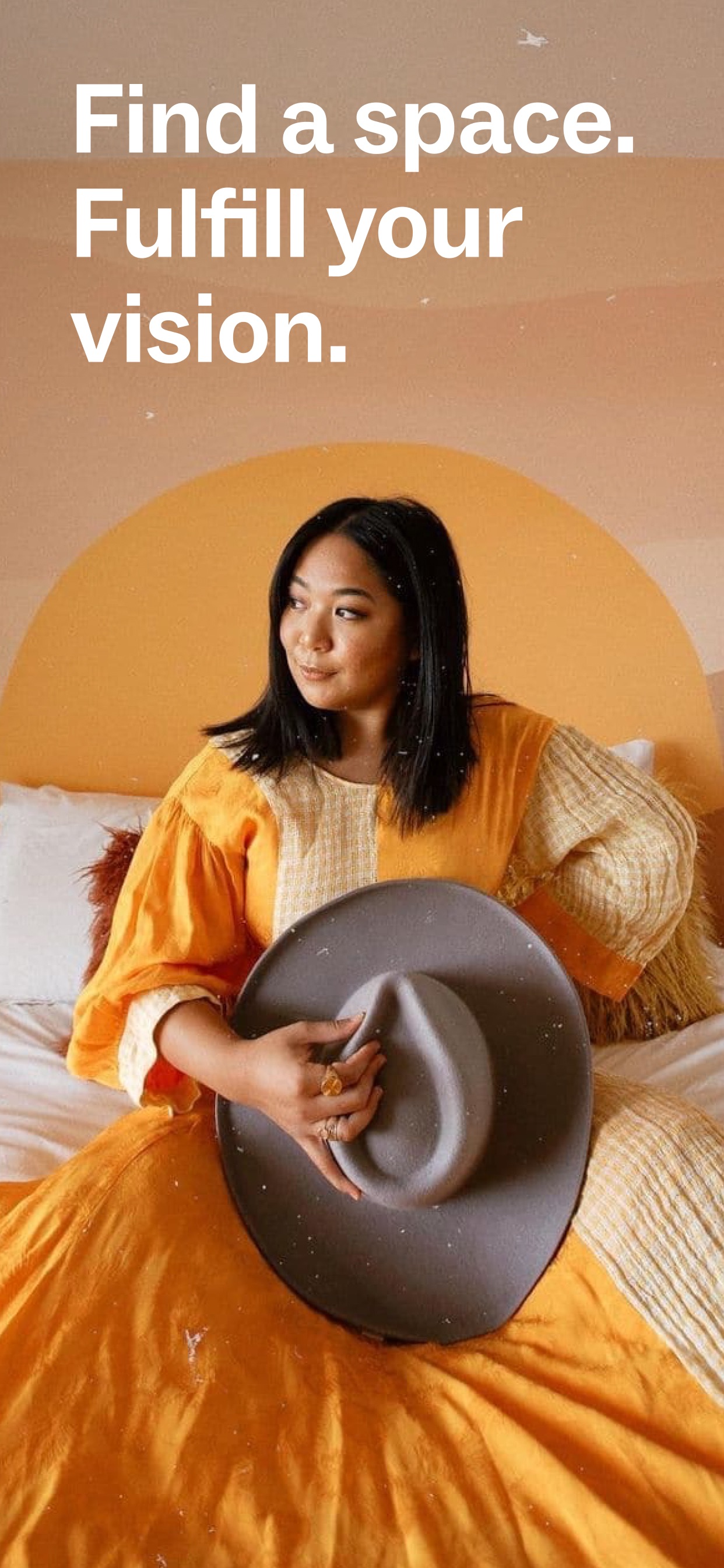
Peerspace App Store screenshot: Find a space. Fulfill your vision.; lifestyle photo composition with lifestyle content
Peerspace iconPeerspace

Lifestyle

Airtasker App Store screenshot: GET ANYTHING DONE; lifestyle photo composition with onboarding content
Airtasker iconAirtasker

Lifestyle

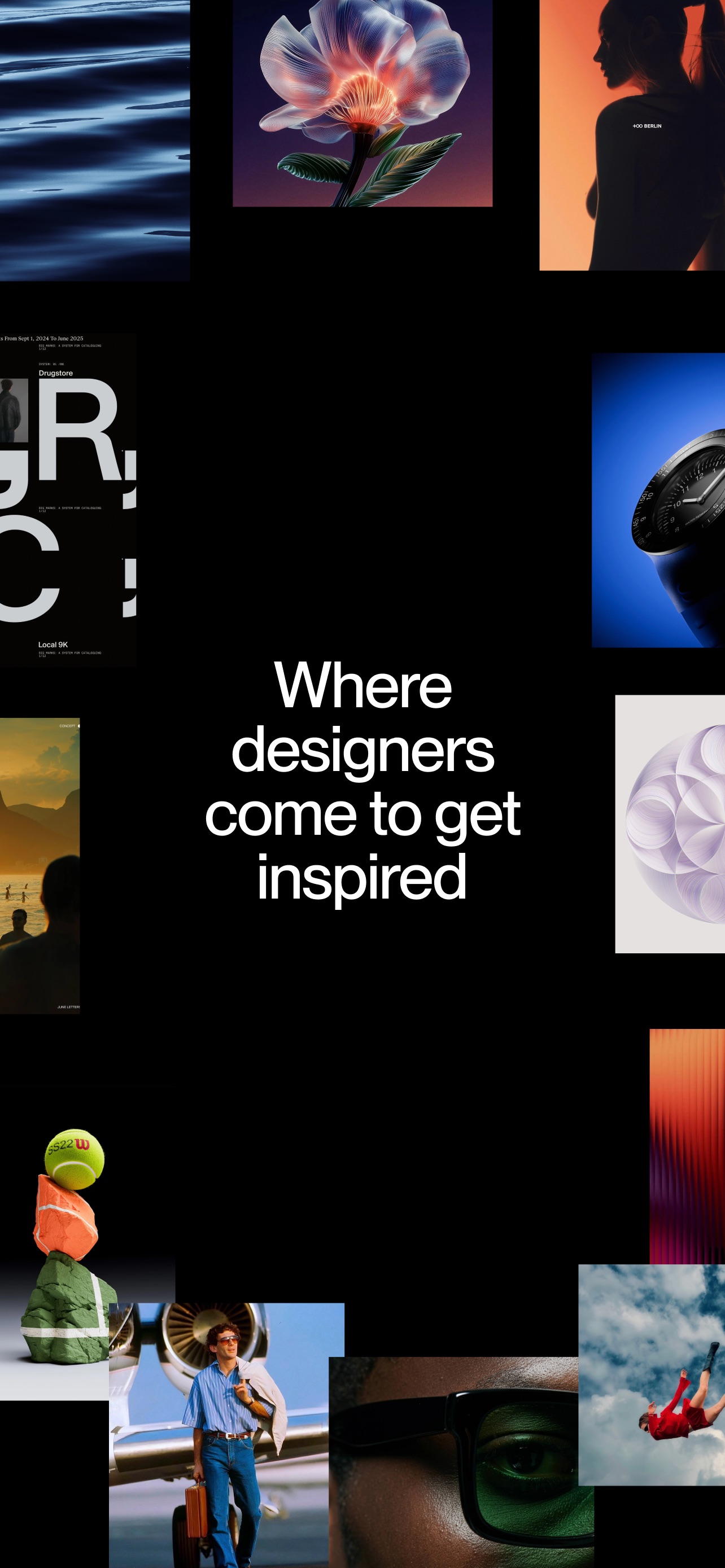
Savee App Store screenshot: Where designers
come to get
inspired; collage composition with ui screenshot content
Savee iconSavee

Lifestyle

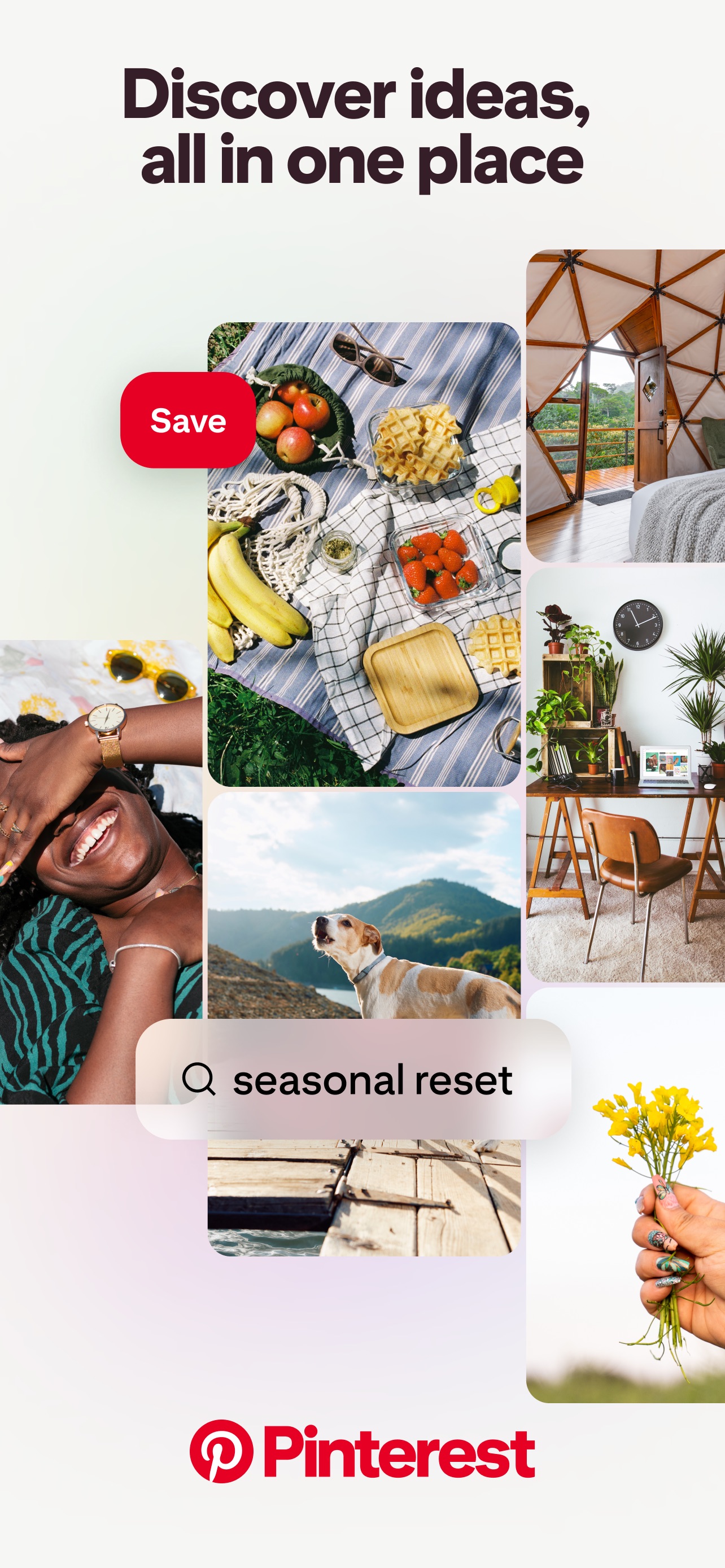
Pinterest App Store screenshot: Discover ideas, all in one place; collage composition with onboarding content
Pinterest iconPinterest

Lifestyle

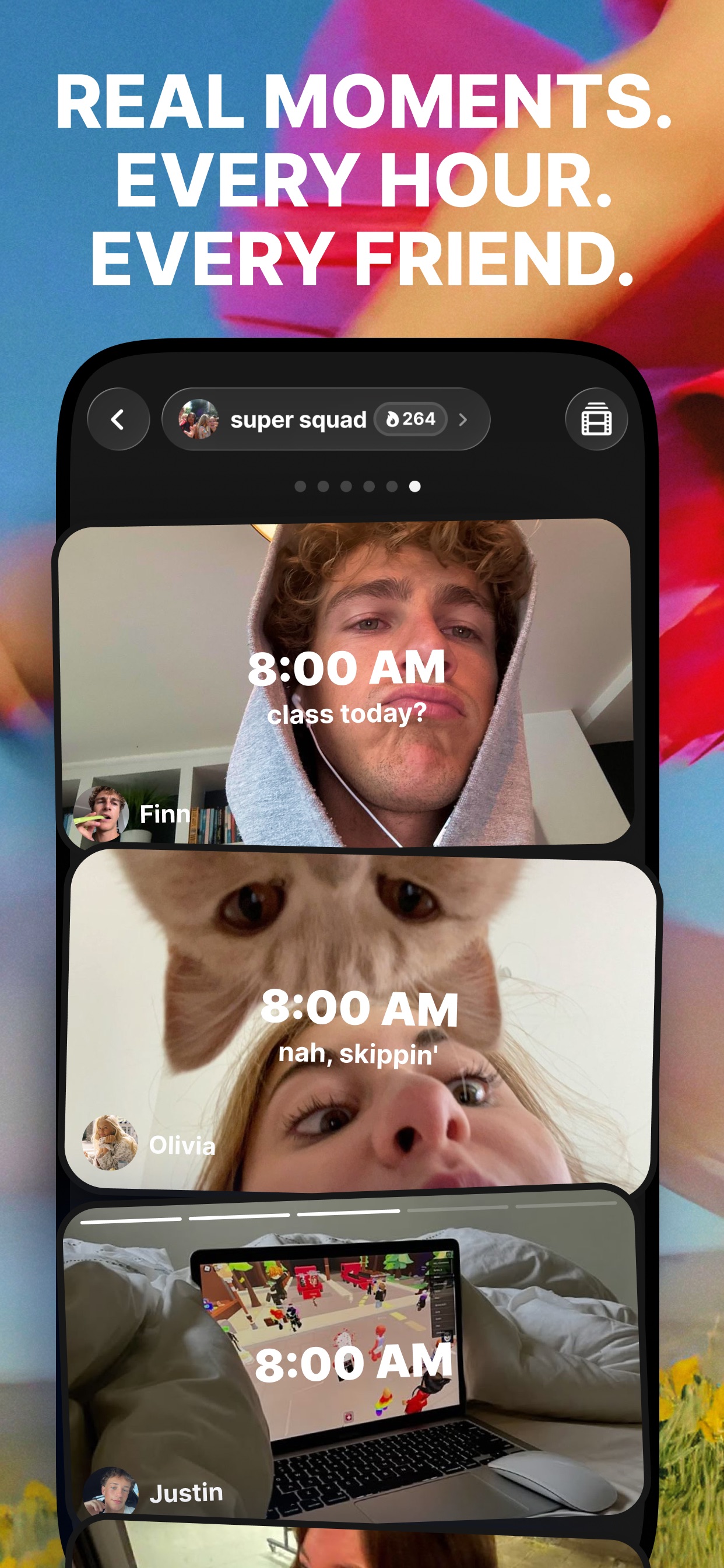
yope App Store screenshot: REAL MOMENTS. EVERY HOUR. EVERY FRIEND.; floating device composition with ui screenshot content
yope iconyope

Lifestyle

Source and method. Screenshots come from the US App Store listing and are preserved in Screenspo's curated corpus. Layout, caption, content, background, and palette observations are derived from the visible listing artwork. Typeface names are not inferred; transcribed copy, tone, and position are the supported typography evidence, while layout tags record composition and device treatment.