Screenspo
AppsPatternsColorsGuidesMCP
Screenspo·App Store design, organized

built by starterlyst 💚

  1. Home
  2. All categories
  3. Business App Store screenshots

App category

Business App Store screenshots

Explore how 15 curated business apps present features, product UI, and trust across their App Store screenshot sets.

Corpus findings

What this collection shows

In 15 representative listing screenshots, floating device is the most common composition and device treatment (7 examples). 100% use visible caption copy and 13% use a dark visual mode.

Most represented categories: Business (15).

monday.comDeliver your best work with monday.comToggl Tracktoggl track It’s time to get your team on TrackShiptGet paid to shop. Reach your goals, pay off debt, and help your community.

Browse examples

15 apps

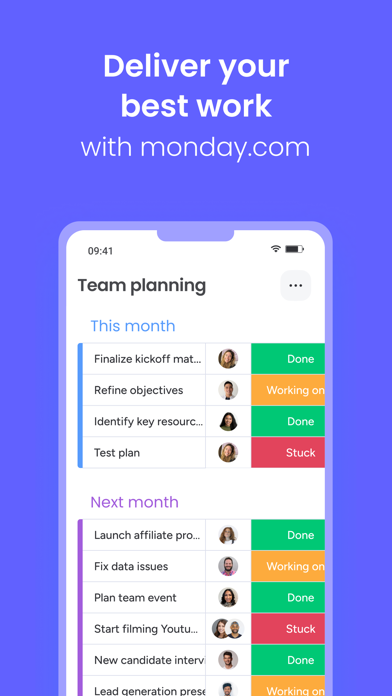
monday.com App Store screenshot: Deliver your best work with monday.com; floating device composition with onboarding content
monday.com iconmonday.com

Business

Toggl Track App Store screenshot: toggl track It’s time to get your team on Track; text only composition with onboarding content
Toggl Track iconToggl Track

Business

Shipt App Store screenshot: Get paid to shop.
Reach your goals, pay off debt, and help your community.; lifestyle photo composition with lifestyle content
Shipt iconShipt

Business

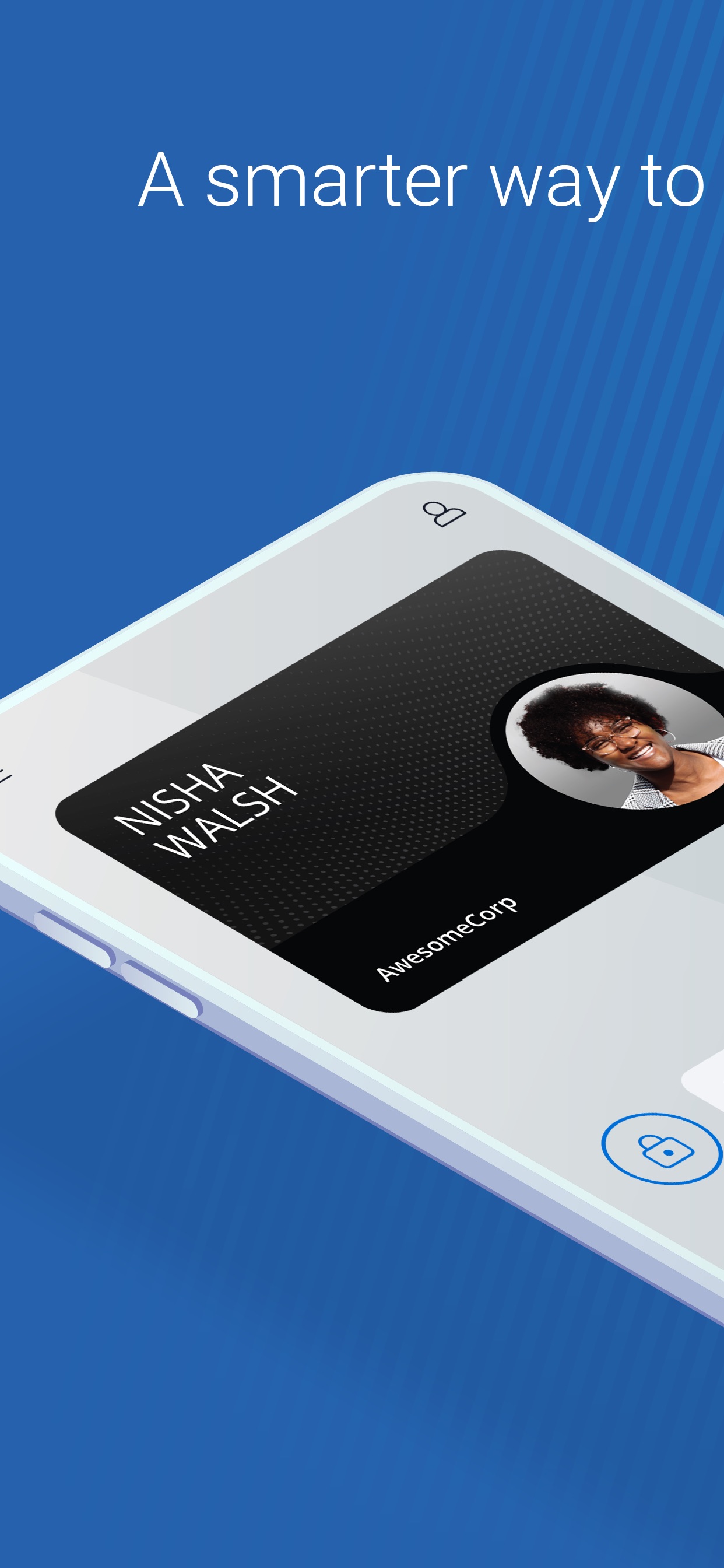
Open App Store screenshot: A smarter way to; panoramic composition with ui screenshot content
Open iconOpen

Business

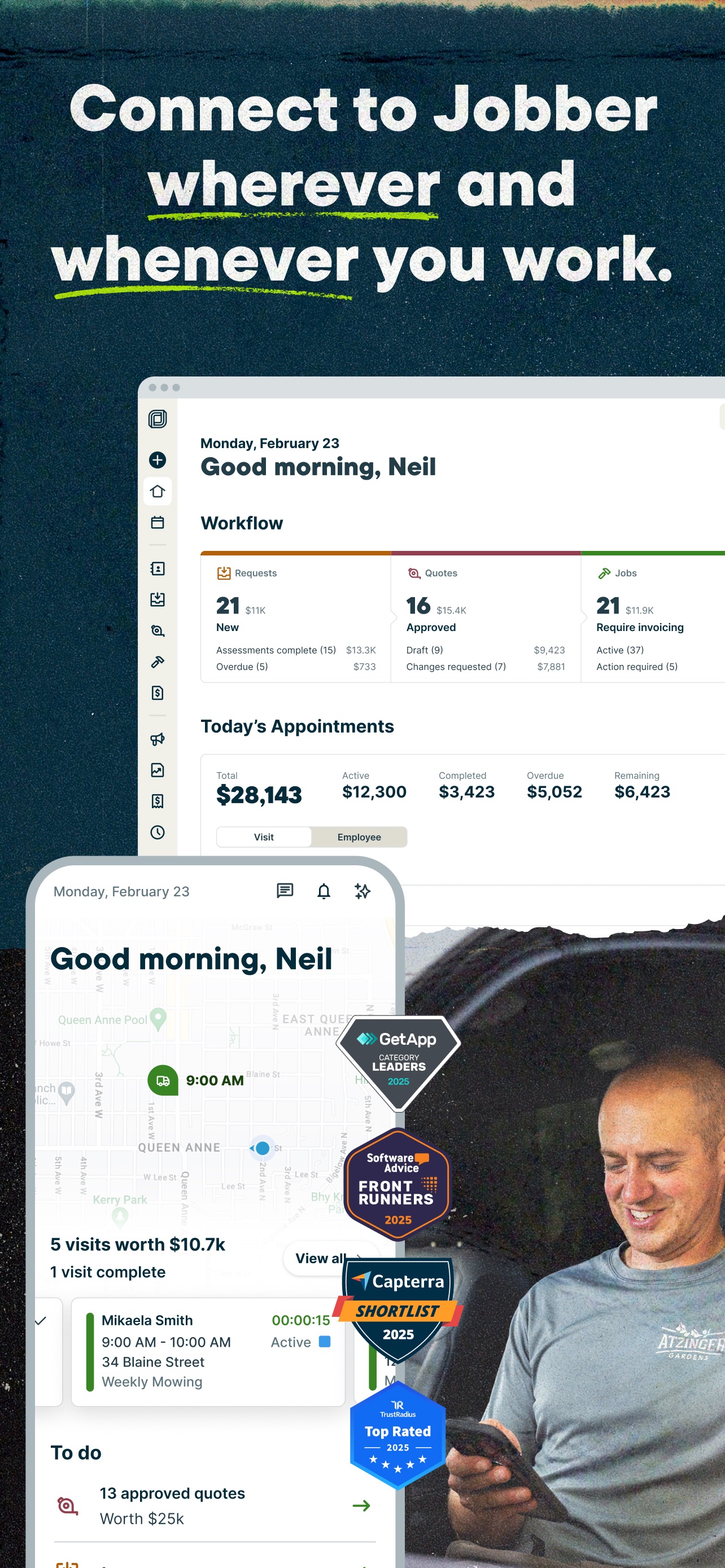
Jobber App Store screenshot: Connect to Jobber wherever and whenever you work.; collage composition with onboarding content
Jobber iconJobber

Business

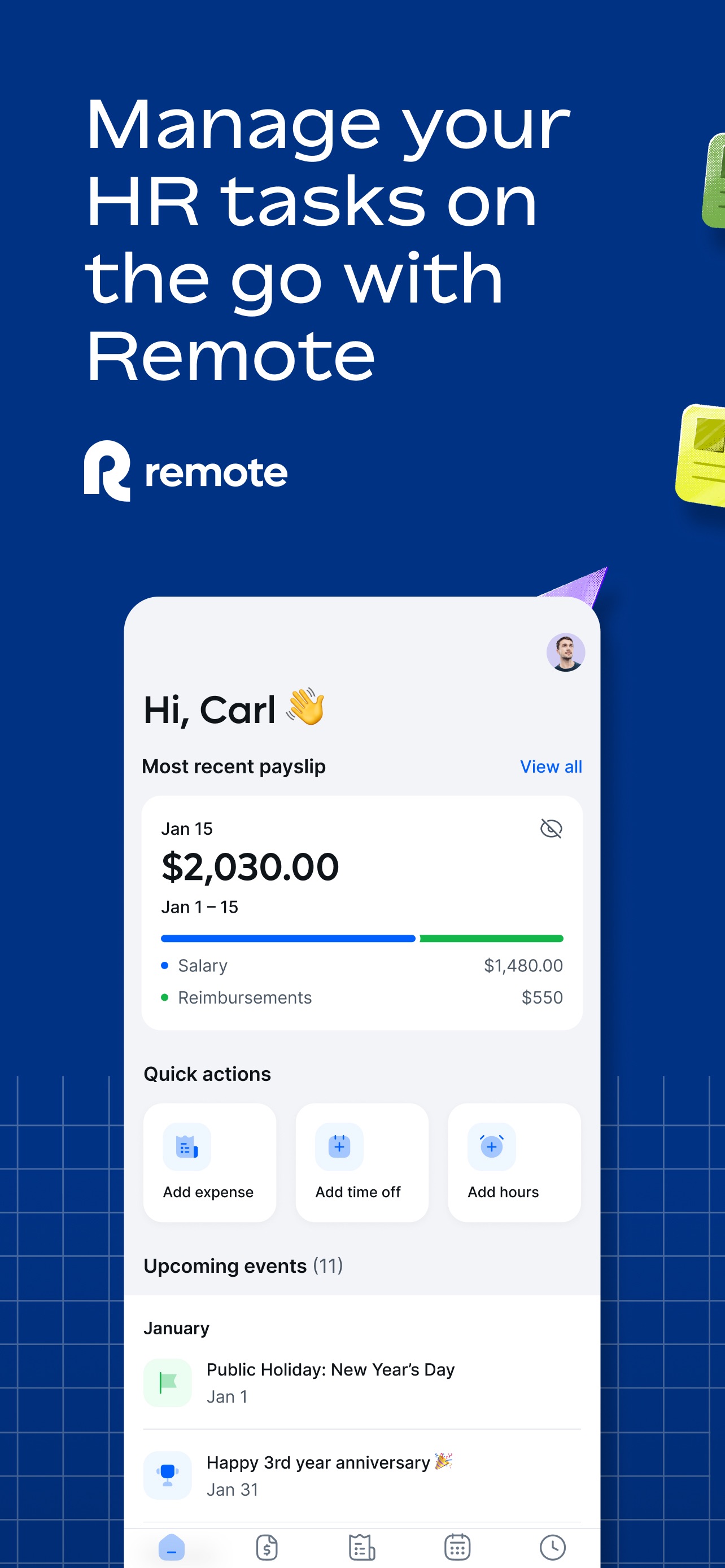
Remote Global HR App Store screenshot: Manage your HR tasks on the go with Remote; floating device composition with ui screenshot content
Remote Global HR iconRemote Global HR

Business

Upwork App Store screenshot: Hire, work, or both - all in one place; text only composition with onboarding content
Upwork iconUpwork

Business

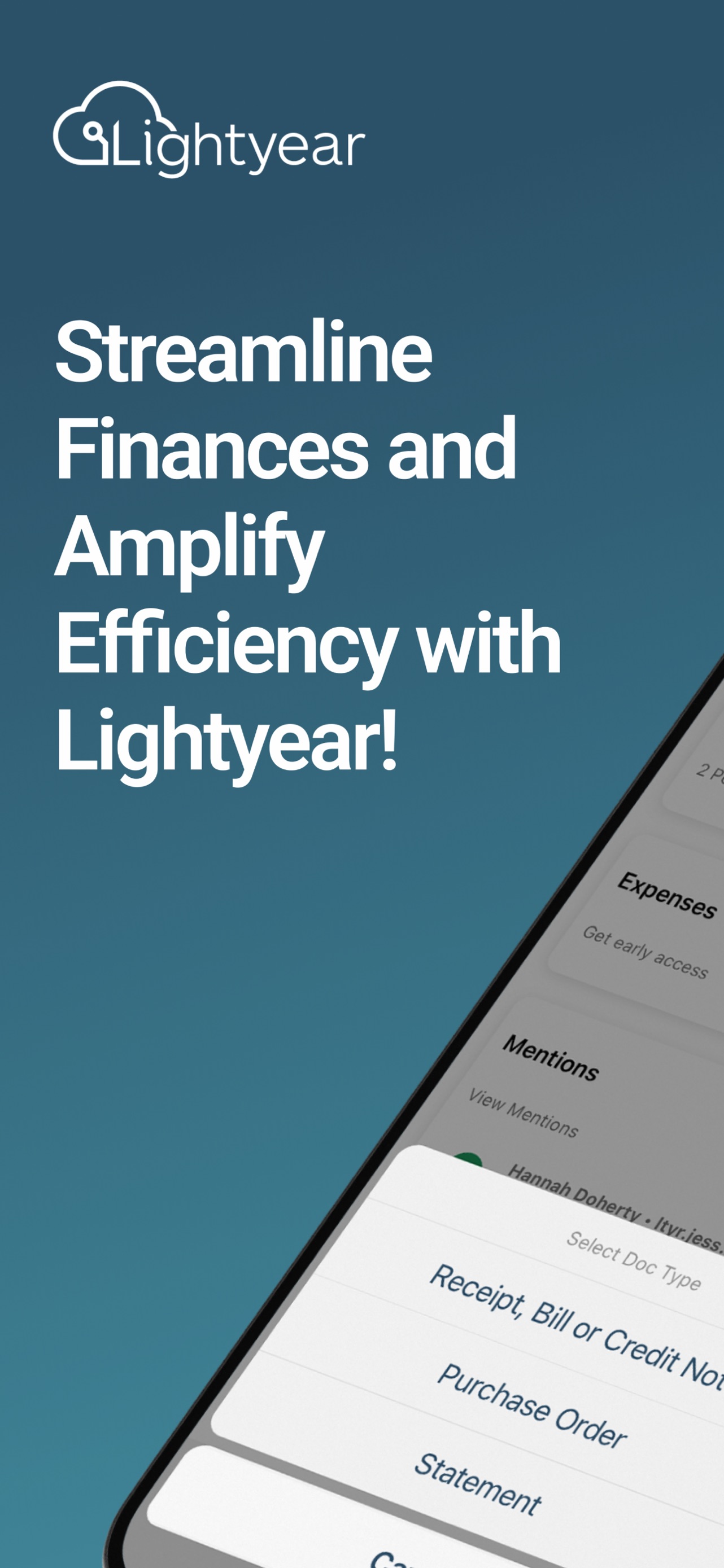
Lightyear App Store screenshot: Streamline Finances and Amplify Efficiency with Lightyear!; device in hand composition with onboarding content
Lightyear iconLightyear

Business

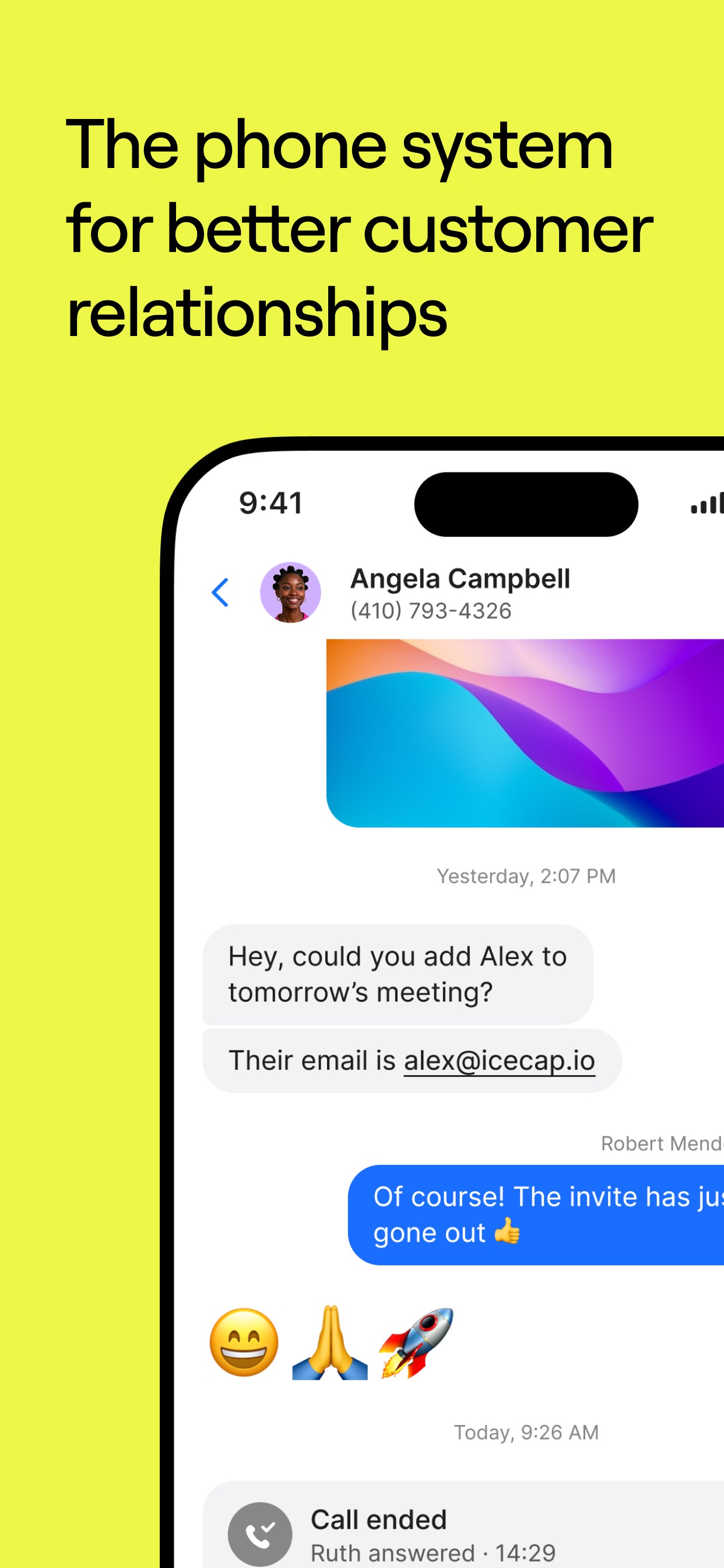
OpenPhone App Store screenshot: The phone system for better customer relationships; floating device composition with ui screenshot content
OpenPhone iconOpenPhone

Business

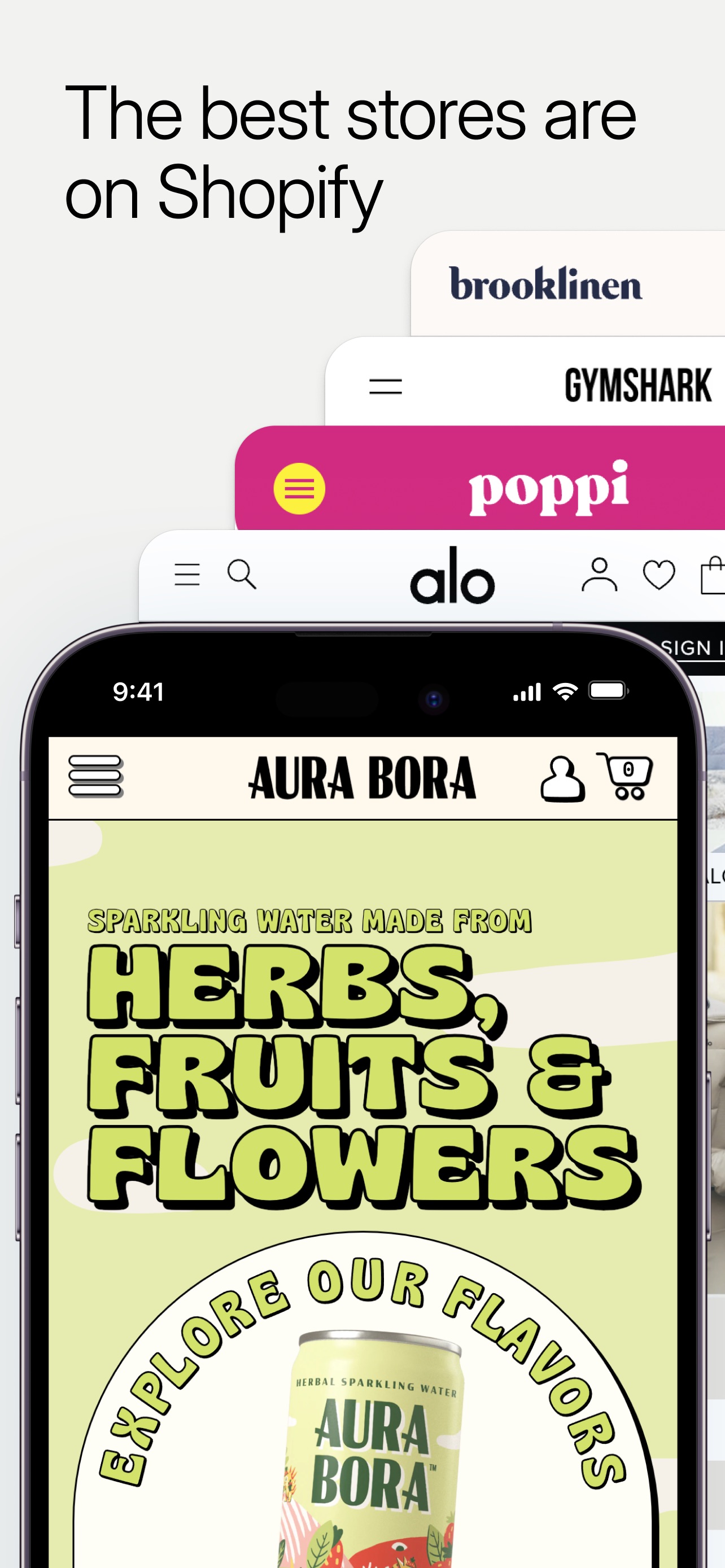
Shopify App Store screenshot: The best stores are on Shopify; collage composition with social proof content
Shopify iconShopify

Business

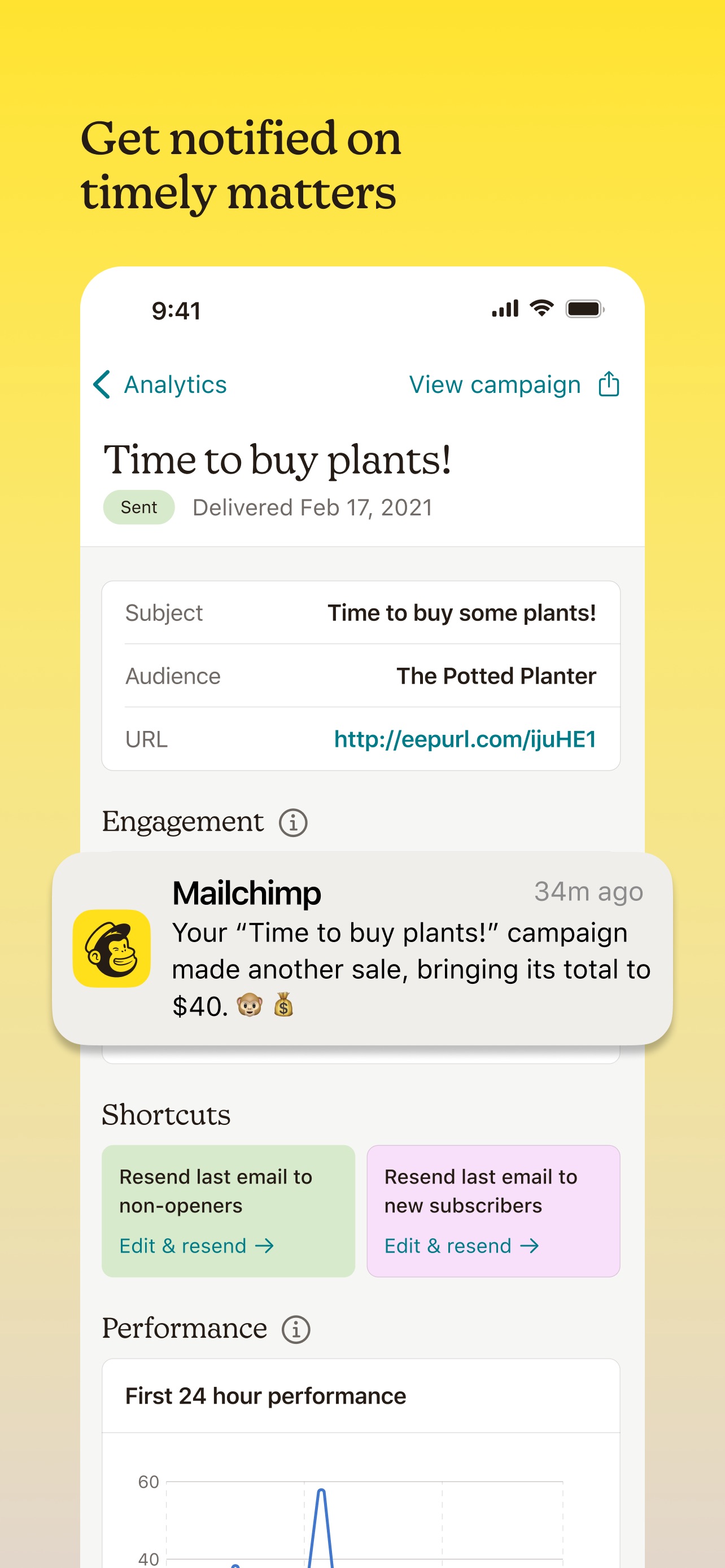
Mailchimp App Store screenshot: Get notified on timely matters; floating device composition with feature callout content
Mailchimp iconMailchimp

Business

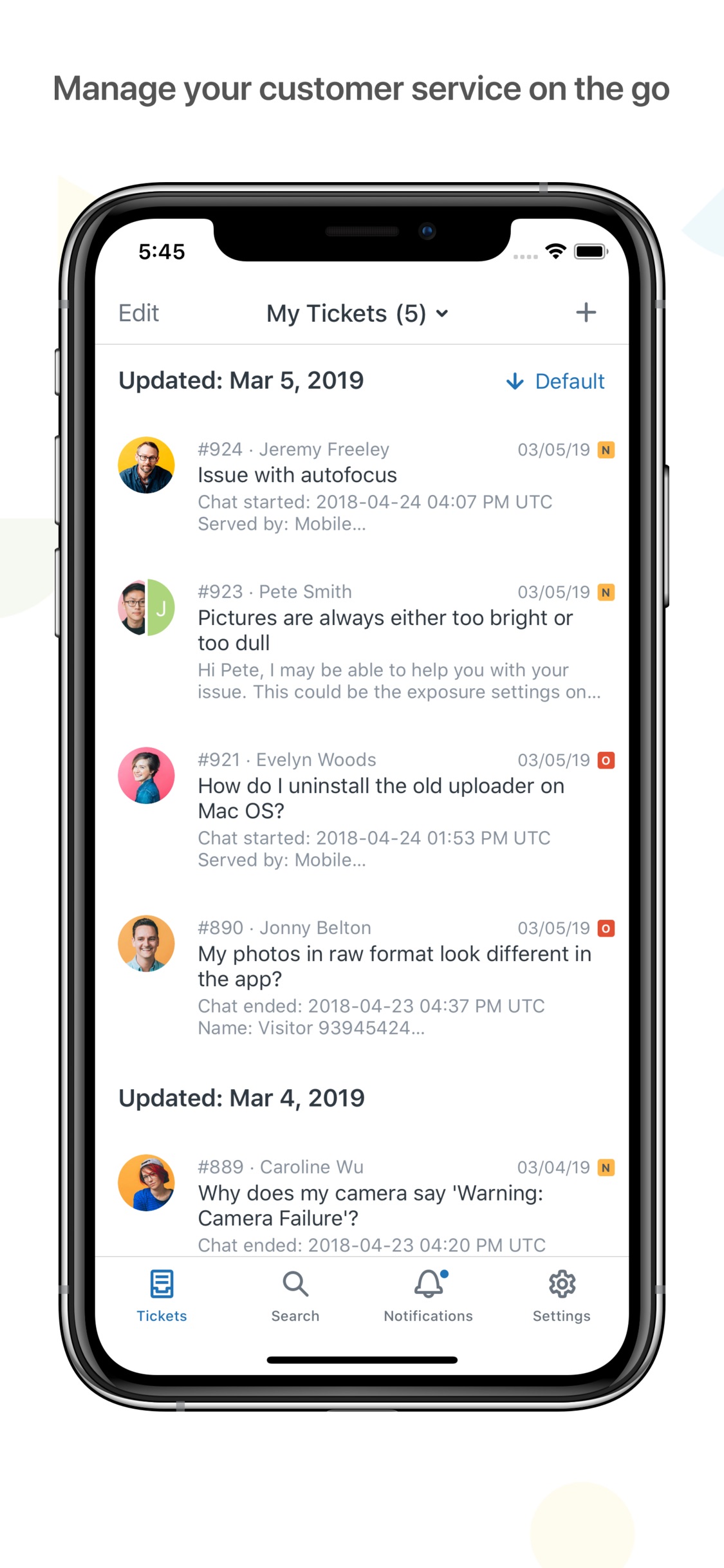
Zendesk Support App Store screenshot: Manage your customer service on the go; floating device composition with ui screenshot content
Zendesk Support iconZendesk Support

Business

LinkedIn App Store screenshot: The network that works for you; lifestyle photo composition with lifestyle content
LinkedIn iconLinkedIn

Business

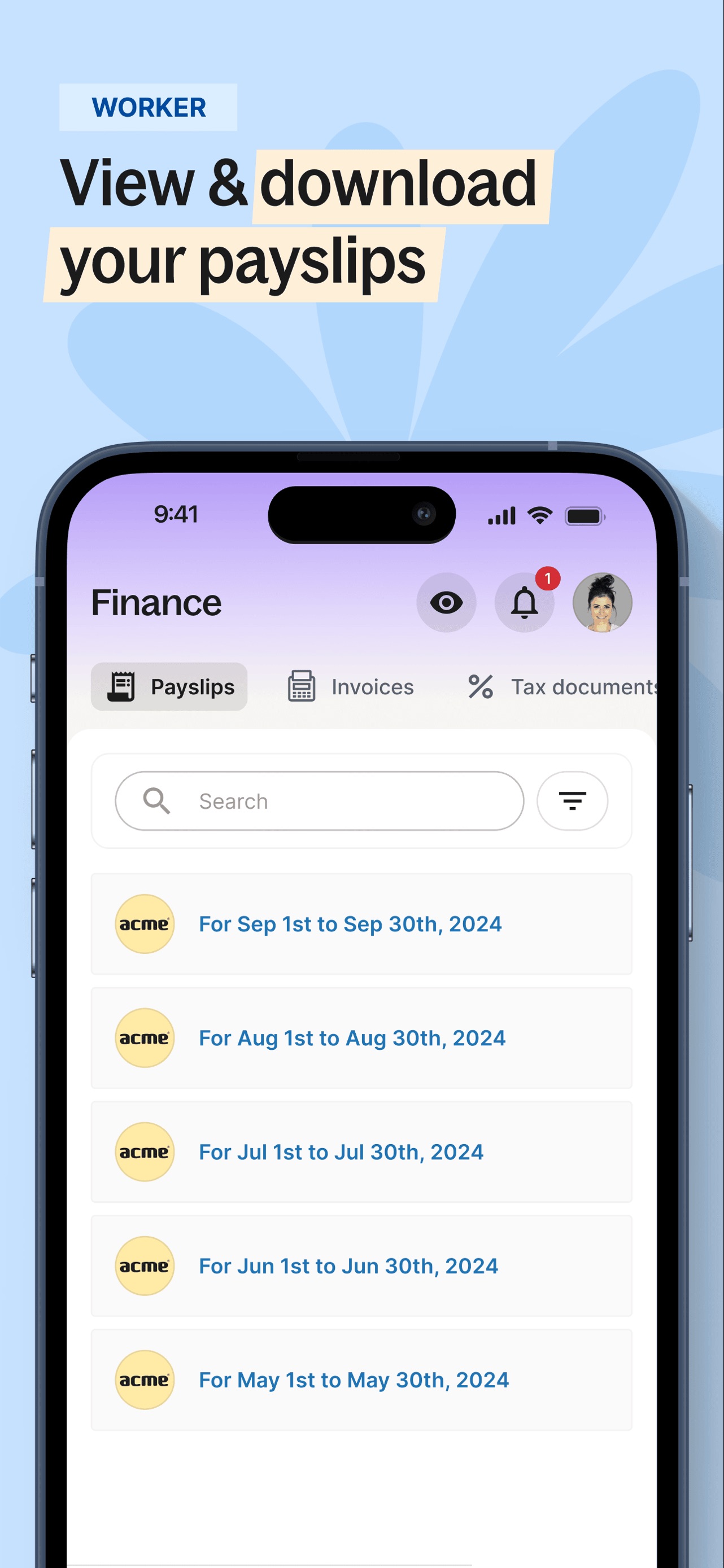
Deel App Store screenshot: View & download your payslips; floating device composition with ui screenshot content
Deel iconDeel

Business

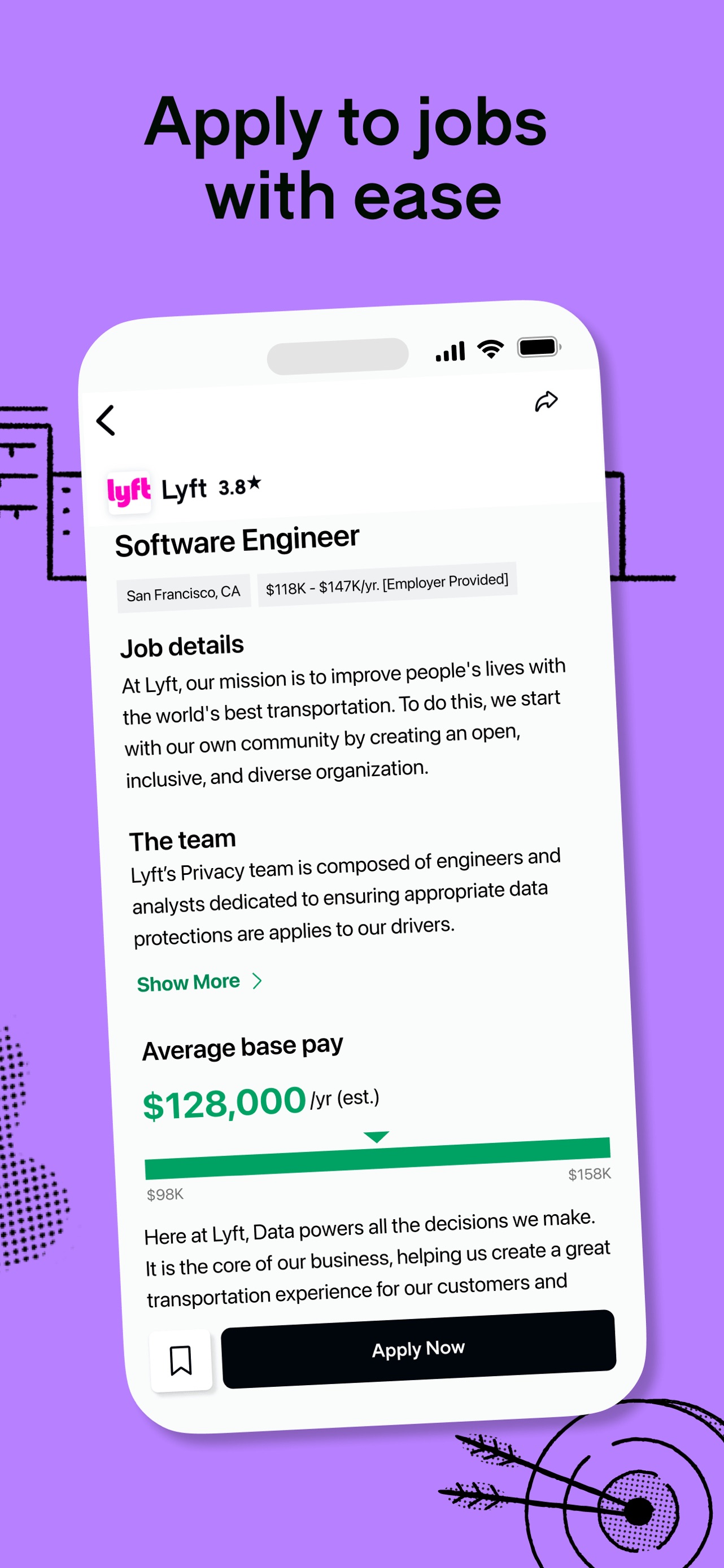
Glassdoor App Store screenshot: Apply to jobs with ease; floating device composition with ui screenshot content
Glassdoor iconGlassdoor

Business

Source and method. Screenshots come from the US App Store listing and are preserved in Screenspo's curated corpus. Layout, caption, content, background, and palette observations are derived from the visible listing artwork. Typeface names are not inferred; transcribed copy, tone, and position are the supported typography evidence, while layout tags record composition and device treatment.