
View on App Store
4.8
2.8K ratingsScreenshot story
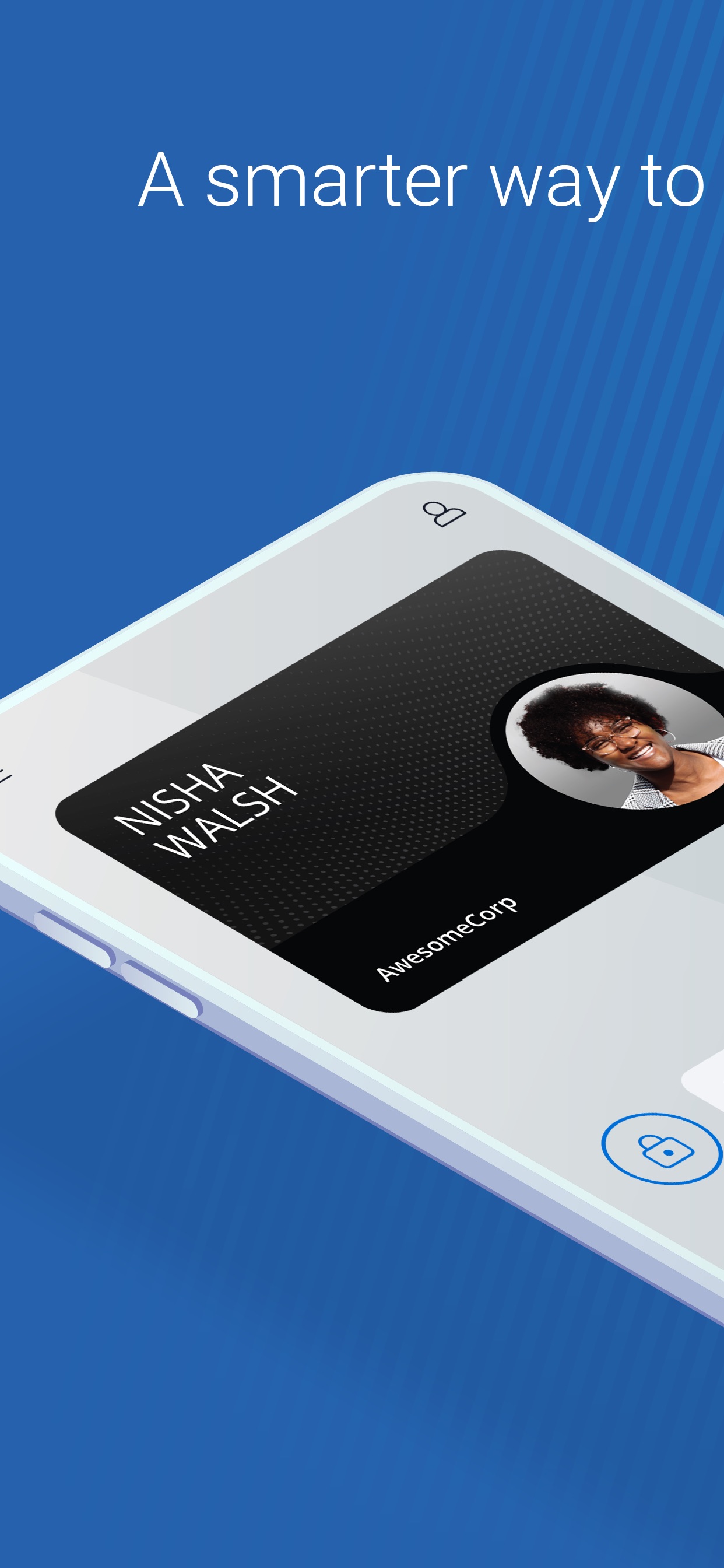
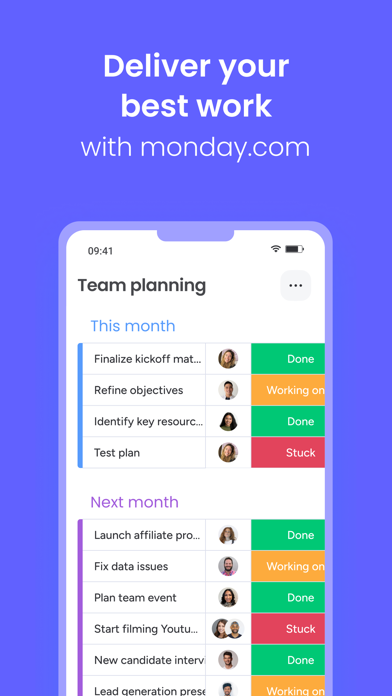
The screenshots create a dual-sided story: slides 1-3 focus on the 'Worker' experience (pay, time off, and withdrawals), while slides 4-6 target the 'Client' experience (approvals, team management, and payroll).
iPhone gallery
The complete screenshot set
Select any frame to study its layout, content, and palette.
Observed in the listing
Frame-by-frame listing evidence
Across 6 frames, Deel most often uses floating device composition and device treatment with illustrated backgrounds. 6 frames include visible caption copy.
Frame 1
View & download your payslips
- Composition / device
- floating device
- Content
- ui screenshot
- Background
- illustrated
- Copy treatment
- top, benefit led, direct
Frame 2
Manage your PTO & OOOs
- Composition / device
- floating device
- Content
- ui screenshot
- Background
- illustrated
- Copy treatment
- top, functional, clear
Frame 3
Check & withdraw your balance
- Composition / device
- floating device
- Content
- ui screenshot
- Background
- illustrated
- Copy treatment
- top, action oriented, empowering
Frame 4
Handle time-sensitive action items
- Composition / device
- floating device
- Content
- ui screenshot
- Background
- illustrated
- Copy treatment
- top, urgent, helpful
Frame 5
Keep up with your entire team
- Composition / device
- floating device
- Content
- ui screenshot
- Background
- illustrated
- Copy treatment
- top, management led, organized
Frame 6
Review & approve payments
- Composition / device
- floating device
- Content
- ui screenshot
- Background
- illustrated
- Copy treatment
- top, authoritative, efficient
Explore by detail
Study the system behind the set
Design analysis
What makes this set work
Deel utilizes a clever segmentation strategy by explicitly tagging each screenshot as either 'Worker' or 'Client' in the top-left corner. This approach allows them to market to two distinct personas simultaneously without confusing the user. The aesthetic is built on a high-contrast 'highlight' effect where captions are placed over a cream-colored block, mimicking physical stationary. The background color shifts dramatically with each slide to maintain engagement, yet the lavender-to-white gradient inside the device mockup remains consistent, creating a cohesive brand anchor. Designers should note the use of clear, actionable headings and a simplified UI that hides dense payroll data in favor of clean cards and status badges.
Keep exploring