
View on App Store
4.9
2.9M ratingsScreenshot story
Apple Music hooks users with its massive ad-free catalog before showcasing unique tools for creation, immersive playback features, and technical superiority. It concludes by highlighting the added value of exclusive radio content and industry access that elevates it beyond a mere streaming utility.
iPhone gallery
The complete screenshot set
Select any frame to study its layout, content, and palette.
Observed in the listing
Frame-by-frame listing evidence
Across 6 frames, Apple Music most often uses floating device composition and device treatment with solid backgrounds. 6 frames include visible caption copy.
Frame 1
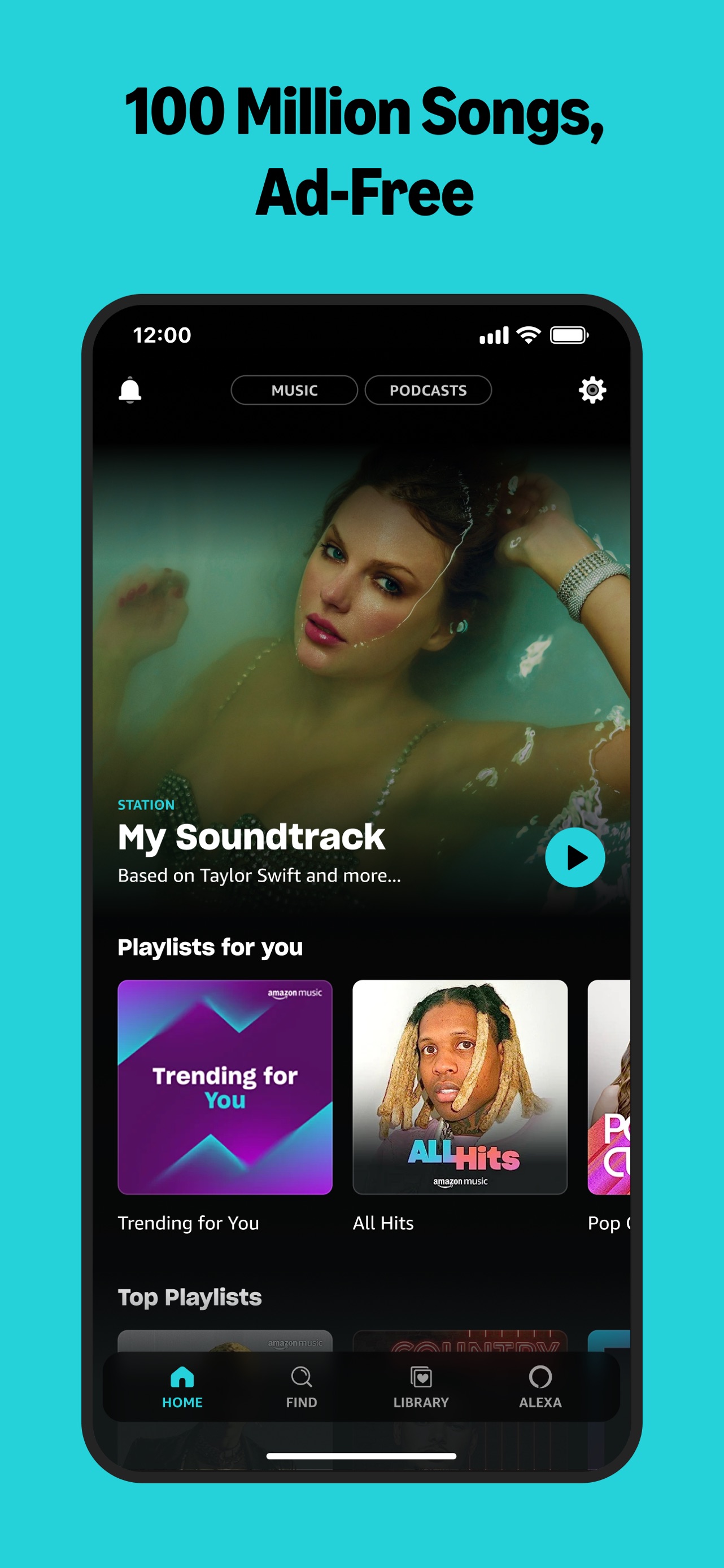
The app that's all about music. Over 100 million songs, ad-free.
- Composition / device
- floating device
- Content
- onboarding
- Background
- solid
- Copy treatment
- top, benefit led, direct
Frame 2
Create New Playlists in Seconds. Turn ideas into playlists with Playlist Playground.
- Composition / device
- floating device
- Content
- feature callout
- Background
- solid
- Copy treatment
- top, instructional, creative
Frame 3
It's not karaoke. It's better. Real-time lyrics. Now with translations.
- Composition / device
- floating device
- Content
- feature callout
- Background
- solid
- Copy treatment
- top, assertive, feature focused
Frame 4
Like a DJ AutoMix seamlessly transitions between songs.
- Composition / device
- floating device
- Content
- feature callout
- Background
- solid
- Copy treatment
- top, clever, punchy
Frame 5
Feel every sound. With the highest audio quality.
- Composition / device
- floating device
- Content
- feature callout
- Background
- solid
- Copy treatment
- top, sensory, aspirational
Frame 6
Exclusive Access. Interviews, performances and more.
- Composition / device
- floating device
- Content
- feature callout
- Background
- solid
- Copy treatment
- top, authoritative, exclusive
Explore by detail
Study the system behind the set
Design analysis
What makes this set work
Apple Music utilizes a highly structured, Apple-standard screenshot system. By placing the UI within a centered floating device against a neutral off-white background, the focus remains entirely on the vibrant, high-contrast album art and interface. The copywriting is distinctively Apple: bold red titles that lead with a punchy benefit, followed by a clarifying subtitle. Each screen highlights a specific differentiator-from 'Playlist Playground' to 'Spatial Audio'-proving the app is more than just a library. Designers can learn from the 'dynamic-mode' showcase, which alternates between light and dark UI based on content types to maximize visual impact. The strategy balances technical excellence with emotional, content-driven appeal.
Keep exploring