Screenspo
AppsPatternsColorsGuidesMCP
ScreenspoยทApp Store design, organized

built by starterlyst ๐Ÿ’š

/Guides

Current App Store Connect reference

App Store screenshot sizes for 2026

Use two high-resolution exports for most iOS apps, then add device-specific sets only when the interface truly differs.
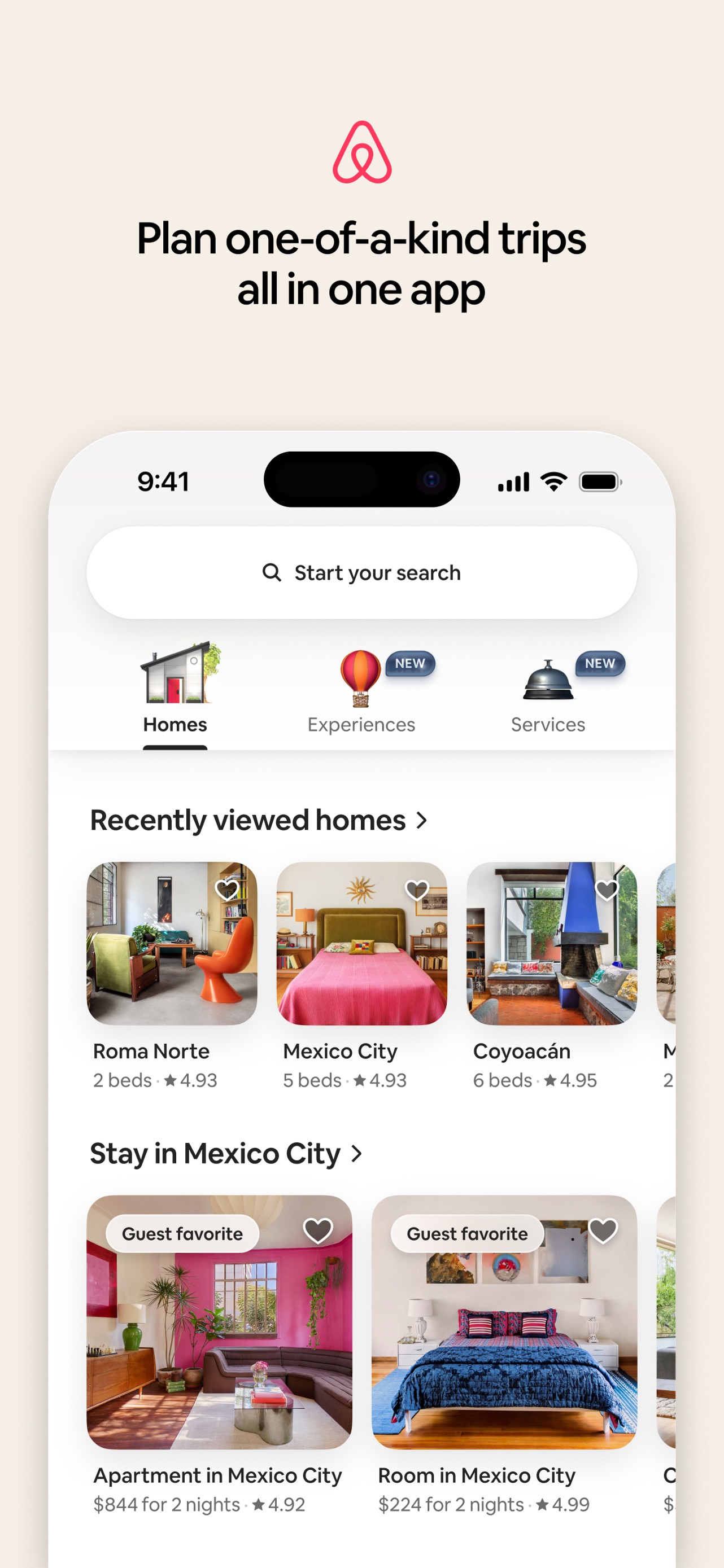
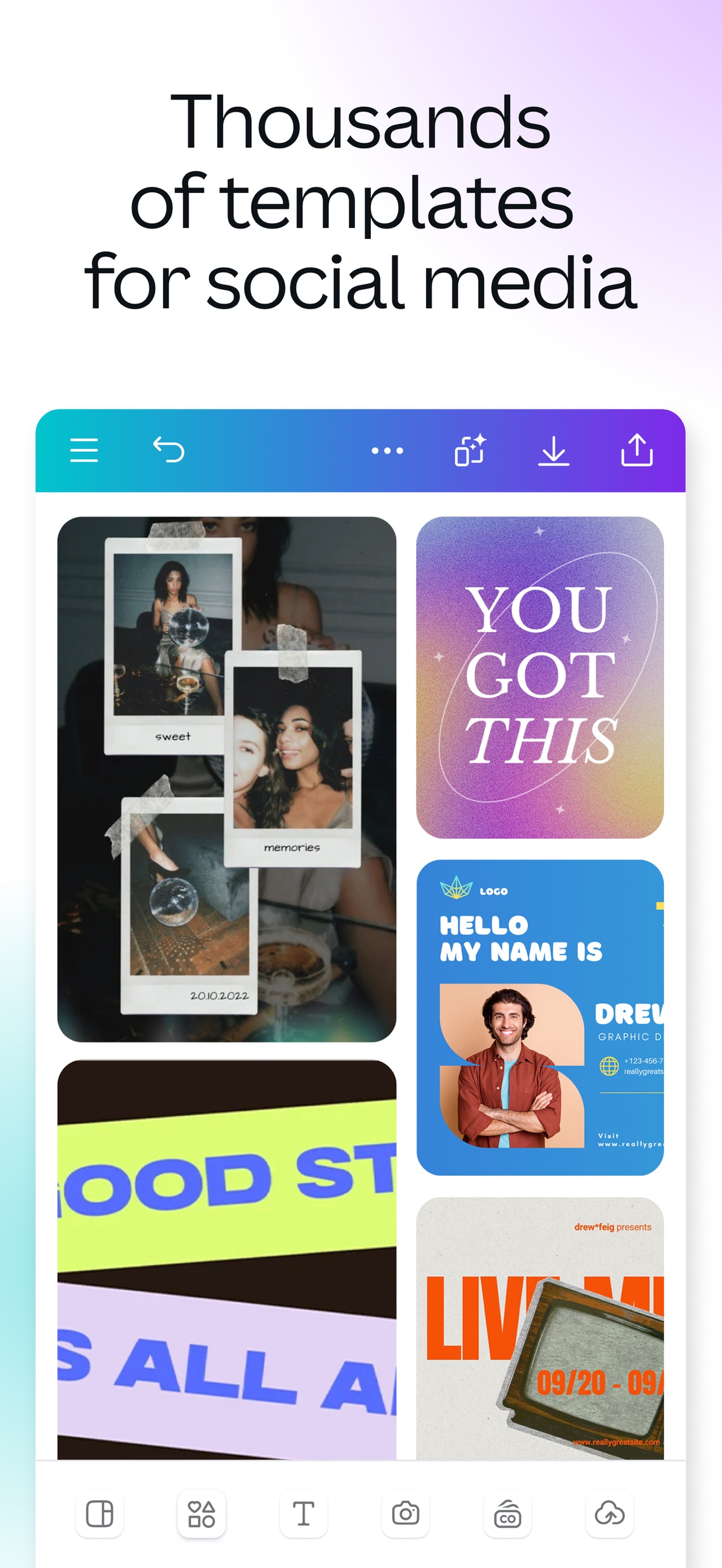
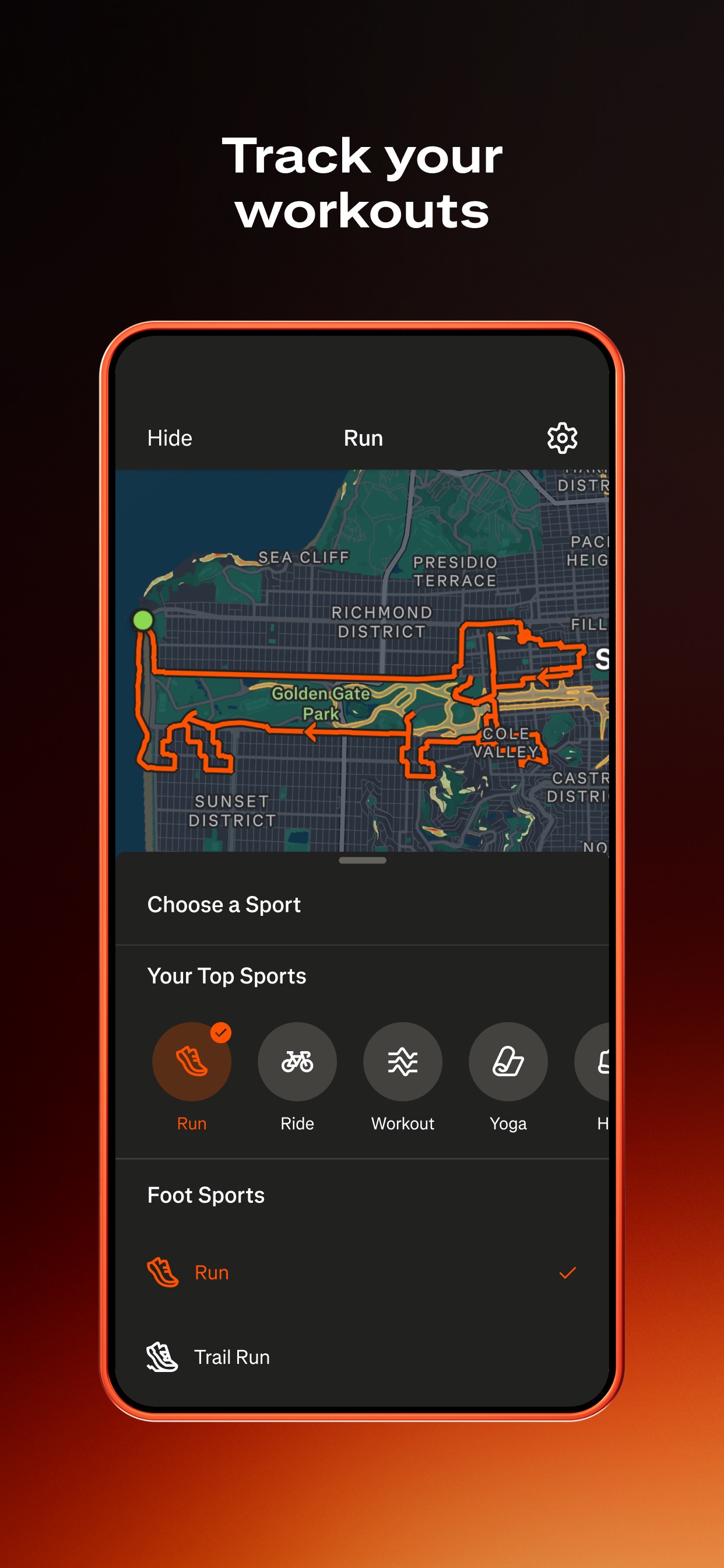
Airbnb App Store screenshot: Plan one-of-a-kind trips all in one appCanva App Store screenshot: Thousands of templates for social mediaStrava App Store screenshot: Track your workouts

The short answer

Start with these two canvases

iPhone 6.9-inch portrait

1320 x 2868 px

The highest-resolution accepted 6.9-inch option. Reverse the dimensions for landscape.

iPad 13-inch portrait

2064 x 2752 px

Required when the app runs on iPad. Reverse the dimensions for landscape.

Upload rules

What App Store Connect accepts

1 to 10 screenshots
JPEG, JPG, or PNG
No alpha channel
Portrait or landscape

Complete reference

Accepted dimensions

Portrait dimensions are listed first. Landscape exports use the matching reverse orientation unless Apple specifies another accepted width.

Current iPhone5 size setsClose

6.9-inch

Primary iPhone export

Portrait
1320 x 2868
Landscape
2868 x 1320

6.9-inch alternatives

Also accepted

Portrait
1290 x 2796 or 1260 x 2736
Landscape
Reverse dimensions

6.5-inch

Used when 6.9-inch is absent

Portrait
1284 x 2778 or 1242 x 2688
Landscape
Reverse dimensions

6.3-inch

Optional custom set

Portrait
1206 x 2622 or 1179 x 2556
Landscape
Reverse dimensions

6.1-inch

Optional custom set

Portrait
1170 x 2532, 1125 x 2436, or 1080 x 2340
Landscape
Reverse dimensions
Current iPad3 size setsClose

13-inch

Required when the app runs on iPad

Portrait
2064 x 2752 or 2048 x 2732
Landscape
2752 x 2064 or 2732 x 2048

11-inch

Optional custom set

Portrait
1488 x 2266, 1668 x 2420, 1668 x 2388, or 1640 x 2360
Landscape
Reverse dimensions

10.5-inch

Legacy accepted size

Portrait
1668 x 2224
Landscape
2224 x 1668
Legacy iPhone4 size setsClose

5.5-inch

Accepted legacy size

Portrait
1242 x 2208
Landscape
2208 x 1242

4.7-inch

Accepted legacy size

Portrait
750 x 1334
Landscape
1334 x 750

4-inch

With or without status bar

Portrait
640 x 1096 or 640 x 1136
Landscape
1136 x 600 or 1136 x 640

3.5-inch

With or without status bar

Portrait
640 x 920 or 640 x 960
Landscape
960 x 600 or 960 x 640
Legacy iPad2 size setsClose

12.9-inch

Accepted legacy size

Portrait
2048 x 2732
Landscape
2732 x 2048

9.7-inch

With or without status bar

Portrait
1536 x 2008, 1536 x 2048, 768 x 1004, or 768 x 1024
Landscape
2048 x 1496, 2048 x 1536, 1024 x 748, or 1024 x 768

Efficient export workflow

Do not design every device size separately

  1. 1Design the full sequence at 1320 x 2868 for iPhone.
  2. 2Keep critical copy and UI away from the outer edges.
  3. 3Export a separate 2064 x 2752 set if the app runs on iPad.
  4. 4Add custom smaller-device sets only when the product layout changes.

Apple scales the highest-resolution set

When the interface is consistent across sizes and localizations, Apple says you can provide only the highest-resolution screenshots required.

Check Apple's live specifications

Real listing references

Design for the canvas, not the device frame

Airbnb App Store screenshot: Plan one-of-a-kind trips all in one app
AirbnbEdge-safe composition
Canva App Store screenshot: Thousands of templates for social media
CanvaReadable caption scale
Strava App Store screenshot: Track your workouts
StravaStrong first frame
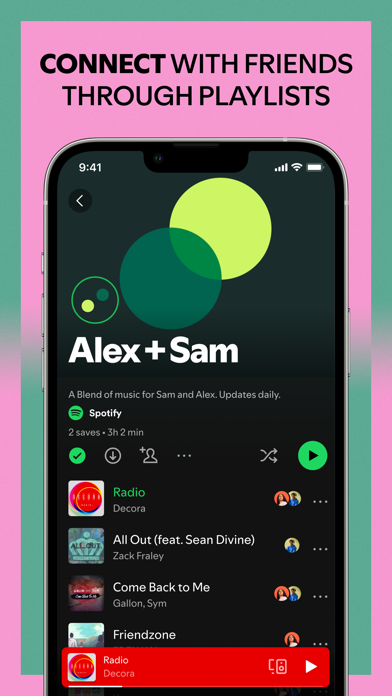
Spotify App Store screenshot: CONNECT WITH FRIENDS THROUGH PLAYLISTS
SpotifyConsistent sequence rhythm

App Store screenshot resources

Plan the whole listing

Move from correct canvas sizes to a proven sequence, then compare the result with real listings.
App Store screenshot templatesFive proven listing sequences with copy prompts and frame-by-frame structure.App Store screenshot examplesReal listing sets explained by hook, sequence, composition, and proof strategy.