
View on App Store
4.8
6.9K ratingsScreenshot story
The screenshots open with a high-status hook of personal transformation and social proof, then transition into the variety of life areas covered and the expert quality of the instructors, finally closing with the convenience of on-the-go learning and community events.
iPhone gallery
The complete screenshot set
Select any frame to study its layout, content, and palette.
Observed in the listing
Frame-by-frame listing evidence
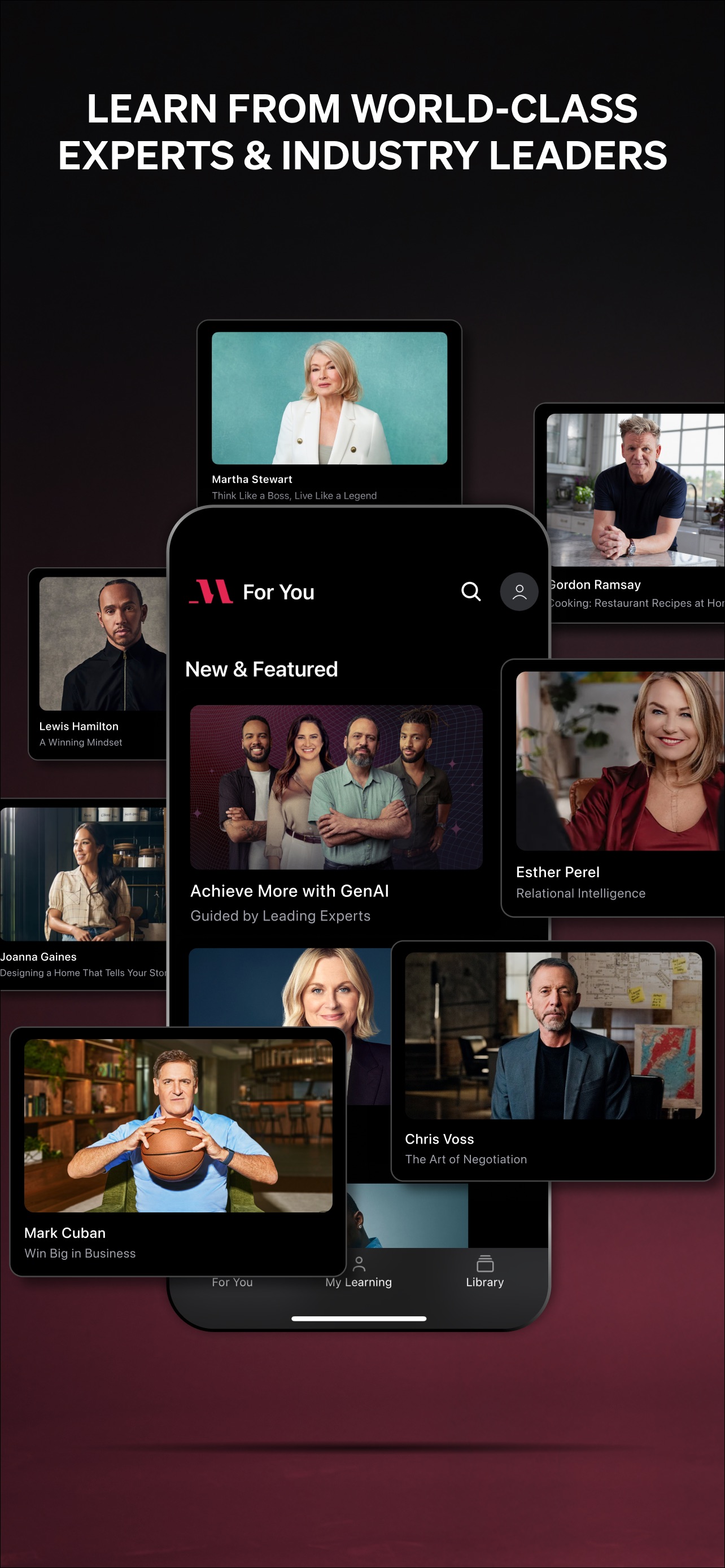
Across 9 frames, Mindvalley most often uses floating device composition and device treatment with illustrated backgrounds. 8 frames include visible caption copy.
Frame 1
Step into your greatness with the world's leading transformation platform
- Composition / device
- panoramic
- Content
- social proof
- Background
- illustrated
- Copy treatment
- top, aspirational, authoritative
Frame 2
ui screenshot presentation
- Composition / device
- panoramic
- Content
- ui screenshot
- Background
- illustrated
- Copy treatment
- none, none
Frame 3
Track your progress
- Composition / device
- floating device
- Content
- ui screenshot
- Background
- illustrated
- Copy treatment
- top, functional, encouraging
Frame 4
Improve in any areas of life
- Composition / device
- floating device
- Content
- onboarding
- Background
- illustrated
- Copy treatment
- top, versatile, benefit led
Frame 5
Level up in 20 minutes or less
- Composition / device
- floating device
- Content
- ui screenshot
- Background
- illustrated
- Copy treatment
- top, efficient, action oriented
Frame 6
Learn from the best teachers
- Composition / device
- collage
- Content
- social proof
- Background
- illustrated
- Copy treatment
- top, authoritative, trust building
Frame 7
Meditate at your fingertips
- Composition / device
- floating device
- Content
- ui screenshot
- Background
- illustrated
- Copy treatment
- top, calm, accessible
Frame 8
Access anywhere, anytime
- Composition / device
- floating device
- Content
- ui screenshot
- Background
- illustrated
- Copy treatment
- top, convenient, flexible
Frame 9
Live events on the go
- Composition / device
- floating device
- Content
- ui screenshot
- Background
- illustrated
- Copy treatment
- top, dynamic, community led
Explore by detail
Study the system behind the set
Design analysis
What makes this set work
Mindvalley employs a premium, editorial design strategy that mirrors high-end lifestyle magazines. The use of a consistent, grainy paper-texture background across all slides provides a tactile, sophisticated feel that distinguishes it from the flat vectors often seen in EdTech. The layout strategy uses a 'hook' panoramic device to draw users in, followed by centered, high-fidelity mockups that let the vibrant, artistic content of the app-like instructor portraits and iridescent meditation covers-do the heavy lifting. The typography is bold and wide, signaling confidence. A designer can steal the 'expert collage' tactic used in slide 6; by showcasing faces of known authorities, the app transfers institutional trust to the platform itself without needing deep feature explanations.
Keep exploring